
Why a computer does not turn on
Identify the exact symptom
Note whether any lights turn on, whether the fan spins and whether normal startup sounds are present. A running computer with no picture may have a display, cable or memory fault rather than a power failure.
Safe checks at home
Disconnect external USB devices, test the wall outlet and use the correct original charger if available. Never open a power supply or connect an adapter with an unknown voltage.
When to stop trying
After a spill, impact, burning smell or clicking sound, repeated power attempts may increase the damage. Disconnect power and arrange diagnostics.
How diagnostics are performed
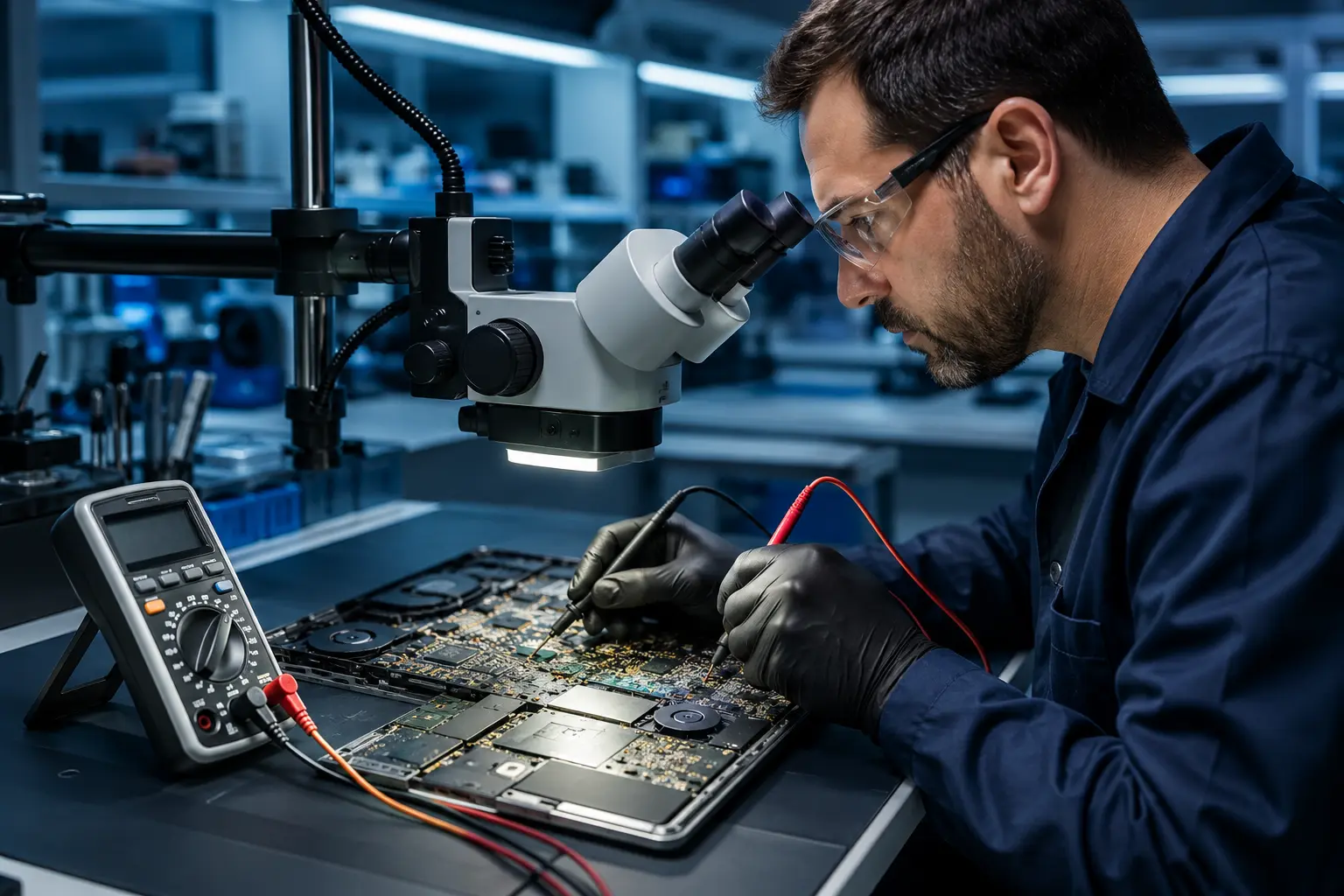
A technician checks the charger, socket, battery, memory, display and board power rails in sequence before quoting the repair.
Checks you can do yourself
Before seeking help, note the exact model, photograph any error message and record what happened before the symptom appeared. It is safe to check the wall outlet, cable, external devices and backup status. Do not open batteries, power supplies or system boards without the correct tools and experience.
Common mistakes to avoid
Repeated restarts, random “repair” utilities, unsuitable chargers and hot-air drying after a spill often make recovery harder. If you hear crackling, smell burning, see a deformed case or know that liquid entered the device, shut it down and disconnect power immediately.
Information that helps a technician
Explain when the fault began, whether it appears under load and whether there was an impact, spill, update or previous repair. Bring the charger when power is involved. We preserve customer data by default and erase it only at the customer’s request or with consent when required for the work.
Reducing the chance of recurrence
After repair, follow cooling advice, avoid stressing connectors, install updates from trusted sources and keep important files in at least two independent locations. Periodic checks of temperature, drive health and backups help identify developing problems before a major failure.