Parcel locker
Savanorių pr. 31Vilnius · by the Maxima X supermarketChoose Vilnius in your carrier’s booking system and search for this street address. Three networks have lockers here.
Book a shipment Find the lockers on the mapSend your laptop, desktop or Mac from Plungė by parcel locker or arrange a courier collection at your address. Repairs take place at Savanorių pr. 40, Vilnius. We agree the price with you first.
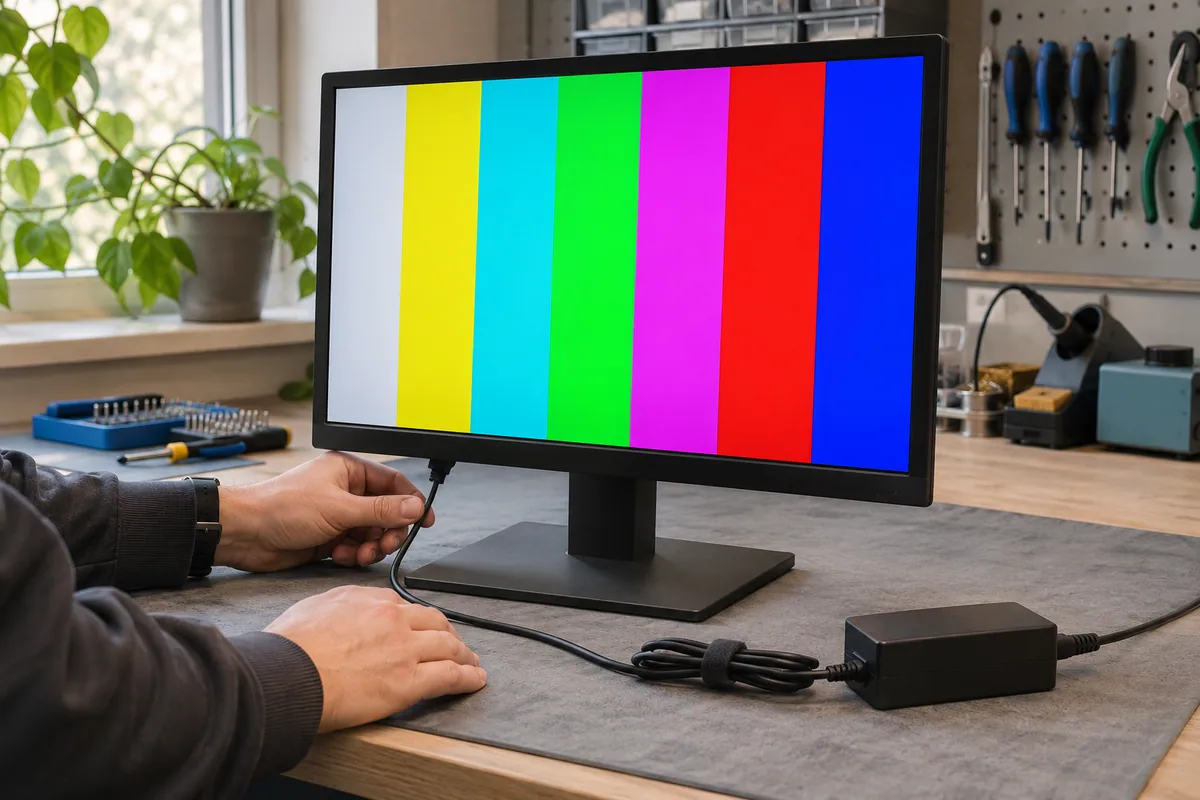
Computers sent from Plungė are received and repaired at our workshop at Savanorių pr. 40 in Vilnius. Before checking a monitor, we confirm whether to include its stand and power adapter.
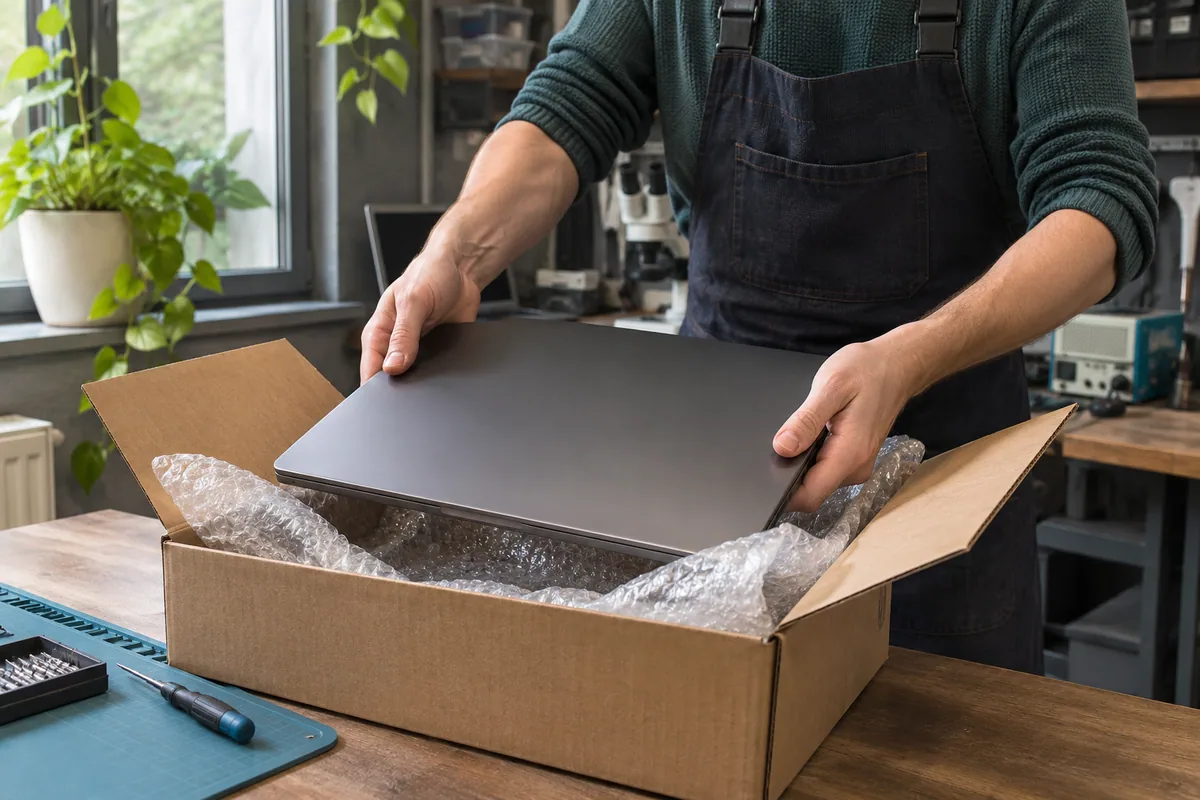
We match the model and accessories to your enquiry and pass your description of the fault to the technician.
Diagnostics cost €20. We explain our findings and give you a price and estimated turnaround. If you approve the repair, the €20 counts towards the total.
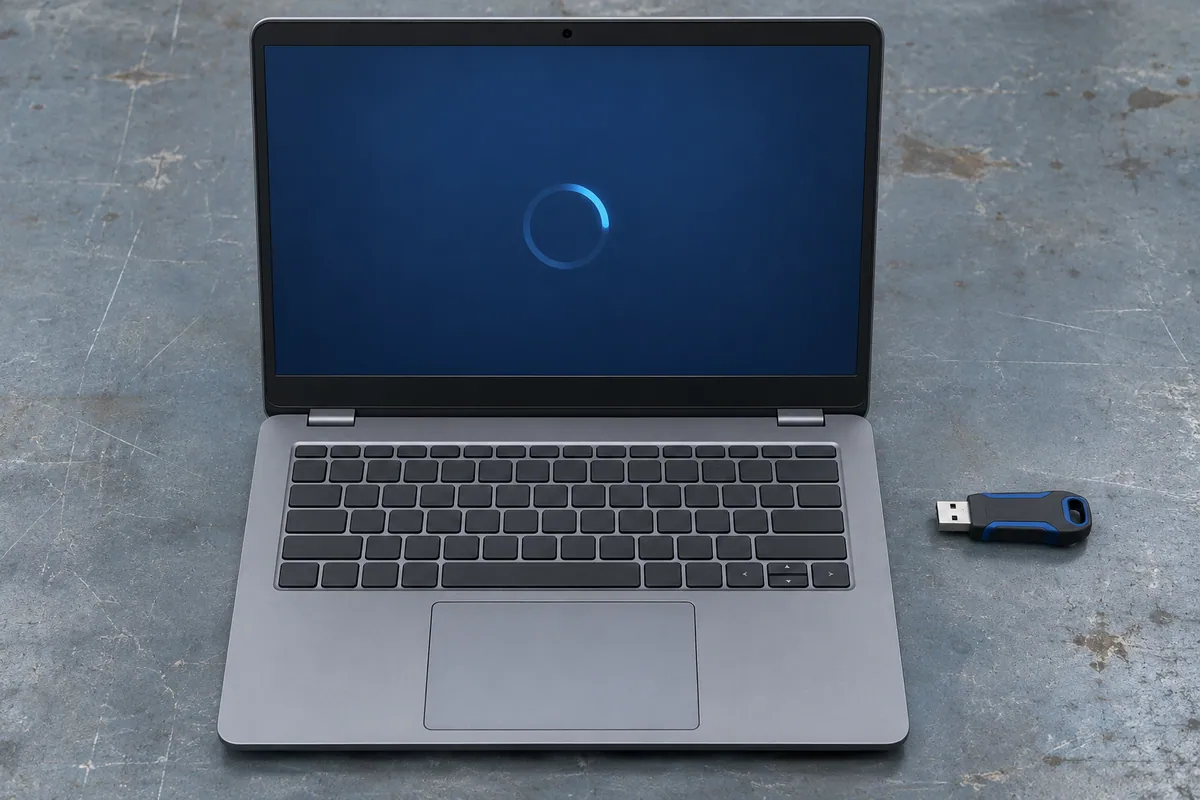
We repair or replace the agreed part. If we find another fault, we contact you before doing any additional work.
We test the function you reported, let you know the result and agree on a courier or parcel locker for the return. Our repair work carries a six-month warranty.
You pay for delivery to us unless we agree otherwise. We confirm the return delivery method and cost with you separately.
Once we have assessed the fault, we explain the parts and labour costs and give you an estimated repair time. Work begins when you approve the quote.
After testing the repaired computer, we confirm your address or chosen locker. If you decline the repair, we arrange payment for diagnostics and the return of your computer. Our repair work comes with a 6-month warranty.
Choose a parcel locker or delivery to the workshop. The two addresses are on the same street in Vilnius.
Choose Vilnius in your carrier’s booking system and search for this street address. Three networks have lockers here.
Book a shipment Find the lockers on the mapFor a desktop tower or a larger box, book delivery to the workshop. Choose a time during our opening hours.
Mon–Fri 10:00–18:00 · Sat 11:00–15:00Contact us before booking collection at Vilnius Post Office No. 59, Kedrų g. 4. Find a Lietuvos paštas branch
Back up important files if you can. Shut down the computer, disconnect cables and photograph its condition and any accessories you are sending.
Weigh and measure the box after packing. If it is too large for the chosen locker, select a larger compartment or book a courier.
Enter your own contact details as the sender and ours as the recipient. Remove or cover old labels and use the new label or code provided by your carrier. Check with us before using cash on delivery.
Once you hand over the parcel, send us the carrier name, tracking number and computer model. Keep your receipt and photos of the packaging.
Email us the tracking numberCheck that nothing moves inside, the recipient’s phone number is +370 673 21132 and the label shows your chosen destination.
For courier delivery use Kmvle, MB, Savanorių pr. 40, LT-03121 Vilnius. For locker delivery select your carrier’s locker at Savanorių pr. 31, Vilnius. The recipient phone for both is +370 673 21132. Workshop diagnostics cost €20. Shipping charges are separate.
Include the charger if the fault involves charging or power, or if we ask for it. You can keep accessories such as a mouse or carrying case that are not needed for testing.
Keep passwords off the box and out of the parcel. If we need access for testing, we will contact you to arrange a temporary account or another way to sign in.
We give you an estimate after diagnostics. Allow extra time for the carrier to deliver your computer to Vilnius and return it to you.
Photograph the box, label, padding and device. Keep the packaging and notify both us and the carrier as soon as possible.
This guide covers shipments within Lithuania. Contact us before booking an international shipment so we can agree on the carrier and return arrangements.
Tell us the model, what has gone wrong and how you would like to send it. We will confirm what to include. We usually reply within 1–6 hours. For urgent enquiries, please call.
Use the company details below once you have received an invoice or we have confirmed the amount.
MB Kmvle · AB Swedbank
Enter the invoice or repair order number as the payment reference so we can match the transfer to your computer.