
Computer care guides
Practical guides to computer faults, maintenance and safe first checks. Find your situation and learn what to check before arranging a repair.
Opening hours: Mon–Fri 09:00–18:00Sat 11:00–16:00Computer technician visits: Mon–Sun 08:00–20:00
Computer care guides
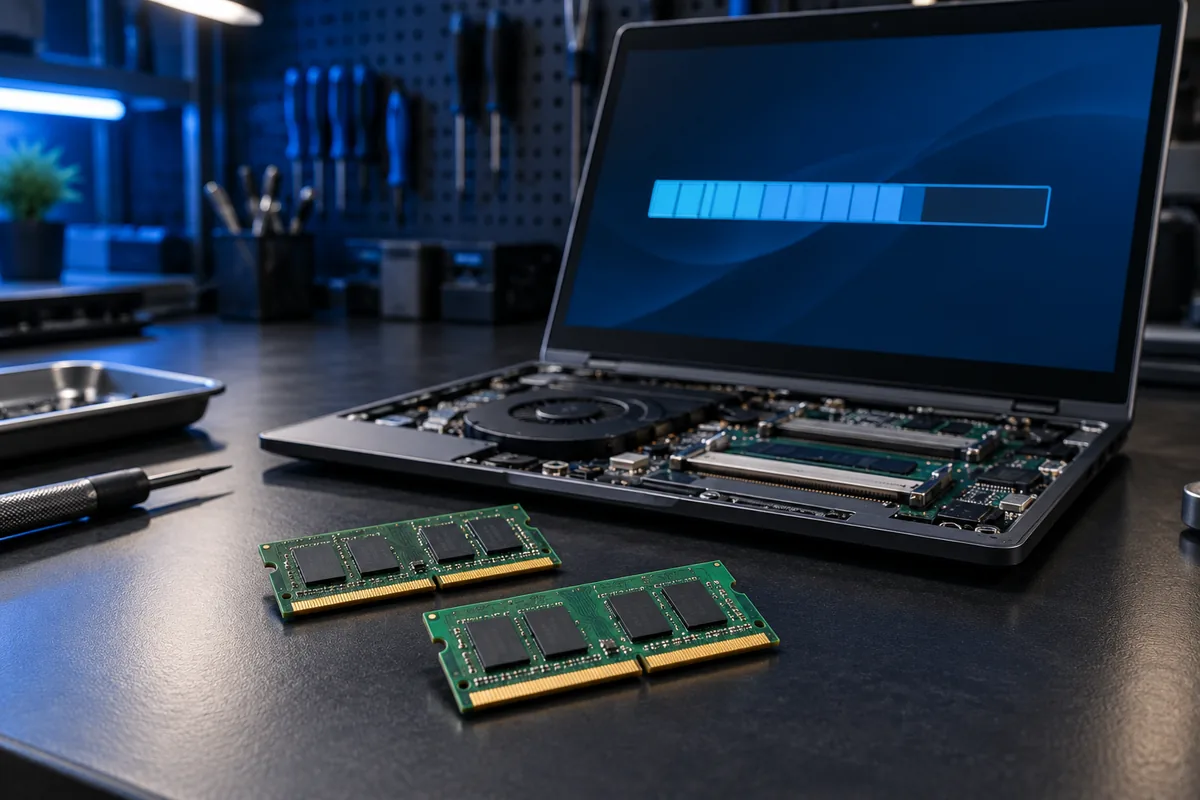
Why does Windows show less usable RAM than installed?
Windows reports less usable RAM than installed? Understand hardware reservations, integrated graphics and safe checks before replacing memory modules.
Read more →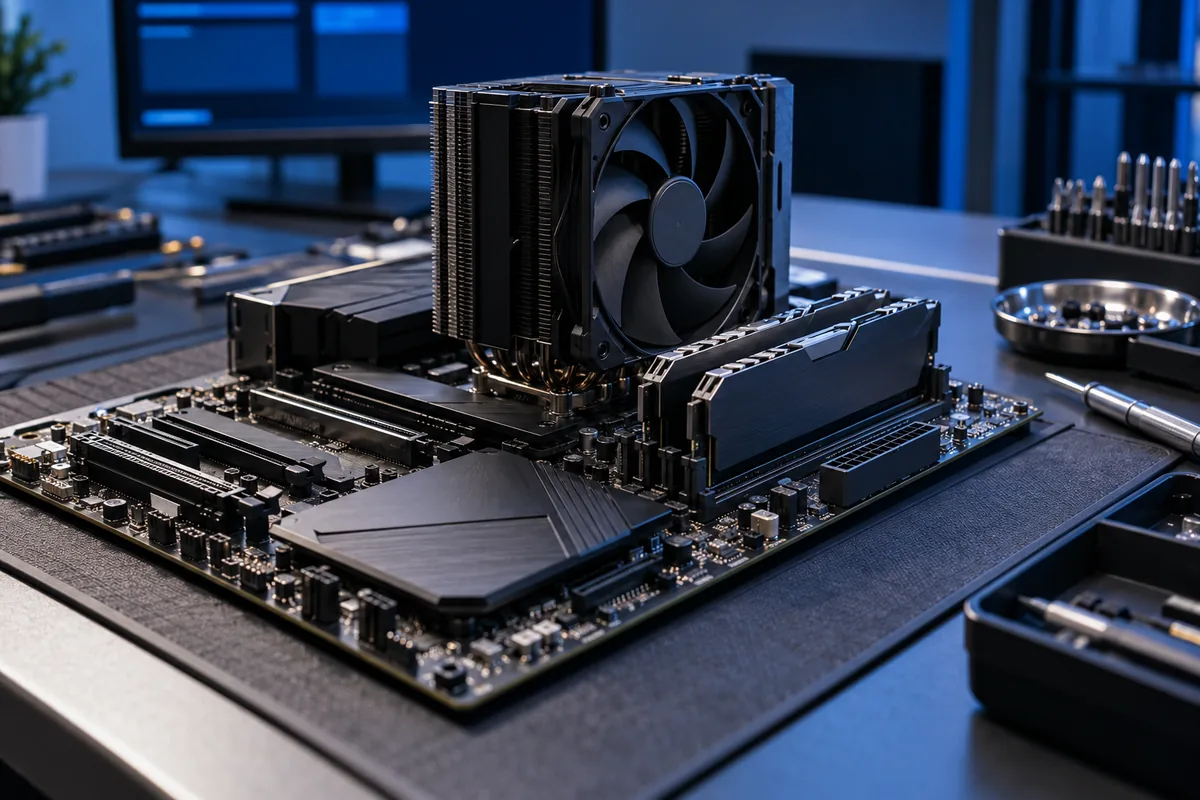
What to do when XMP or EXPO makes a PC unstable
Crashes began after enabling XMP or EXPO? Compare baseline RAM settings, check kit compatibility and understand DDR5 training before changing more settings.
Read more →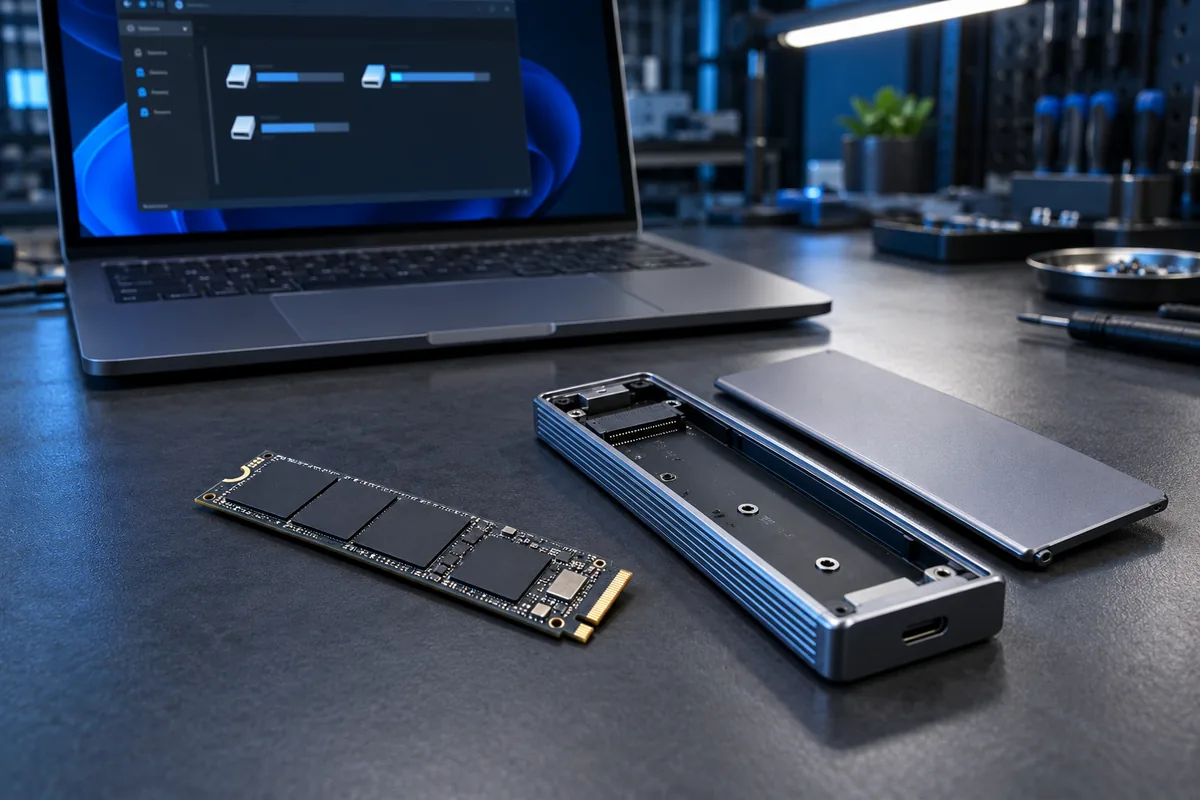
New SSD appears in Disk Management but not File Explorer
A new SSD is missing from File Explorer? Learn when initialisation or a drive letter is needed, and why a disk containing files must not be formatted.
Read more →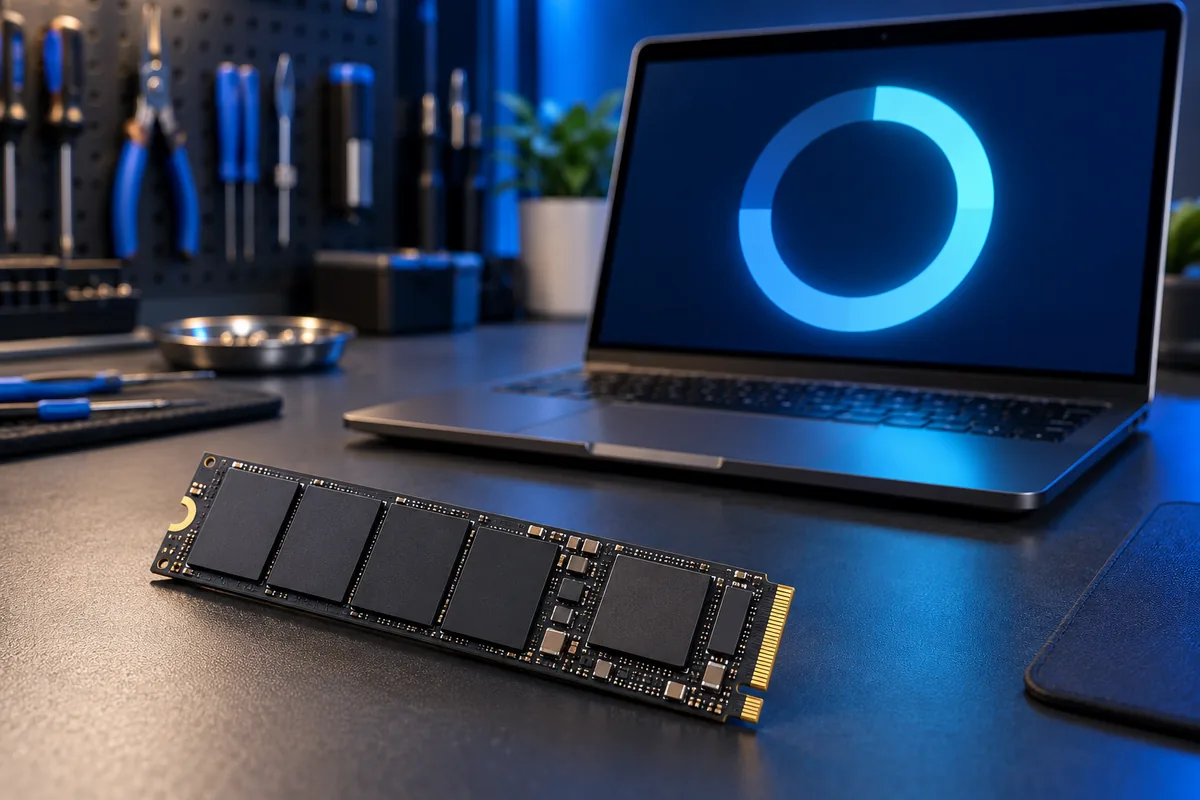
A 1 TB SSD shows 931 GB: where did the space go?
Why does Windows show about 931 GB for a 1 TB SSD? Understand capacity units, partitions and free space, plus signs that deserve a closer inspection.
Read more →
Choose exFAT or NTFS for a shared external drive
Using one external SSD with Windows and Mac? Compare exFAT and NTFS, large-file support and safe backup steps before changing the drive format.
Read more →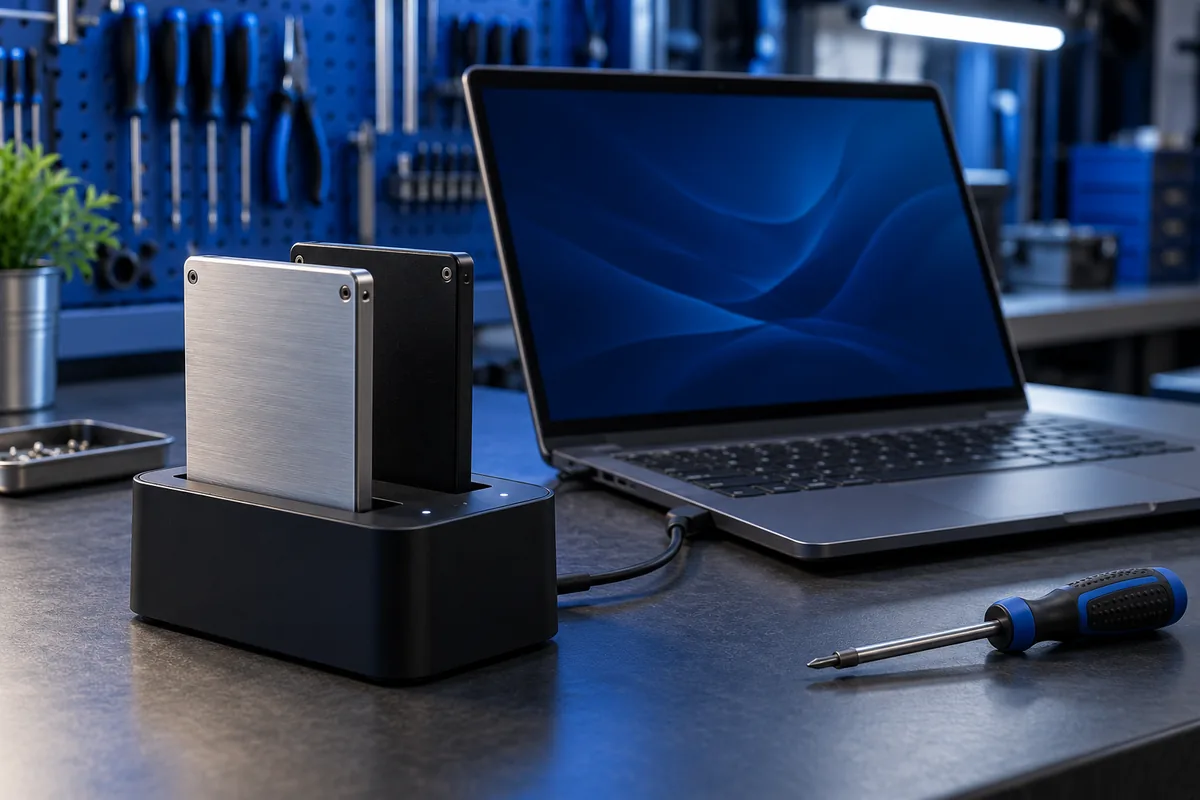
After cloning, Windows still starts from the old drive
Cloning finished but Windows still starts from the old drive? Verify that the new SSD boots independently and protect your files before erasing anything.
Read more →Frequently asked questions
Do I need an appointment?
No. Visit us at Savanorių pr. 40 without an appointment during opening hours: Mon–Fri 09:00–18:00, Sat 11:00–16:00. You do not need to call before coming.
How much does diagnostics cost?
Standard diagnostics costs €20. We confirm any different conditions before starting.
Will I know the price in advance?
Yes. We explain the fault, price and estimated time before the repair.
What warranty do you provide?
We provide a 6-month warranty for completed work.
Will the data on my device be preserved?
Yes. By default, we do not erase customer data and make every reasonable effort to preserve it. We erase data only at your explicit request or with your consent when necessary for the work. We recommend backing up important files before repair.
Describe the problem
We usually reply within 1–6 hours. For urgent help, please call.