Complete the backup first
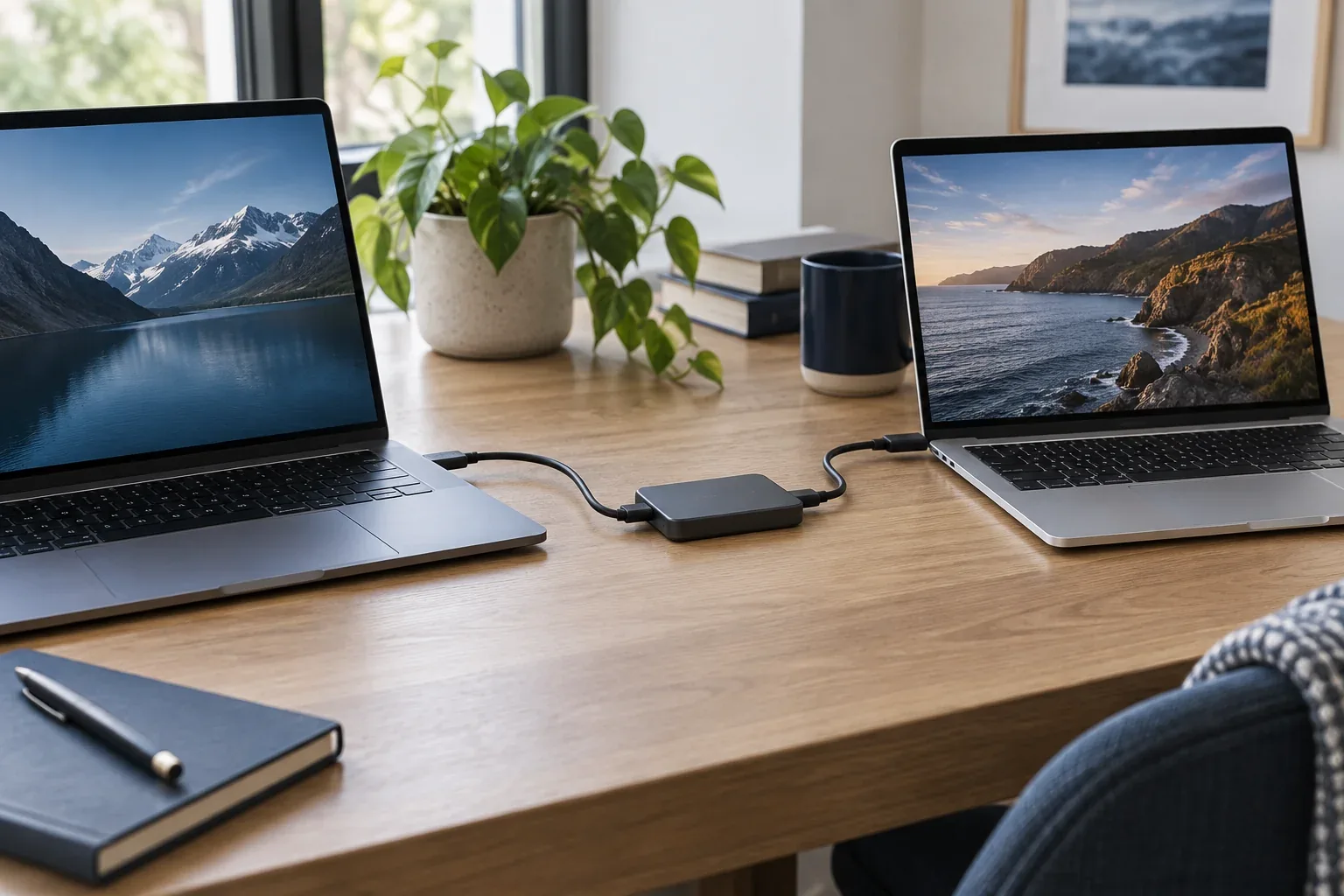
Open important documents from another drive. Check accounts, licences and application exports too. Do not erase the source simply because the copy dialogue has closed.
Formatting and sanitising differ
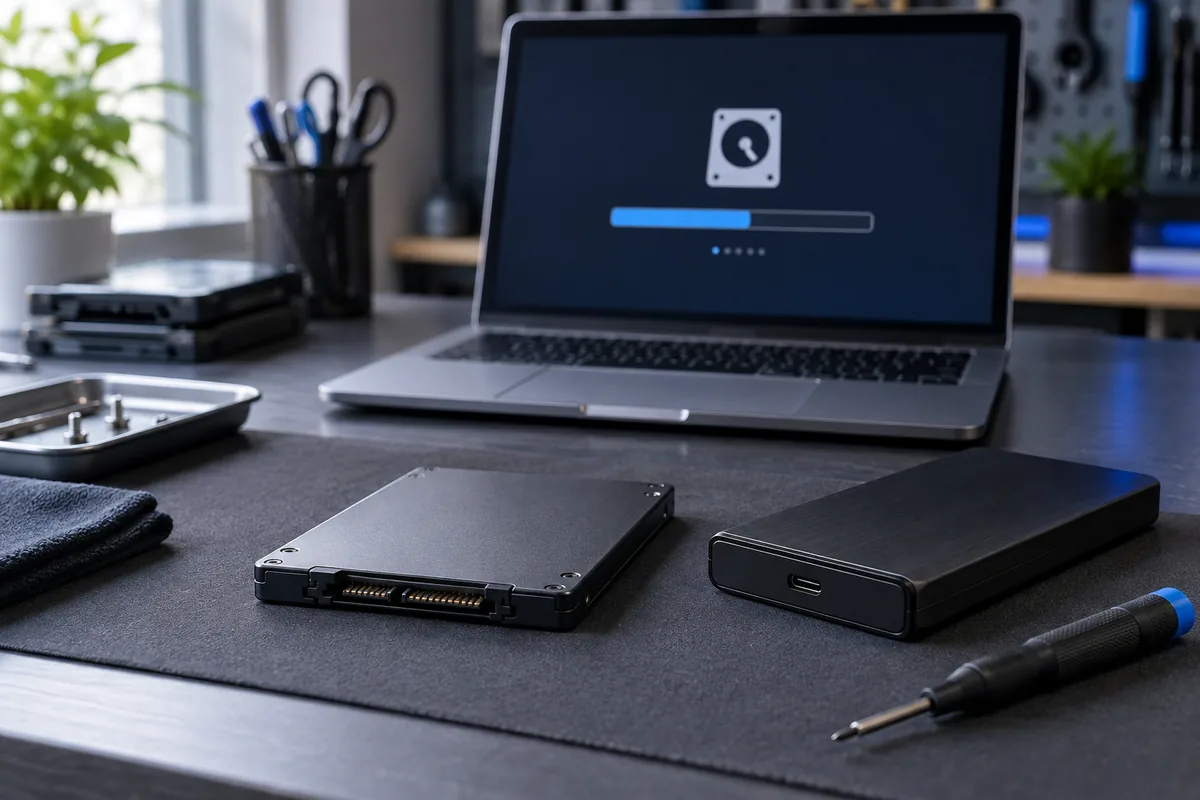
A quick format is not a universal guarantee of personal-data removal. The appropriate method depends on HDD versus SSD, encryption and supported device functions. One procedure does not suit every drive.
Verify the target device
Before an irreversible action, confirm model, capacity and purpose. Several attached drives make mistakes costly. Do not execute an online command without understanding which device it will affect.
Account associations also matter
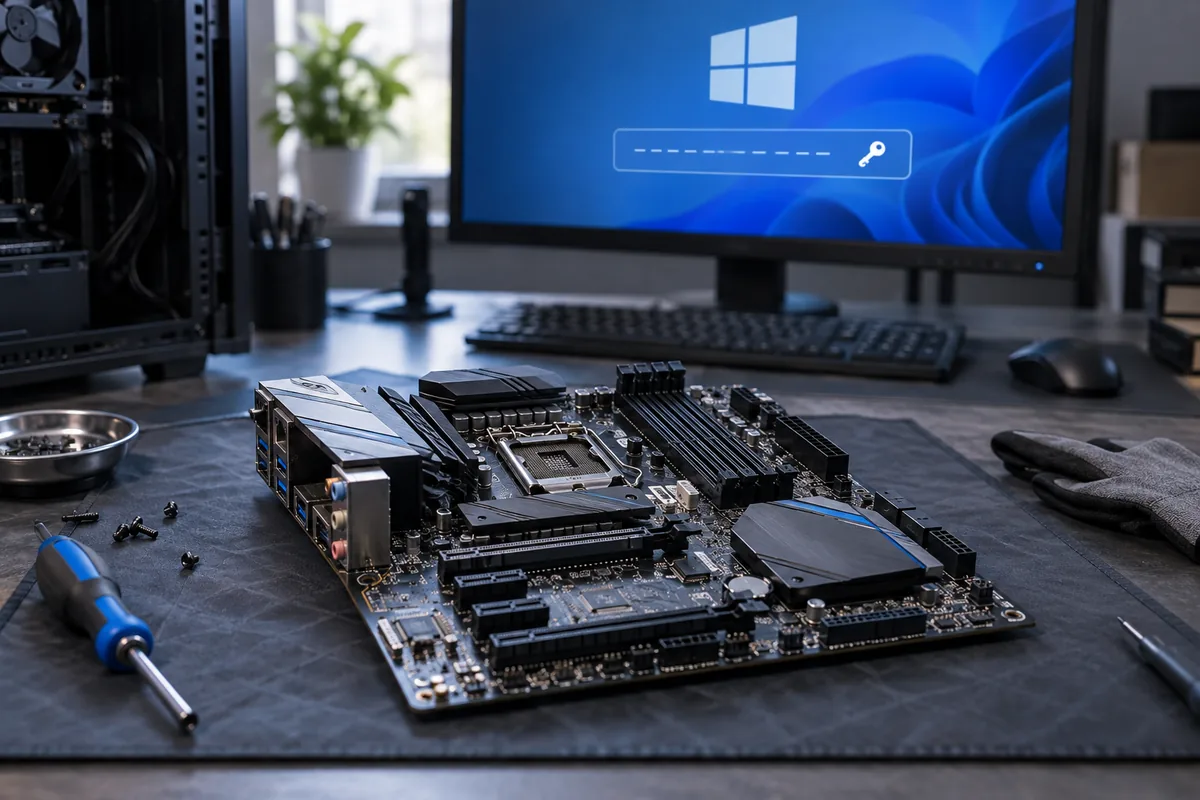
Removing files does not automatically disconnect cloud accounts or device associations. Follow the operating system’s official handover process. If documented data destruction is required, discuss those requirements beforehand rather than after an ordinary reinstall.
Need help?
Describe the symptoms and share the model. We agree on the work and price before repair.