Receiving parcel locker
Omniva
Vilniaus MAXIMA Savanorių 31 paštomatas
Savanorių pr. 31, Vilnius
At the MAXIMA X store
At the MAXIMA X store
Live in another city? Send your laptop or desktop computer to the Kmvle, MB workshop. Find our recipient details, the correct parcel lockers and a step-by-step packing and shipping guide below.
Opening hours: Mon–Fri 09:00–18:00Sat 11:00–16:00Computer technician visits: Mon–Sun 08:00–20:00
Send to one of the parcel lockers below or choose courier delivery directly to our workshop. We recommend contacting us briefly before shipping to agree how we will receive your equipment.
Vilniaus MAXIMA Savanorių 31 paštomatas

Maxima X · Savanorių pr. 31

MAXIMA Venipak paštomatas
In the location search select Vilnius and Savanorių pr. 31. Check the carrier carefully: several different locker networks use this address.
Locker names, availability and compartment sizes may change. If the location is unavailable or your box does not fit, contact us before choosing an alternative receiving location.
For a parcel locker choose Savanorių pr. 31, Vilnius. For a courier or a workshop visit use Savanorių pr. 40, LT-03121 Vilnius. The locker address is not our workshop address.
For a large box or desktop PC, delivery to our address is often more practical. Arrange delivery during our opening hours. Do not use the company’s registered office address for equipment shipments.
Kmvle, MB
Savanorių pr. 40
LT-03121 Vilnius
+370 673 21132
vlad.jevd@gmail.com
Mon–Fri 09:00–18:00 · Sat 11:00–16:00

Receiving a parcel at a post office must be agreed with us in advance. A possible collection point is Vilniaus 59-asis paštas, Kedrų g. 4, Vilnius, by prior agreement only. Check the current branch and service before booking; do not choose another branch without confirming with us.
Lietuvos paštas informationEmail or call with the exact model, the problem and any history of liquid damage, a fall or previous repair. A photo or a short video of the fault can help us understand it.
Shut the computer down rather than leaving it asleep. Disconnect power and let the equipment cool. Remove USB sticks, external drives and accessories that are not needed for testing.
Include the charger if the issue involves charging, power or the adapter. Send other accessories only when they are needed to reproduce the fault or when agreed with us.
Photograph the case, screen, serial number and included accessories, followed by the protective packaging and sealed box. Keep the photos until you receive the equipment back.
Send us your name, phone number, email and preferred return city by message or email. We will use these details to contact you and arrange the return of your equipment.
We do not erase customer data without agreement. If testing requires a login, we will discuss a temporary test account or another access method separately. Do not write passwords on the outside of the parcel.
A swollen, overheating, leaking or physically damaged battery must not be sent as an ordinary parcel. Do not charge the device, puncture or compress the battery. Contact us and the carrier first. Even an undamaged lithium battery installed in equipment is subject to the carrier’s conditions; do not include spare batteries without checking the rules. Do not turn on a liquid-damaged computer: agree a safe handover method with us.
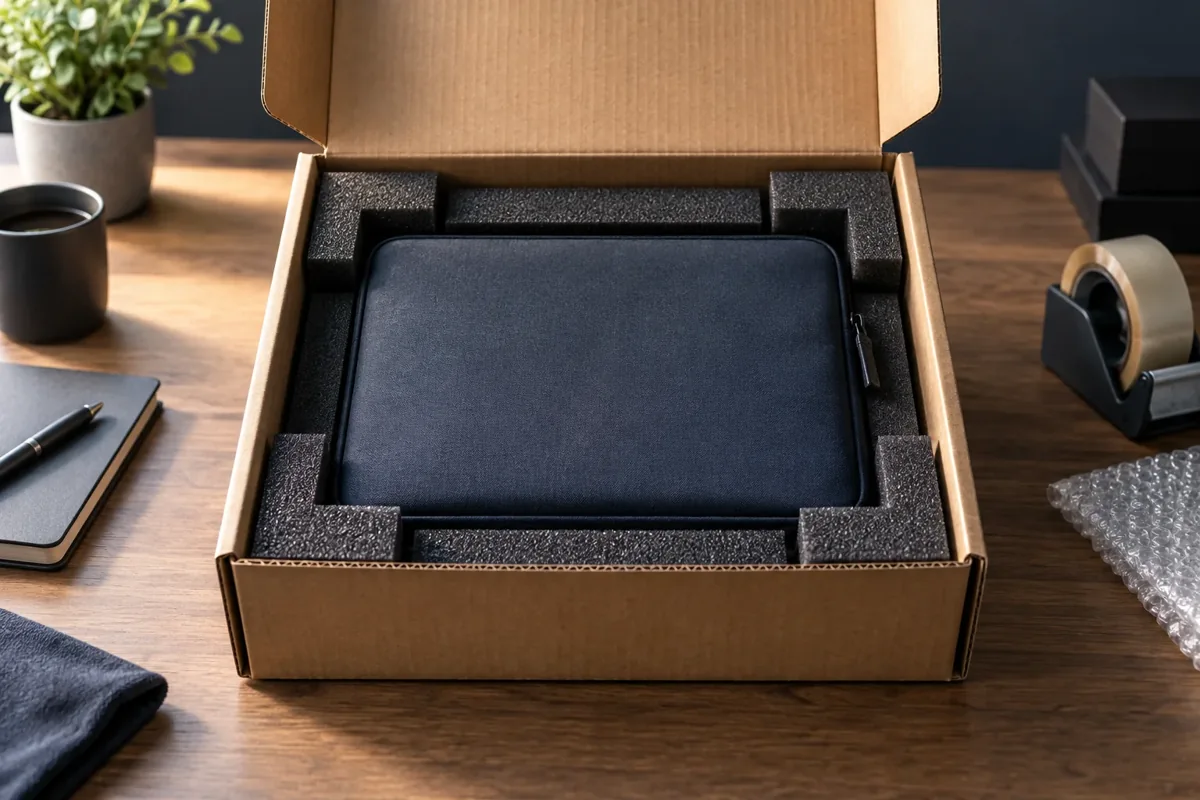
A laptop bag or thin retail box is not enough. Use a rigid shipping carton, cushioning and a securely filled interior.
Check that nothing is on the keyboard before closing the lid. If you use a protective sheet between the keyboard and screen, it must be thin and must not put pressure on the display. Do not force damaged hinges or a broken lid closed; discuss the packing with us.
Protect the finish with a soft, non-scratching layer, then several layers of bubble wrap or suitable foam. Pay particular attention to the corners. Apply tape to the packaging, never directly to the device.
Choose a new, rigid corrugated carton. If you have the original box with its fitted supports, put it inside an additional shipping carton. Retail packaging alone may not meet the carrier’s requirements.
Our practical recommendation is approximately 5 cm of suitable cushioning around the device; heavier items may need more. This is not a universal carrier specification: also follow your carrier’s rules. The laptop must not touch the walls of the outer carton.
Wrap the adapter and agreed accessories separately, ideally in their own internal compartment. Do not place a heavy adapter directly on the screen or lid. Cables must not put pressure on the connectors.
The filling must keep the laptop still without compressing it. Carefully move the box: there should be no rattling or loose movement.
Use strong packing tape on the centre and edge seams at both the top and bottom, in an H pattern. Remove old shipping labels. Place the new label flat on one side, not across a corner or the opening seam.
Measure the external length, width and height, and weigh the complete box including accessories. Choose the compartment using these measurements. Do not reduce the protective layer simply to fit a smaller or cheaper locker.
A desktop needs more than a strong outer carton. Heavy internal components and glass panels require separate attention during transport.
A large graphics card and a heavy tower-style CPU cooler are often safer removed and packed separately. Do not attempt this without the necessary experience: call us first. Do not secure internal components with improvised materials.
Put circuit boards in suitable antistatic bags, then in separate cushioned boxes. Do not place loose components or loose-fill packing inside the PC case. Ordinary packaging material must not rub against exposed boards.
A tempered-glass side panel needs rigid support and protected edges. If removed, pack it separately with no movement. Other items must not press on the glass. Discuss broken mounting points before shipping.
Disconnect external cables and antennas and secure the panels. Fitted foam corner supports and a strong double-box arrangement are preferable. A soft bag or stretch film alone will not protect a heavy PC.
Use the dimensions of the packed case, not the bare computer. If the carton exceeds a locker’s size or weight limits, choose a courier and the appropriate parcel category. We can discuss another suitable delivery method when necessary.
Send a display only with proper protection, preferably fitted manufacturer supports and an additional carton. Filling must not press against the screen. Contact us before shipping a large monitor, iMac, glass panel or system with unusual cooling.
A “Fragile” label is not a substitute for a strong package. A sticker cannot protect equipment that moves inside the box or rests against its outer walls.
Use the button in the Omniva, LP EXPRESS or Venipak card. Select a domestic shipment within Lithuania and either parcel-locker delivery or delivery to an address.
You are the sender: use your own phone and email. The recipient is Kmvle, MB, phone +370 673 21132, email vlad.jevd@gmail.com. If a named contact person is required, enter Vlad Jevdokimov.
For a locker select Vilnius, the correct carrier and Savanorių pr. 31. For a courier enter Savanorių pr. 40, LT-03121 Vilnius. Double-check the destination before paying.
Use the measurements of the packed box. The sender pays for shipping to us unless otherwise agreed. Select insurance or a declared-value option according to the carrier’s terms; it does not replace suitable packaging. Do not send cash-on-delivery parcels without prior agreement.
Follow the instructions for your specific booking: print the label or use an approved printer-free method. Leave one current shipment identifier on the box, with a clearly readable barcode or QR code.
At a locker belonging to the chosen network, scan or enter the code, choose the correct compartment and follow the screen. Never force the box inside. Close the door and keep the confirmation, tracking number and payment receipt.
Select domestic shipping and the destination “Vilniaus MAXIMA Savanorių 31 paštomatas”. After booking, follow the order and terminal instructions for the code and address label. Without a printer, check the option available for your specific booking: a handwritten address does not always replace a label.
In LP EXPRESS self-service choose delivery to Vilnius, “Maxima X”, Savanorių pr. 31. Enter our recipient contacts and the packed box size, then create the order. Prepare the label or code as instructed. If the location name differs, check the street address.
Without a contract, register the shipment in advance using Venipak Fast. With a label: attach it and use the QR code at the locker. For an approved label-free shipment, write the shipment number on the carton and follow the emailed code or QR instructions. A recipient address alone is not enough.
No printer? Use only a printer-free method offered by the carrier. Locker equipment and procedures vary; never leave a parcel without the required shipment identification.
Email the carrier, tracking number and device model. If a collection notification or code reaches you by mistake, forward it directly to us; do not publish it.
Once received, we check the condition and accessories and start the agreed diagnostics. A carrier status of “delivered to parcel locker” does not mean the device is already in our workshop at that exact moment.
We explain the fault, labour and parts costs and expected turnaround. Transit time is separate from repair time. If you decline the repair, diagnostic and return costs are agreed according to the applicable price list.
After repair we carry out the relevant checks and agree payment, the return address or locker and shipping costs. The return method is not automatically the same as the original delivery; we confirm it with you.
Yes. Use the listed Omniva, LP EXPRESS or Venipak locker at Savanorių pr. 31 in Vilnius, or courier delivery to our workshop at Savanorių pr. 40. We recommend agreeing receipt with us before dispatch.
Enter +370 673 21132 as the recipient’s phone. Put your own number in the sender details. This lets us receive the collection notification while you receive the booking information.
Shipping in both directions and diagnostics are not automatically included in repair costs. The sender pays to ship to us unless otherwise agreed. Diagnostic charges are shown in the price list; return shipping is agreed separately.
The total depends on carrier transit, receiving the device, diagnostics, parts availability and the return journey. We provide a repair estimate after inspection, not a universal delivery or repair guarantee.
Include it for a power, charging or adapter issue, or when we request it. Pack it separately from the computer. Unnecessary accessories do not need to be sent.
Yes, if safely packed and within the carrier’s limits. A heavy graphics card, cooler and glass panels need individual assessment. Contact us first for a large or heavy tower; courier delivery may be required.
We do not ask you to erase data before shipping. Any access needed for testing is discussed separately. Do not put personal account passwords on the parcel or share them unnecessarily.
Do not reduce the cushioning or force the carton into a compartment. Follow the carrier’s options for a larger compartment or alternative sending method. Confirm any change of receiving locker with us first.
Photograph the outer box, label, cushioning and equipment, and keep all packaging. Notify the carrier and us promptly. Claims are handled under the carrier’s terms; compensation is not automatic.
This guide covers shipments within Lithuania. International shipping, customs, battery carriage and return arrangements must be discussed with us in advance.
Before paying, check the current packing, battery, size, insurance and delivery conditions. The options shown by a carrier can change.
Send the model and a photo of the equipment. We will discuss receiving it, suitable packaging and delivery options.
We usually reply within 1–6 hours. For urgent help, please call.
You can transfer the agreed cost of diagnostics, repair or return delivery to the company’s bank account.
MB Kmvle · AB Swedbank
Confirm the amount and payment reference with us before making a transfer. Enter the beneficiary name and IBAN exactly as shown here.