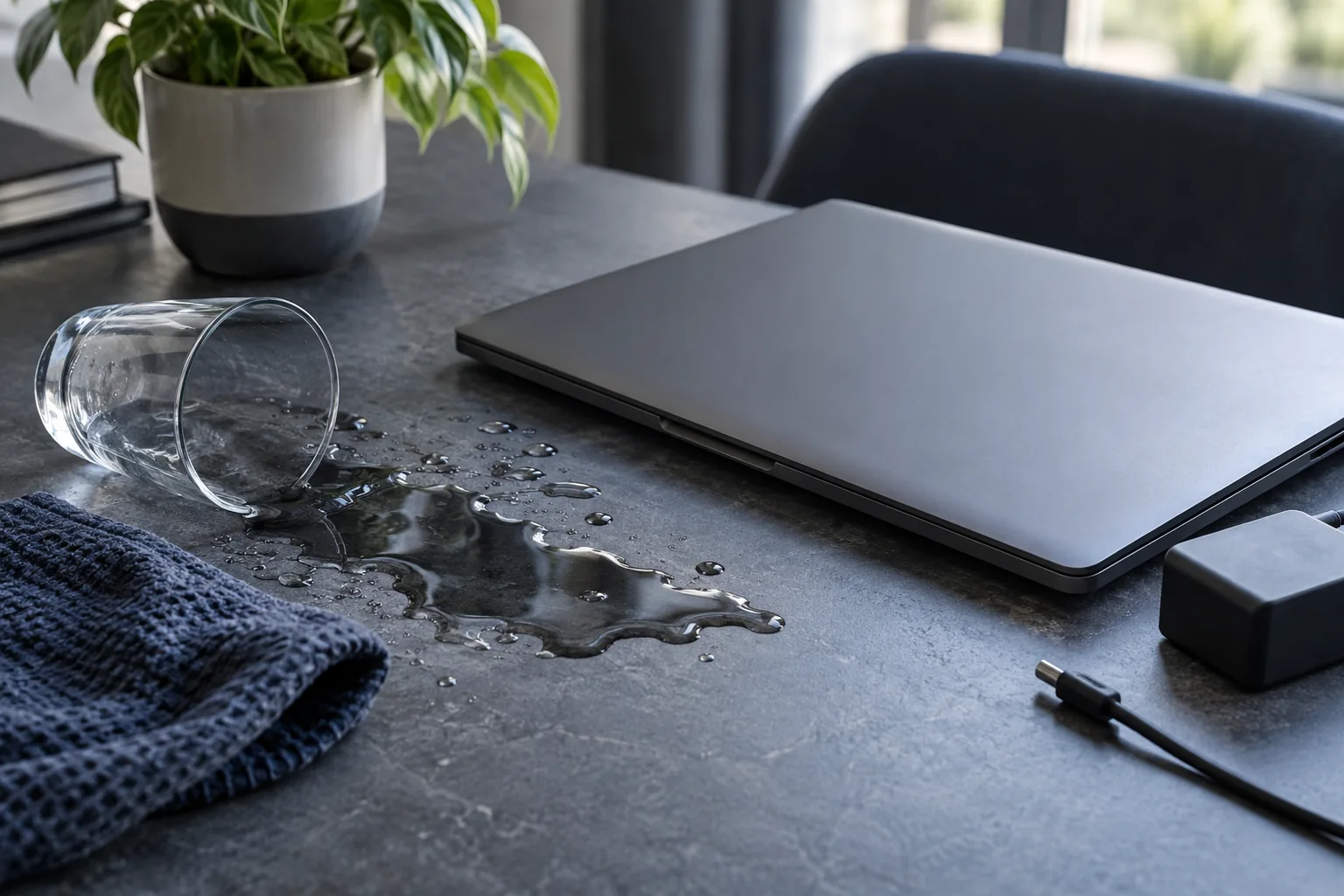
After a spill, do not switch the computer on to test it. Disconnect the charger, safely shut it down and do not charge it again.
Disconnect power immediately
Turn the device off, unplug the charger and do not test whether it still works.
Avoid heat and rice
Hot air can move liquid deeper, while rice does not remove residue from the board.
Arrange professional cleaning
Liquid residue continues to corrode contacts even after the surface appears dry.
Why a dry laptop may still be unsafe
A laptop starting up does not prove that it escaped damage. Liquid and residue may remain beneath the keyboard or inside connectors. Waiting alone does not establish that it is safe to use. Do not switch it on just to check. If important files have no backup, explain this before diagnosis so that safe access to the data can be assessed first.
What to check before repair
Do not use a hairdryer or pour cleaner into the keyboard. Rice cannot remove residue from the board. Do not dismantle a laptop with an internal battery without the necessary skills; arrange a service inspection promptly.
Choosing the next step
Tell the technician which liquid spilled, when it happened and whether the computer was powered on afterwards. Dried liquid can leave residue. Repair scope follows inspection; discuss important data before work begins.
If these signs persist, learn about the checks and service: Liquid-damaged computer repair.
More questions answered
Does a working computer still need inspection?
Yes. Working immediately after a spill does not rule out trapped moisture or later corrosion.
Do you recover data from damaged drives?
Kmvle recovers accidentally deleted files from working media; we do not recover data from physically damaged SSDs or HDDs.
Practical checklist
- Disconnect the charger and peripherals.
- Record the liquid type, approximate amount and time of the spill.
- Do not remove a glued-in or deformed battery yourself.
Need help?
Describe when the symptom occurs, your model and the checks already performed. We agree the scope before repair.