SSDs and HDDs behave differently
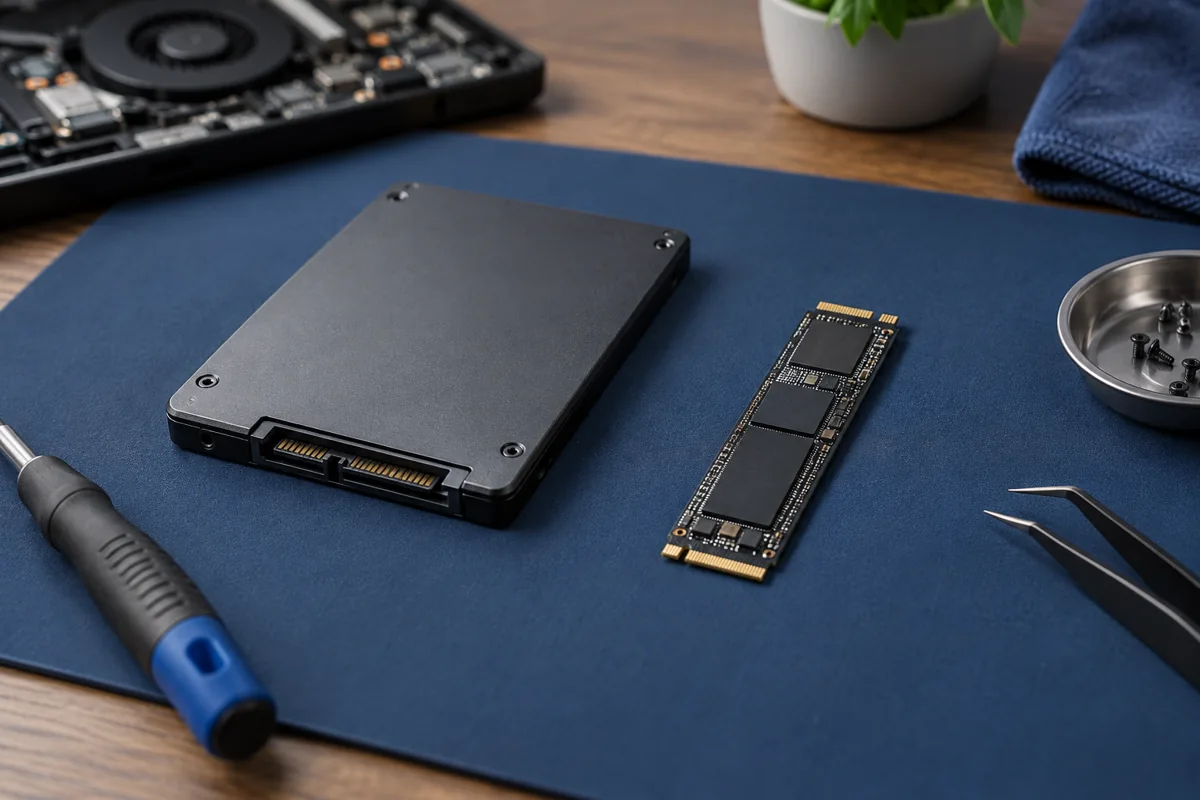
The SSD controller and operating-system notifications about unused blocks can affect deleted content. Experience recovering a mechanical drive cannot simply be applied to an SSD. Promptly stopping writes limits additional risk but does not guarantee recovery.
Do not install recovery software on the source
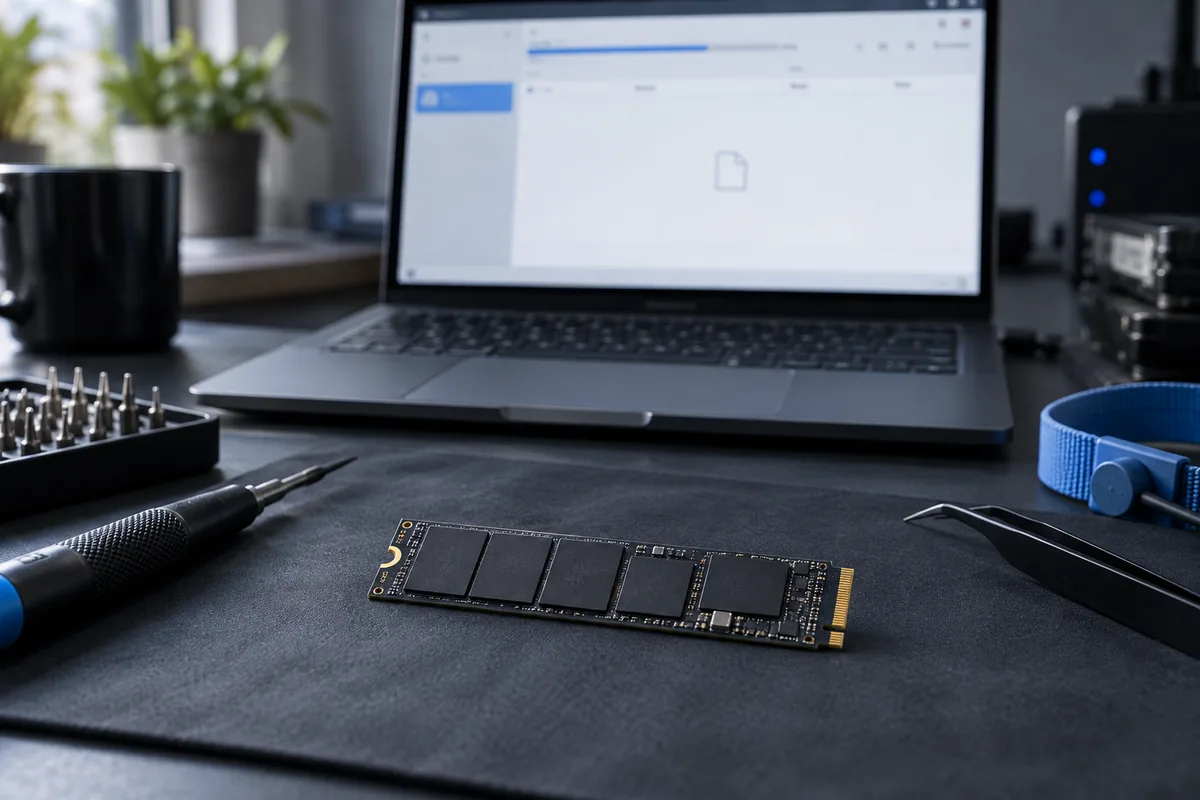
Downloading, installation and saving recovered files can overwrite useful information. The destination should be another suitable physical drive. Assess whether the source’s condition allows a safe procedure before scanning it.
A filename is not the file contents
Software can discover an old directory entry even when document data is unavailable. Verify files by opening them rather than relying on a coloured status indicator. Partial results should not be described as the complete former drive contents.
Our service scope
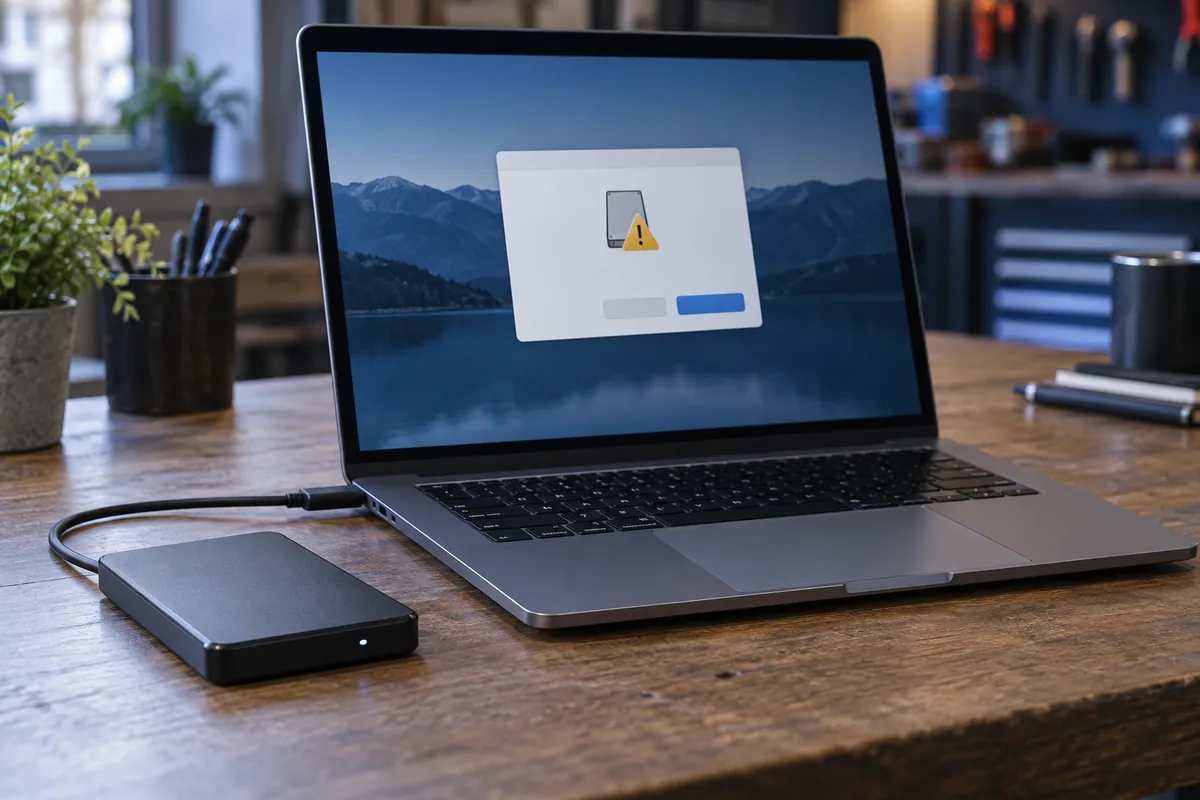
Kmvle assesses logical recovery of accidentally deleted files. We do not recover data from physically failed SSDs or HDDs. Report disappearing drives, unusual heat or read errors before attempts begin.
Need help?
Describe the symptoms and share the model. We agree on the work and price before repair.