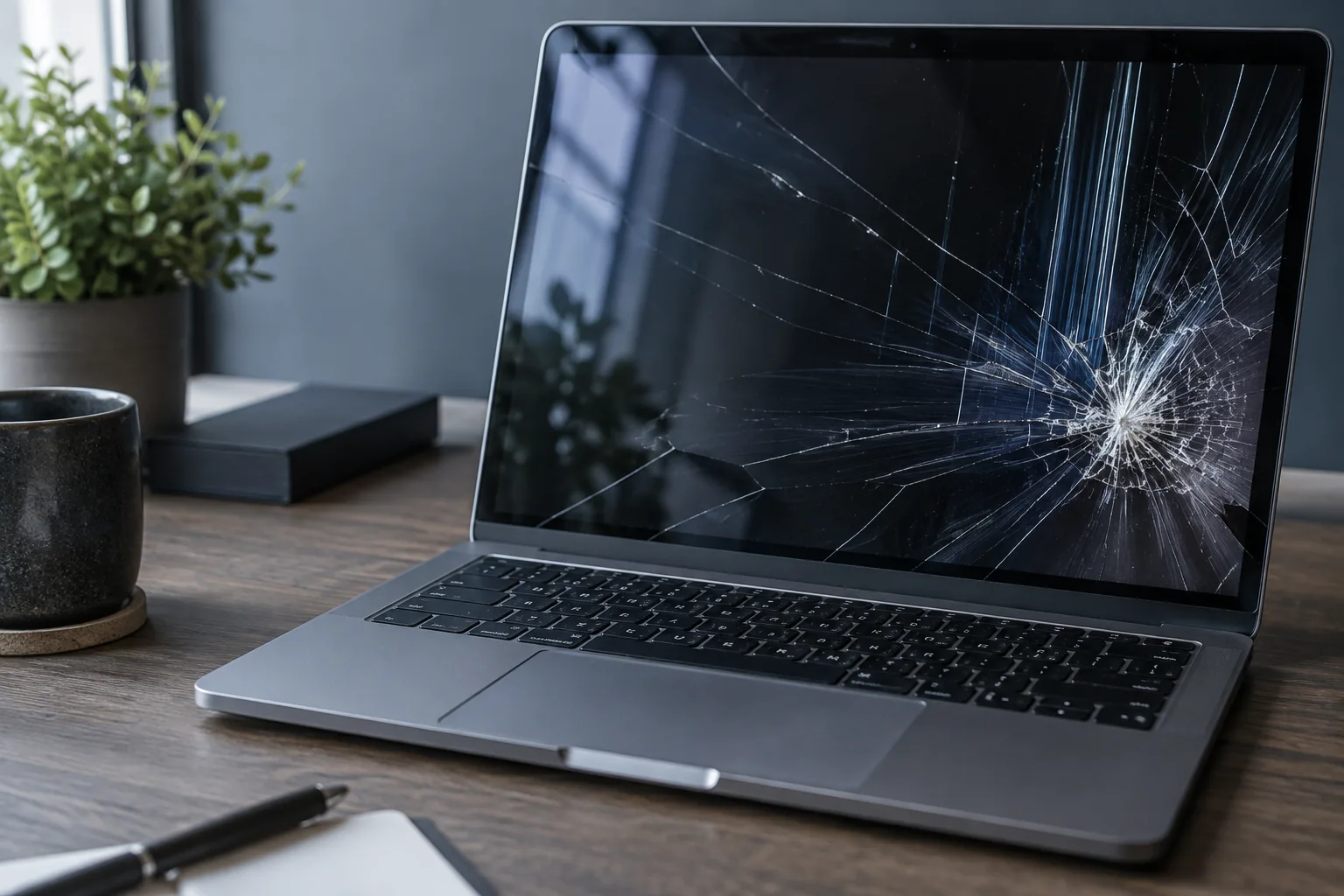
No response, a black screen and Windows failing to boot are different faults. Distinguishing them guides the first checks.
Identify the exact symptom
Note whether any lights turn on, whether the fan spins and whether normal startup sounds are present. A running computer with no picture may have a display, cable or memory fault rather than a power failure.
Safe checks at home
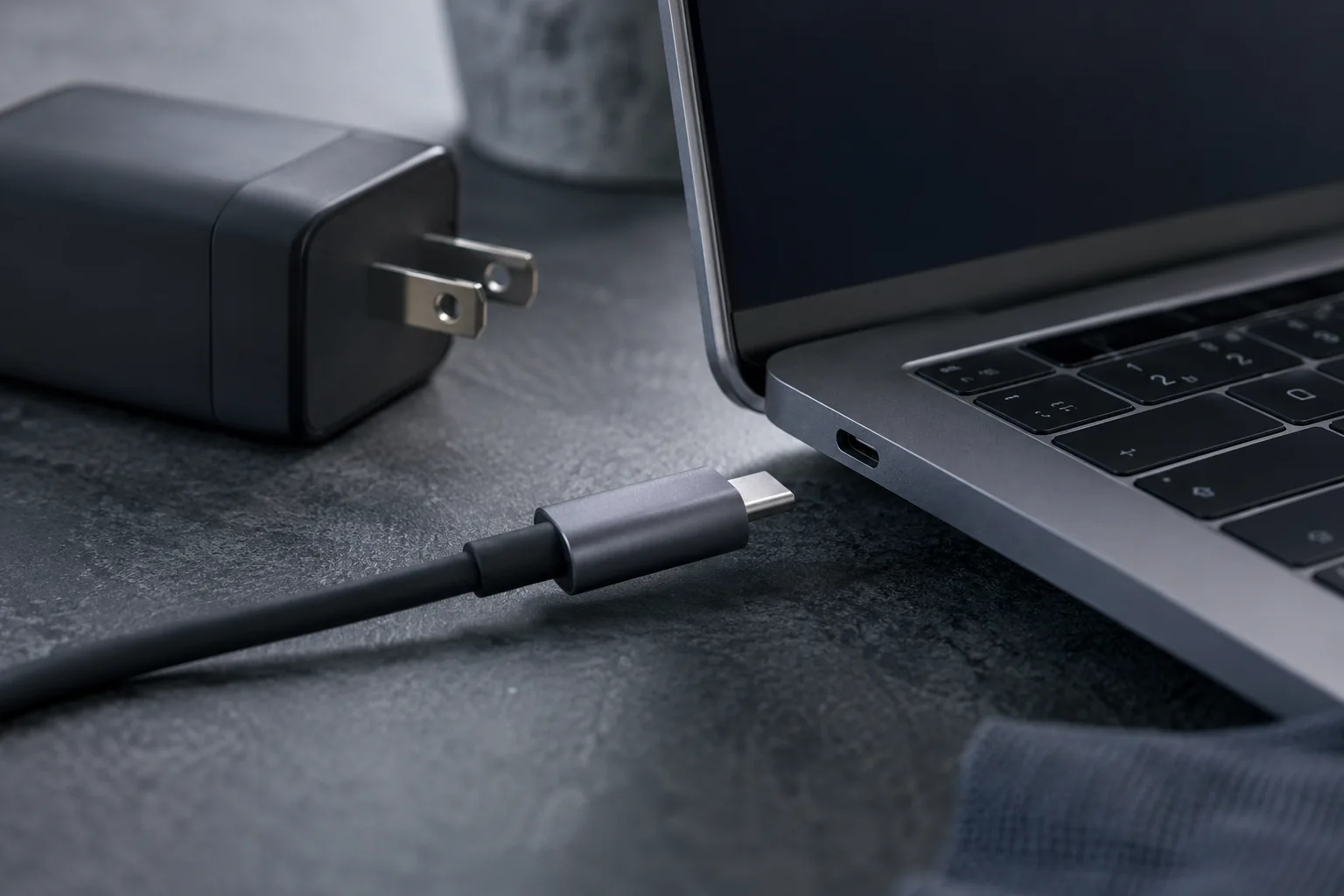
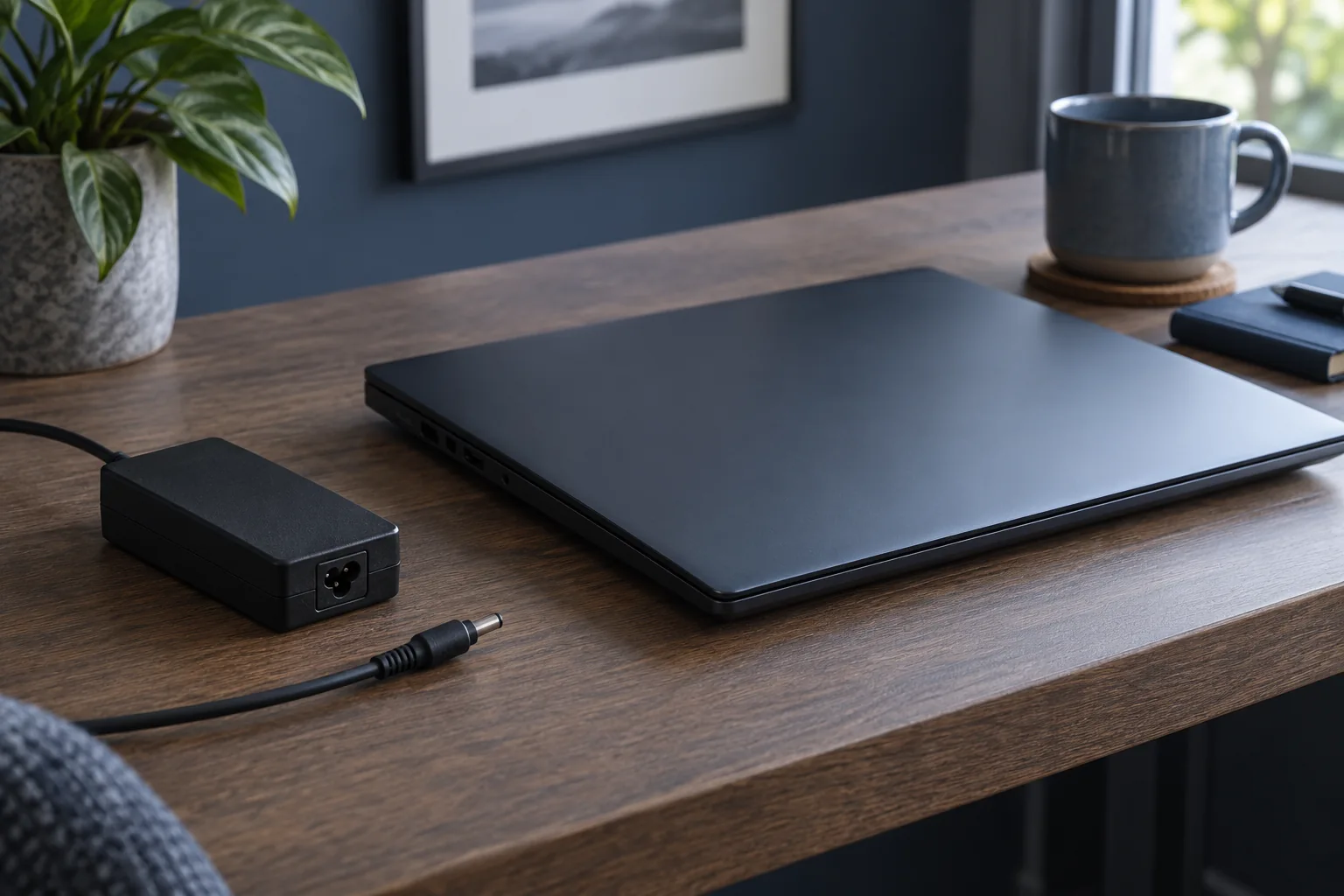
Disconnect external USB devices, test the wall outlet and use the correct original charger if available. Never open a power supply or connect an adapter with an unknown voltage.
When to stop trying
After a spill, impact, burning smell or clicking sound, repeated power attempts may increase the damage. Disconnect power and arrange diagnostics.
How diagnostics are performed
A technician checks the charger, socket, battery, memory, display and board power rails in sequence before quoting the repair.
No power or a system that will not boot?
An unresponsive computer and one displaying a startup logo need different checks. Photograph any logo or error message. If there are no indicator lights, note the response to a compatible charger. Do not start system recovery simply because the display is black: first establish where startup stops.
What to check before repair
Check the wall socket and power connections. Disconnect unnecessary USB devices. Note LEDs, fan movement and whether a logo appears. Only test another charger after confirming compatibility.
Choosing the next step
Do not order a motherboard immediately: power delivery and startup response need checking first. Stop trying to power on after a spill, impact or burning smell. Do not open chargers or desktop power supplies.
If these signs persist, learn about the checks and service: Computer diagnostics.
More questions answered
If the fan spins, has the computer started successfully?
Not necessarily. It confirms power to some circuits, not a successful system startup.
Should I bring the charger?
Yes, for power-related problems it helps to check the complete setup you use.
Practical checklist
- Record the response of lights, fan and display separately.
- Disconnect unnecessary peripherals.
- Do not choose a charger solely because its plug fits.
Need help?
Describe when the symptom occurs, your model and the checks already performed. We agree the scope before repair.