
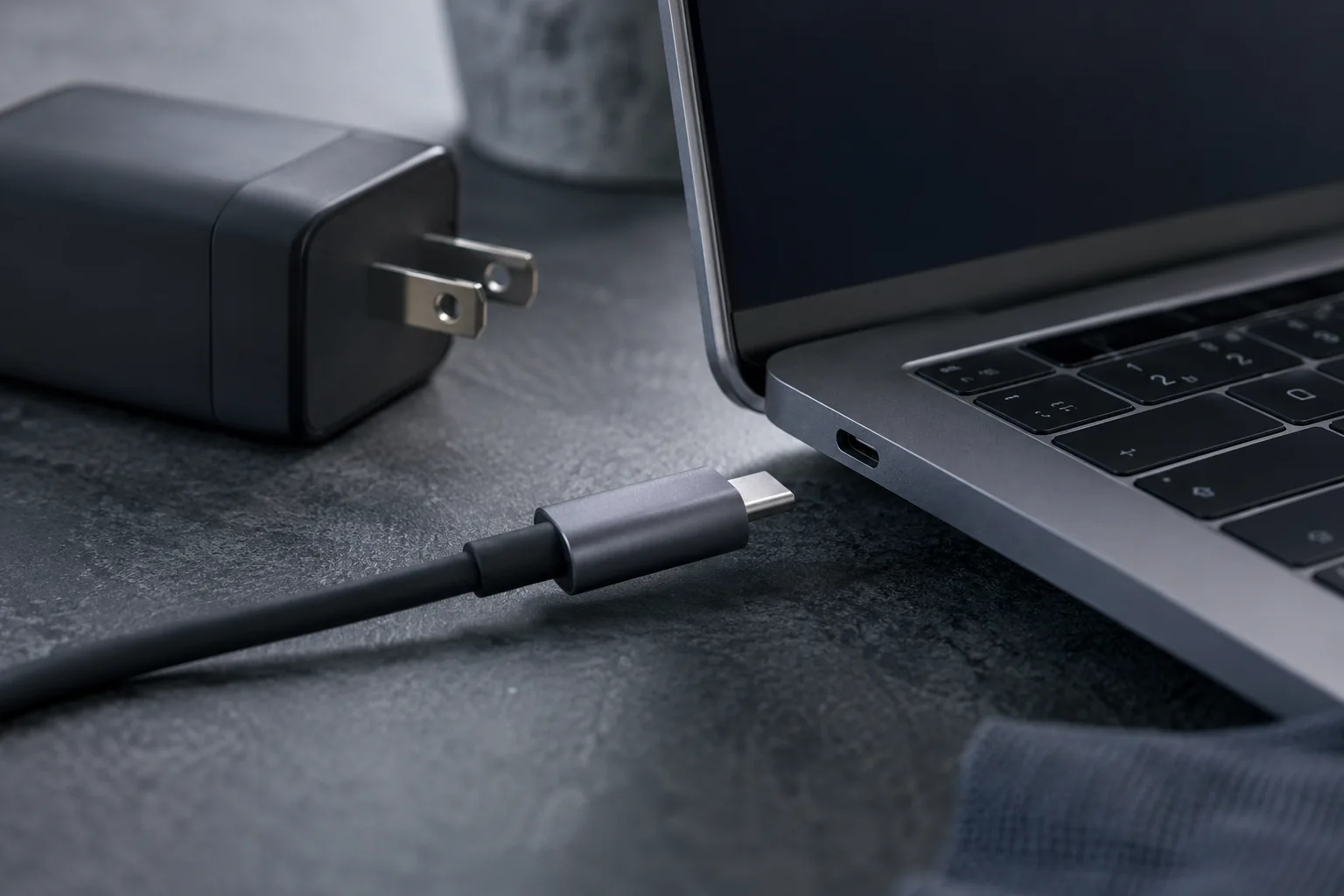
A battery that will not charge is not necessarily faulty. A charge limit, unsuitable adapter, cable or socket may be responsible.
Check the power source
Use a charger with the correct voltage and wattage. With USB-C, the cable and adapter must both support the required power-delivery profile.
Watch the connector
Charging that appears only when the cable is moved can indicate cable, socket or solder-joint damage. Continued movement may damage the board.
Battery condition
A worn battery may charge slowly, show an inaccurate percentage or shut down when unplugged. Stop using a swollen battery.
Why measurements matter
Diagnostics check charger output, battery health, the socket and the board charging circuit so a good part is not replaced unnecessarily.
A USB-C plug that fits is not enough
The adapter and cable must supply suitable power, and the computer’s port must support charging. If charging stops at a particular percentage, check battery-care settings. If the connector becomes hot, loose or intermittent, do not bend the cable to maintain contact. Bring both the adapter and cable so the complete power path can be checked.
What to check before repair
Check for a charging limit in the manufacturer's utility. Inspect the cable and connector without bending them. A matching USB-C shape does not establish sufficient power or compatibility.
Choosing the next step
If charging works only while holding the cable at an angle, do not force it; this may damage the socket. Stop use and charging if the battery or case swells. Never compress or puncture a battery.
If these signs persist, learn about the checks and service: Laptop battery replacement in Vilnius.
More questions answered
Why does charging stop at 80 percent?
A battery-preservation setting may be enabled. Check the manufacturer's settings before ordering a battery.
Will any USB-C charger work?
No. Compatible power delivery, sufficient wattage and a suitable cable are required.
Practical checklist
- Check the manufacturer’s required adapter power.
- Note the percentage at which charging stops.
- Bring the charger and cable you normally use.
Need help?
Describe when the symptom occurs, your model and the checks already performed. We agree the scope before repair.
