Wattage is only one factor
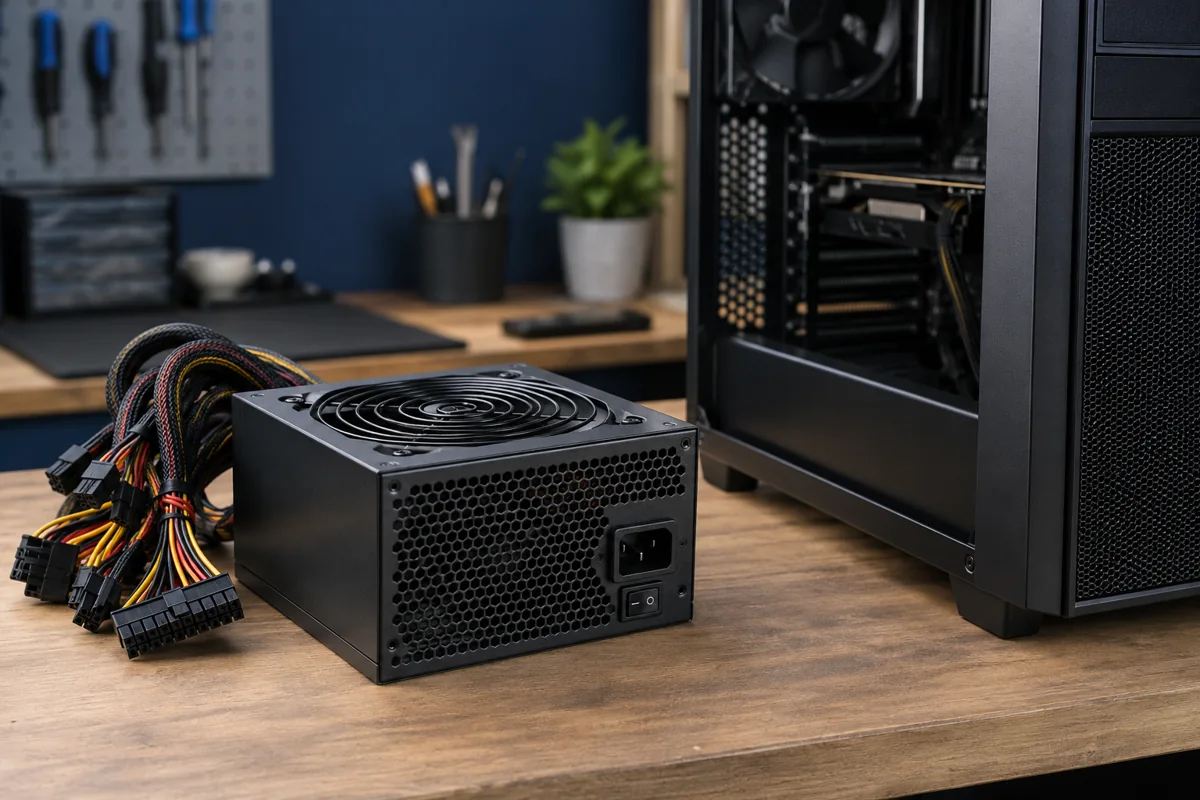
The PSU must reliably power the entire system, not just the graphics card. Include the processor, GPU, drives and other components. A large number on the label does not describe quality or condition. Follow the actual component manufacturers’ requirements and allow sensible headroom rather than choosing any high-wattage unit.
Suitable connectors are essential
Check the number and type of CPU and GPU power connectors. Manufacturer-supplied adapters must be installed fully and according to their cable-bending instructions. SATA or unrelated adapters are not automatically suitable for a high-power GPU. Stop using a hot, darkened or damaged connector until it is inspected.
Modular cables and case dimensions
Replacing a modular PSU often requires replacing its cables too. Another model’s cable can physically fit but use a different pinout and damage components. Check format and length: compact cases may require a different standard. The replacement must not crush cables or obstruct case airflow.
When should power be suspected?
Shutdowns under load, inconsistent startup or no response can involve the PSU, but other faults can look similar. A stationary fan is not conclusive because some models control it according to load. Testing requires suitable equipment and load. Do not open the PSU enclosure: dangerous voltage can remain inside.
What information helps before replacement?
Provide a photograph of the current PSU label, CPU and GPU models and the case name. Mention planned upgrades. The service centre agrees on a suitable model, installation and testing, not merely nominal wattage. Startup and behaviour under normal load are checked afterwards.
Quick checks
| Situation | What to check | What it means |
|---|---|---|
| Planning a new GPU | Check its manufacturer’s requirements | Assess the whole system. |
| Replacing a modular PSU | Use cables intended for that unit | Old cables may have another pinout. |
| Sudden shutdown under load | Arrange diagnosis | The symptom alone does not confirm PSU failure. |
Need help?
Describe the symptoms and share the model. We agree on the work and price before repair.