Pairing and audio output are different
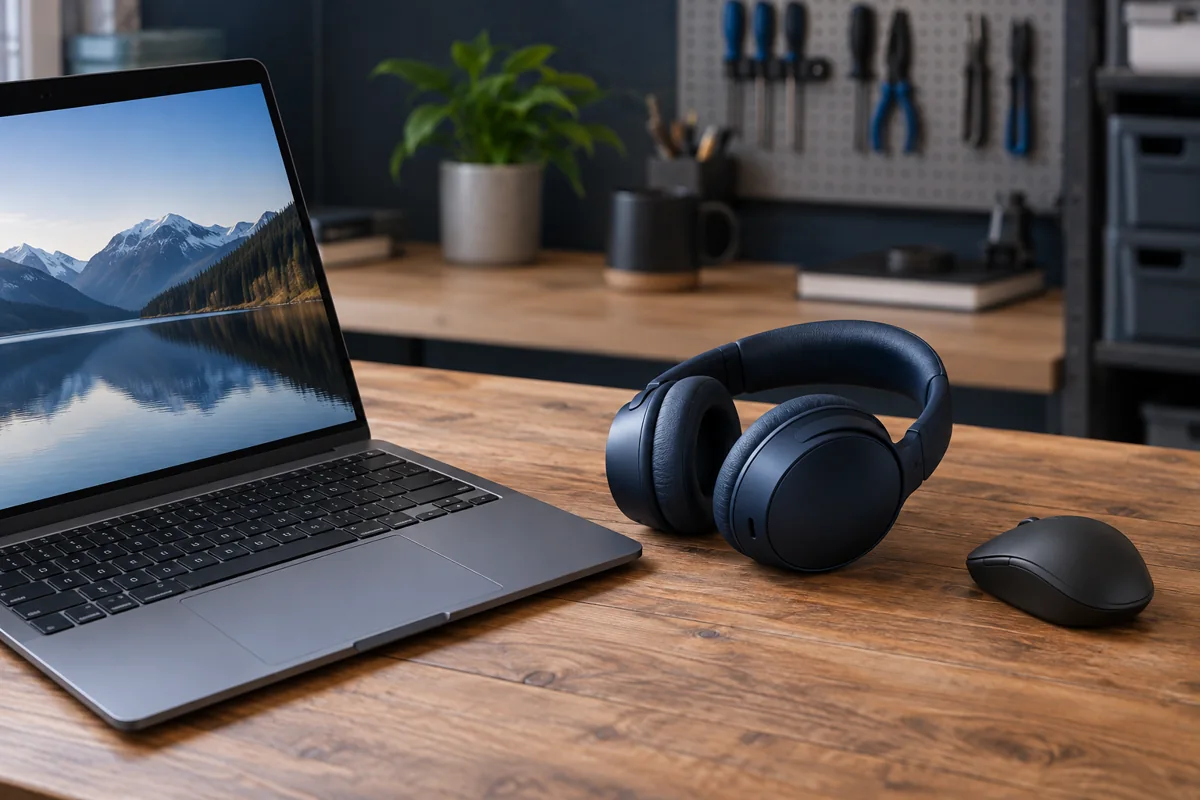
Headphones can be paired without being selected for playback. Check both Bluetooth and the output selected by Windows and the individual application. An HDMI monitor may receive the sound instead. Play a simple local audio file to separate computer settings from browser or calling-app problems.
Prepare the headphones for pairing
Charge them and activate pairing mode using the manufacturer’s instructions. Normal power-on does not always make them discoverable to a new device. If they reconnect to a phone automatically, temporarily disconnect that link and retry. Support for simultaneous connections varies by model; switching is not always a fault.
Remove an old pairing only with a reconnection plan
Removing the specific pairing on the PC and pairing again sometimes helps. First confirm that you know how to make the headphones discoverable. A factory reset can also remove other connections, so it should not be the first action. Change one setting at a time and check the result.
Adapter, driver and surroundings
If the PC discovers no Bluetooth devices, investigate its adapter and driver. A desktop’s wireless antennas may matter for Bluetooth too; connect them according to the board manual. Obtain drivers from the computer or adapter manufacturer. Reduce distance and obvious obstructions when testing an unstable connection.
Why does call audio sound worse?
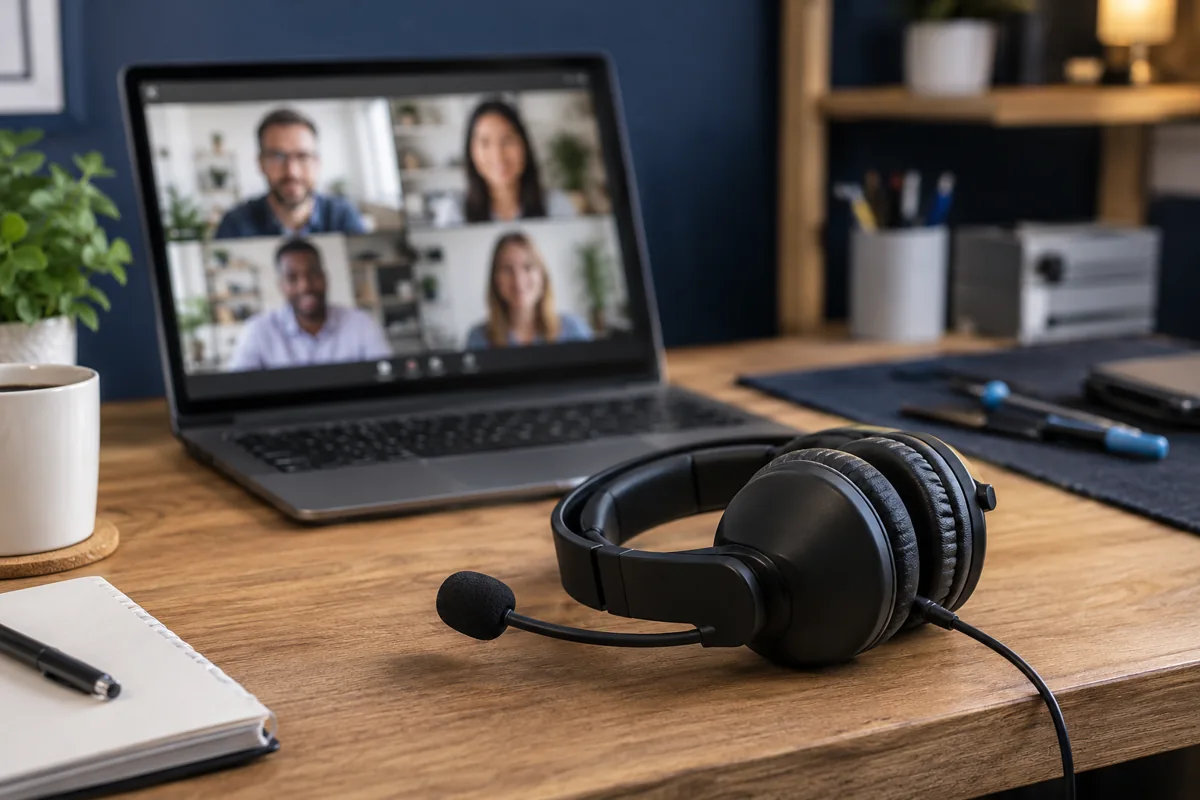
Some headphone and system combinations use a different audio mode when the microphone is active. This is not necessarily a speaker fault. Compare music without a call against audio with the headphone microphone in use. Provide the model and affected application. If only one accessory has the issue, compatibility checks matter first.
Quick checks
| Situation | What to check | What it means |
|---|---|---|
| Paired but silent | Check system and app output | Audio may be routed elsewhere. |
| Automatically connects to a phone | Temporarily disconnect the phone | Two active sources may not be supported. |
| No devices found | Check adapter and driver | The problem may be in the computer. |
Microsoft: fix Bluetooth problems ↗
Need help?
Describe the symptoms and share the model. We agree on the work and price before repair.