Expansion is not system-storage repair
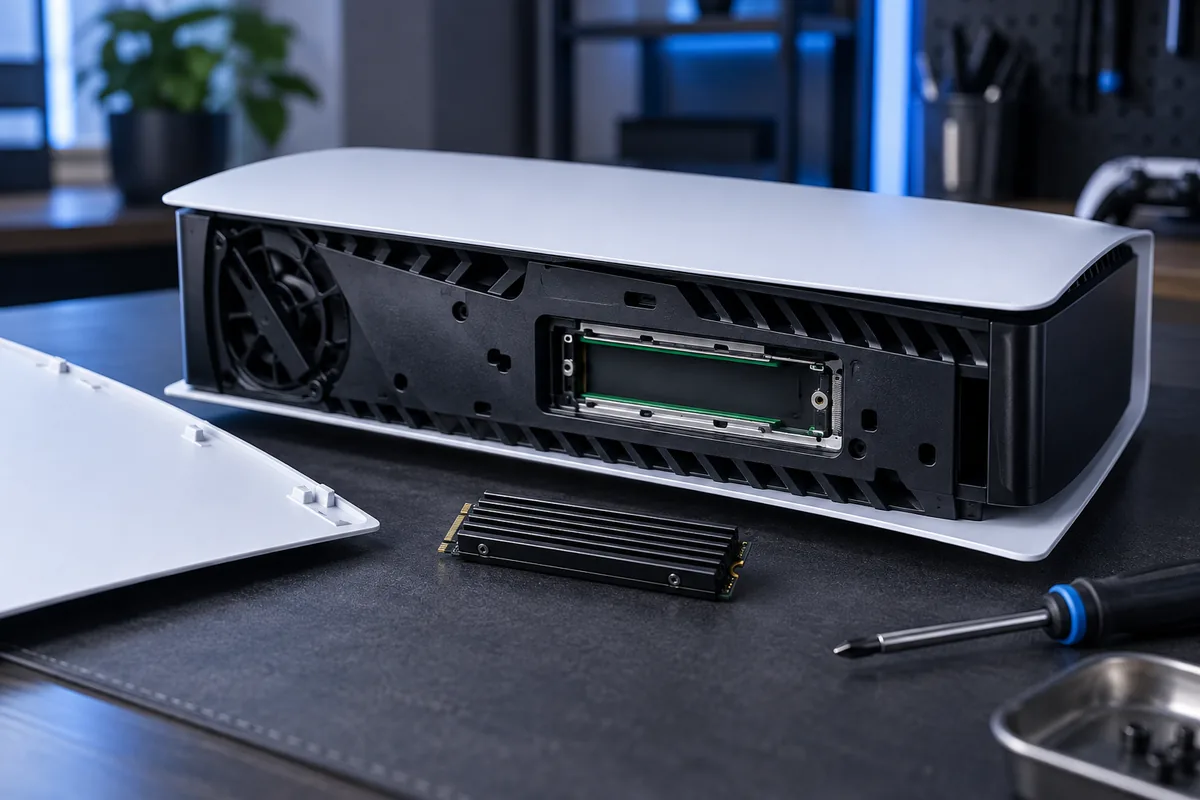
An additional M.2 SSD adds room for games but does not repair a fault in the console's main storage. If the PS5 is unstable without the extra drive, diagnose that first. Separate a capacity shortage from a hardware symptom before buying.
Check official requirements
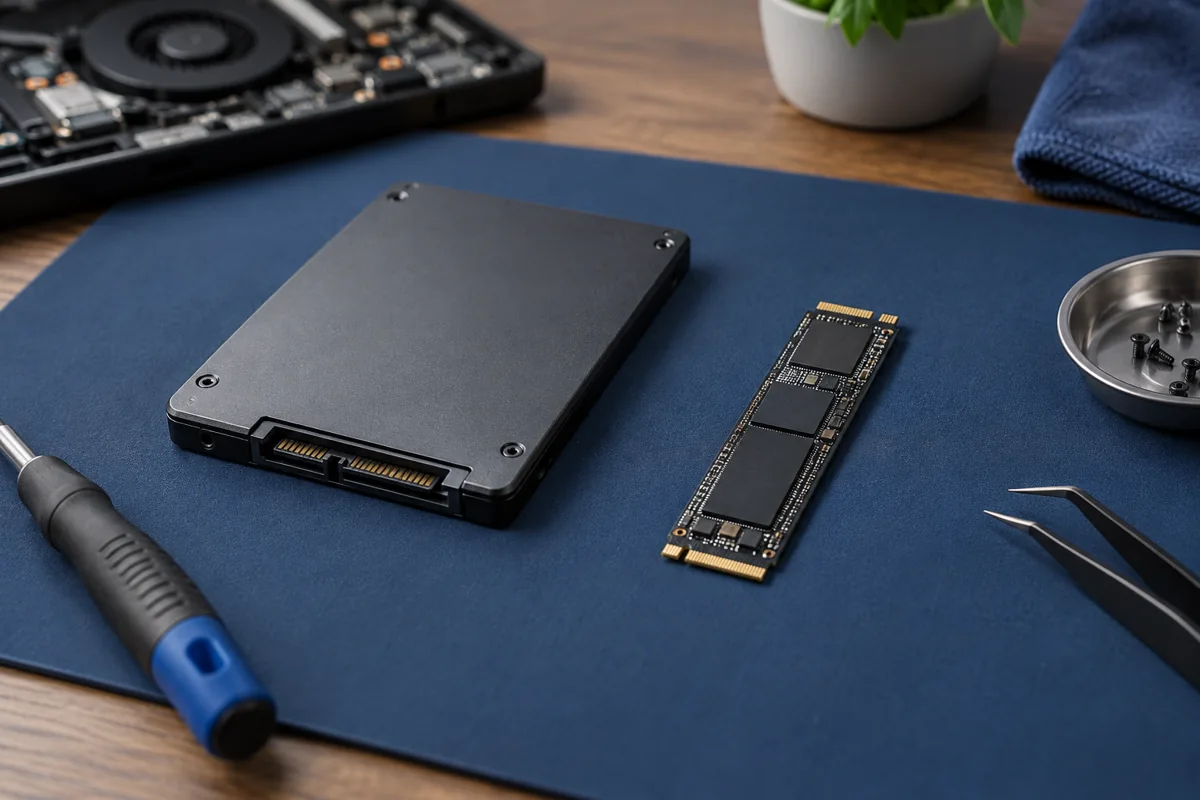
Not every M.2 drive is suitable. Verify Sony's NVMe interface, dimensional and heat-dissipation requirements. M.2 SATA is different. The official guide linked below helps check a specific model before ordering.
Measure the complete assembly
Assess the SSD together with its cooling solution: total height and width must fit the bay. An unsuitable heatsink can obstruct the cover. Do not force it or improvise mounting changes, which may damage the drive or connector.
Protect existing data
Preparing the drive may require formatting, so it must not hold the only copy of important files. Agree whether installed games need moving. After installation, check recognition, available capacity and stable operation.
Official manufacturer guidance ↗
Need help?
Describe the symptoms and share the model. We agree on the work and price before repair.