Where exactly is the drive missing?
Distinguish three situations: the SSD is absent from the BIOS device list, appears in BIOS but not Windows Setup, or appears in Windows without a drive letter. These are different problems. Record the computer and drive models and when the issue began. If it followed an update or a move to another slot, that detail may matter more than the error message.
Check SSD and slot compatibility
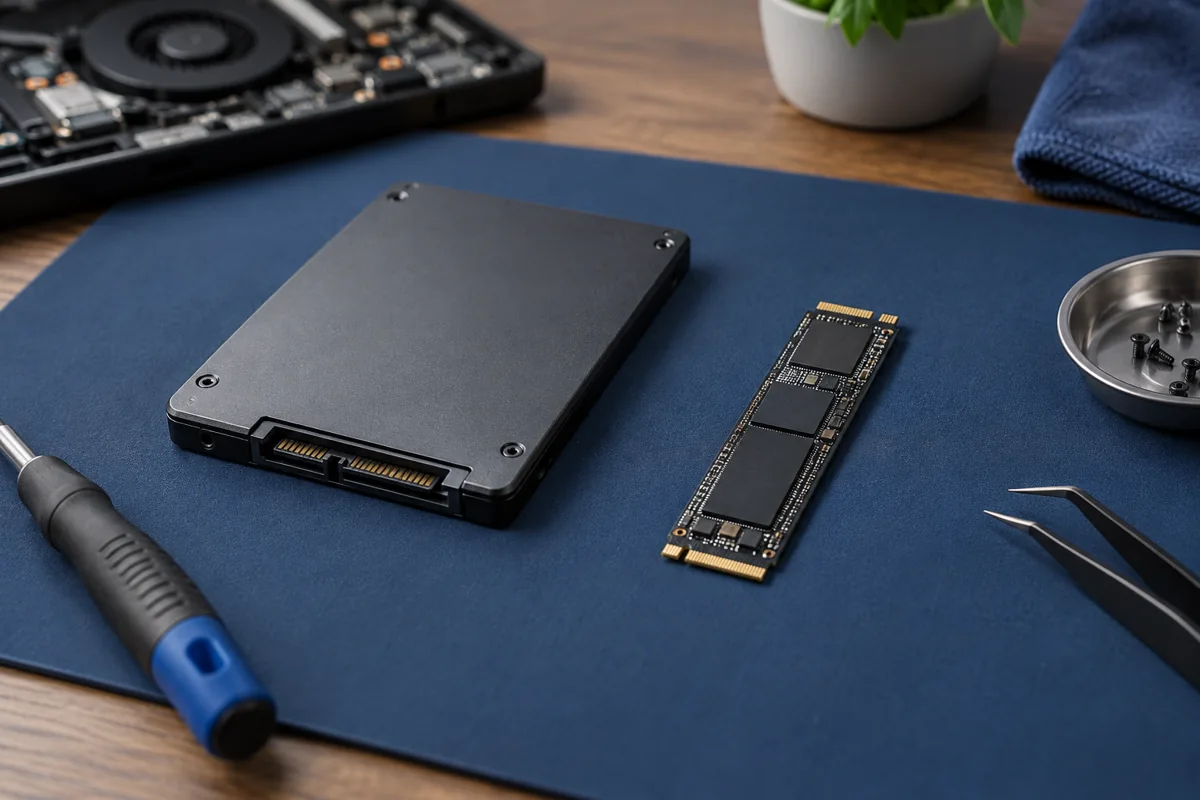
M.2 describes a physical format, not the complete connection standard. A slot may support SATA, PCIe NVMe or both. Fitting physically is not enough. Check the manual for supported protocols, module length and shared slot resources. On some desktop boards, a particular M.2 slot requires a specific processor generation. Never force a module into an unsuitable connector.
Settings and installation drivers
If BIOS detects the SSD but Setup does not, the storage controller driver may be missing. Do not disable VMD or RAID at random: an installed system may stop booting. Record the current configuration and consult the exact model’s instructions first. Updating BIOS is not the first experiment, particularly on an unstable computer without a backup.
Protect files already on the drive
If the SSD contains data, do not accept an invitation to initialise or format it simply to make it appear. Avoid blindly creating partitions. If the drive reappears even briefly, preserve important files first. Do not connect or disconnect internal modules while powered on. Physical inspection requires model-specific disassembly knowledge and appropriate protective measures.
When is diagnosis needed?
A service centre can check the compatible drive, slot, power and controller settings separately. One successful boot does not rule out an intermittent fault. Bring both the drive and computer if the problem occurs with that combination. Kmvle offers drive replacement and file transfer, but does not recover data from physically failed SSDs or HDDs.
Quick checks
| Situation | What to check | What it means |
|---|---|---|
| BIOS detects it but Setup does not | Check the storage controller driver | Do not rush to format or change BIOS mode. |
| Drive disappeared after replacement | Check the slot protocol | An M.2 shape does not confirm NVMe support. |
| Drive appears intermittently | Save important files first | The drive or connection may be responsible. |
Need help?
Describe the symptoms and share the model. We agree on the work and price before repair.