Compatibility comes before speed
Start with the exact computer model rather than the highest speed printed on the box. Check which connector is present and whether there is a free slot and mounting hardware. A laptop family name may not be enough: configurations within a series can differ. Provide the full model code and existing drive label when asking for advice.
Physical format and connection type
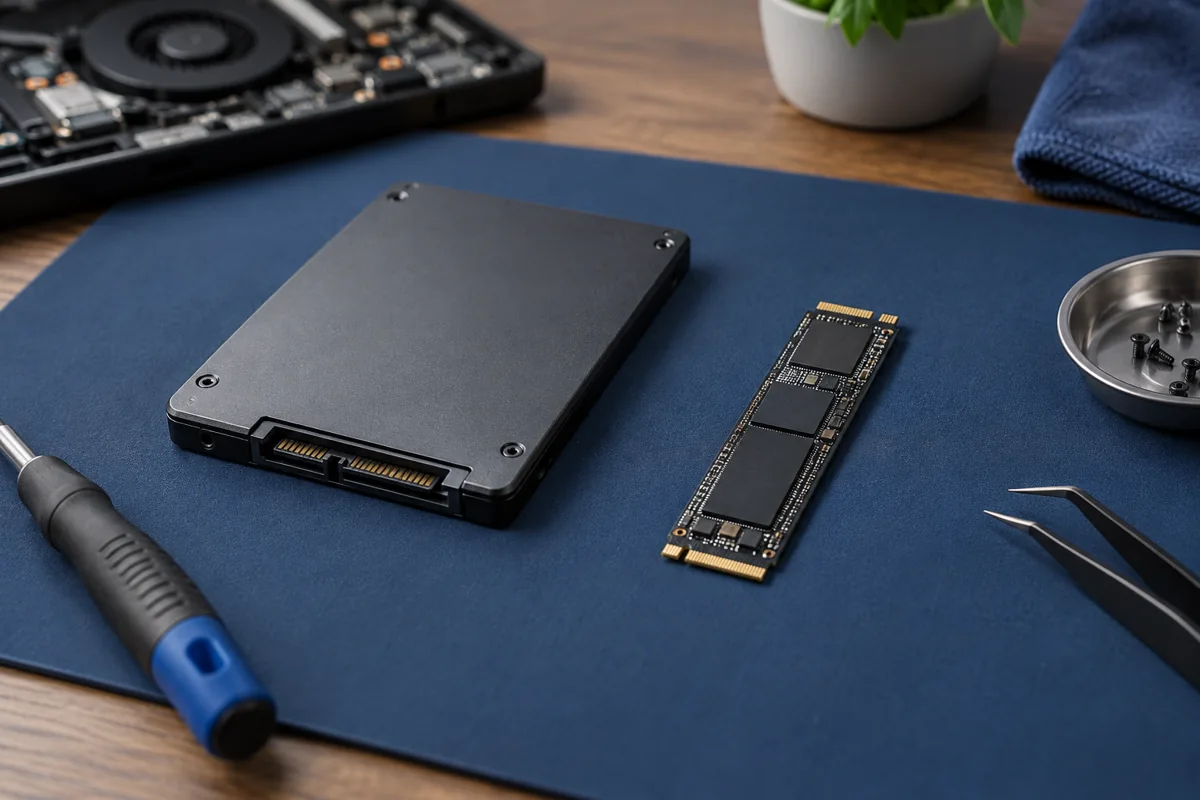
A 2.5-inch SATA SSD resembles a thin rectangular box. An M.2 SSD is a small circuit board; these drives can use SATA or PCIe NVMe. Numbers such as 2280 describe dimensions rather than guaranteed performance. Single-sided or double-sided construction and cooling clearance also matter. An adapter cannot always supply missing protocol support.
When will NVMe feel faster?
Large video transfers, project work and many simultaneous operations can benefit more from faster storage. Web browsing may show a much smaller difference than promotional benchmarks. If a healthy SSD is already installed, limited RAM, the processor or background applications may cause the slowdown. Replacing storage is not an automatic fix for every performance problem.
Capacity, temperature and everyday use
Choose capacity around current files and future needs. A nearly full system drive makes updates and temporary storage harder. A fast NVMe drive may need appropriate heat transfer, but not every heatsink fits inside a laptop. Preserve manufacturer-designed clearances: a compressed cover or incorrectly sized thermal pad is not an acceptable compromise.
How do the system and files move?
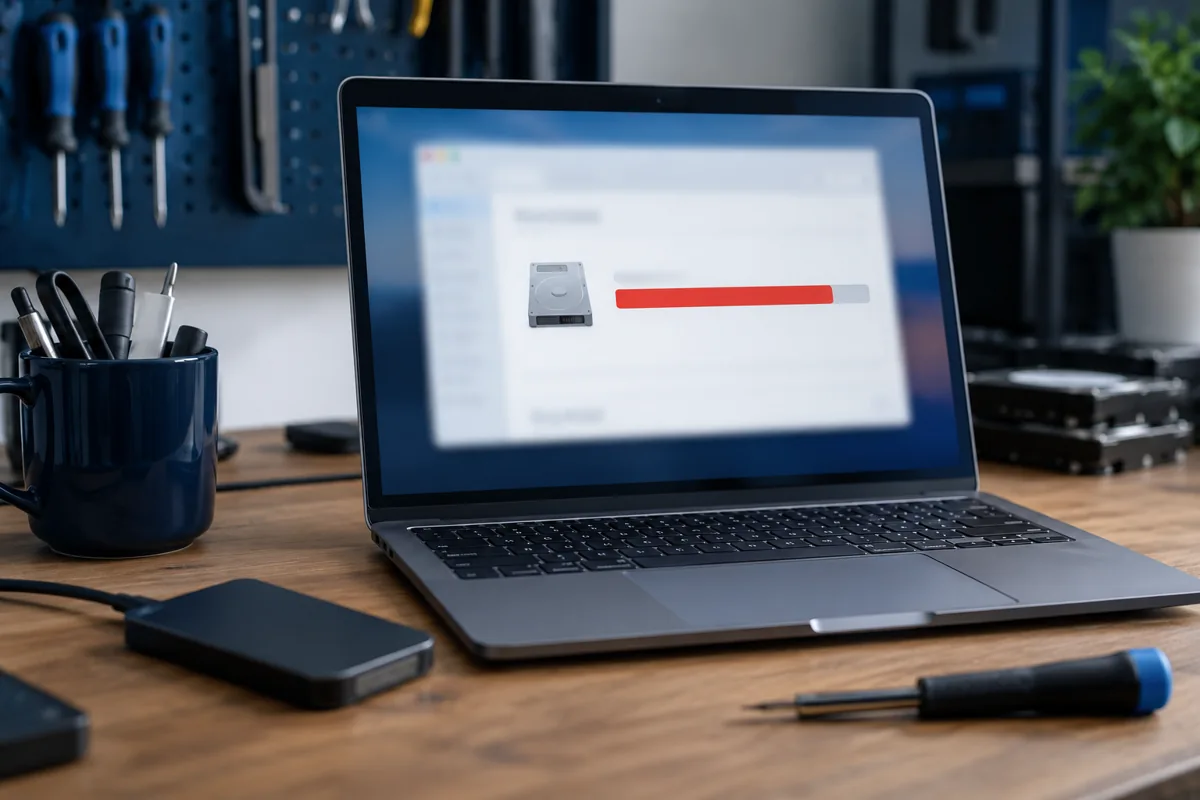
The old drive does not automatically transfer applications and files. Options include cloning a suitable source or a clean installation with a separate personal-file transfer. Check the backup and encryption recovery information before work starts. Explain whether the existing working environment must remain intact. Compatibility and migration method should be agreed before replacement.
Quick checks
| Situation | What to check | What it means |
|---|---|---|
| Existing 2.5-inch drive | Check SATA connection and mounting | M.2 is not a direct mechanical replacement. |
| An M.2 slot is available | Check protocol and module length | A free connector alone is not enough. |
| Applications must be retained | Discuss cloning and source condition | Copying files does not migrate the whole system. |
Need help?
Describe the symptoms and share the model. We agree on the work and price before repair.