The platform determines the DDR generation
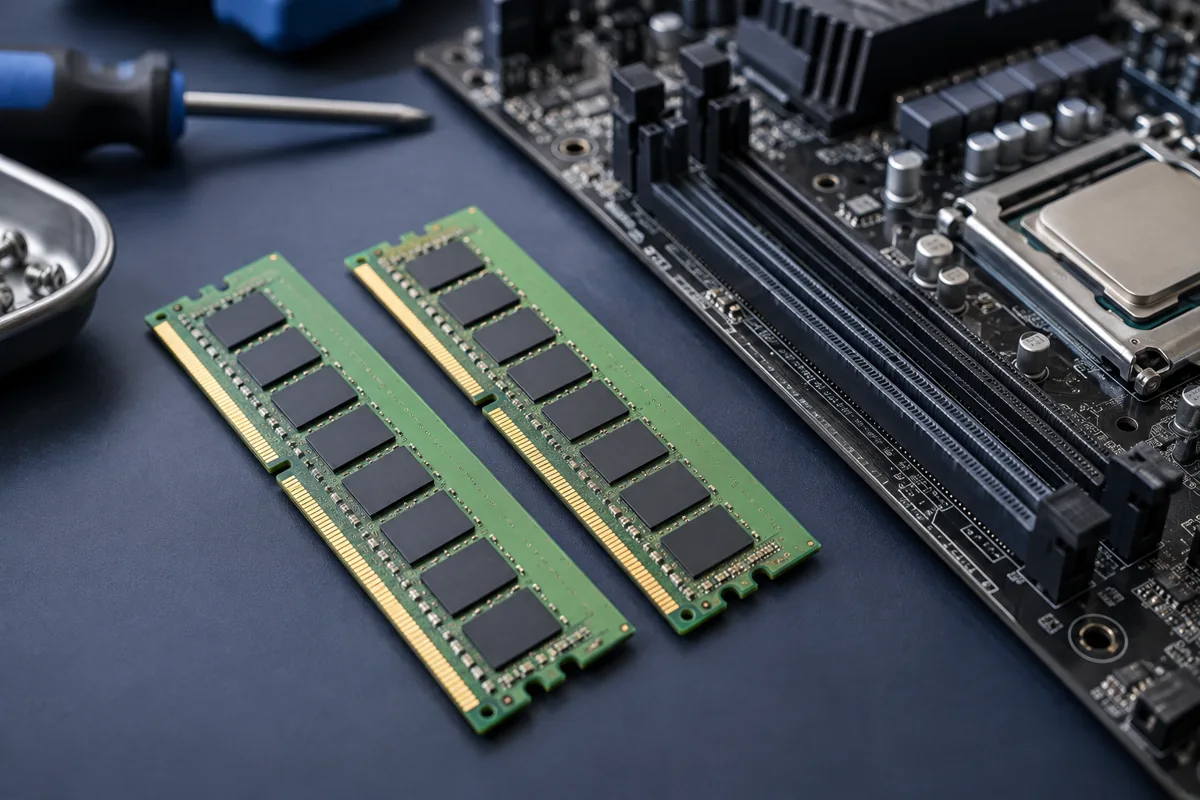
DDR4 and DDR5 are not interchangeable simply because the modules look similar. The motherboard and processor must support the selected generation. Check the exact computer or motherboard model before ordering. Capacity and a seller’s description of “laptop memory” are not enough: the complete specification matters.
Laptop memory may be soldered
Some laptops have replaceable modules, others have soldered memory, and some combine both. A software report of total capacity does not reliably reveal free slots. Consult the manufacturer’s service documentation. Without replaceable sockets, a standard module upgrade is unavailable; opening the laptop does not create an upgrade path.
Capacity and matching modules
Monitor memory use during normal work before increasing capacity. Browsers, virtual machines and large projects have different demands. Mixed modules may run at a lower common speed or cause instability. Equal capacity does not mean equal specifications. A compatible matched kit usually makes the outcome more predictable than randomly combined modules.
Memory profiles are not a guarantee
XMP or EXPO can select a faster-than-baseline mode, but operation depends on the whole system. If the computer restarts or fails to boot, test baseline settings rather than guessing higher voltages. Consider BIOS updates in the context of model support. Record the previous configuration before changing settings.
Verify the upgrade
Confirm the full capacity is detected, then test memory and normal workloads for stability. A successful boot alone does not prove there are no errors. Check whether paging-related disk activity falls and everyday work becomes smoother. If something else caused the slowdown, adding RAM may make very little practical difference.
Quick checks
| Situation | What to check | What it means |
|---|---|---|
| System uses DDR4 | Check the exact supported module | DDR5 does not fit this socket. |
| No free slots are visible | Check service documentation | Memory may be soldered. |
| Errors appear after replacement | Test baseline settings and stability | Booting alone does not prove a successful upgrade. |
Need help?
Describe the symptoms and share the model. We agree on the work and price before repair.