Check the disc and compatibility
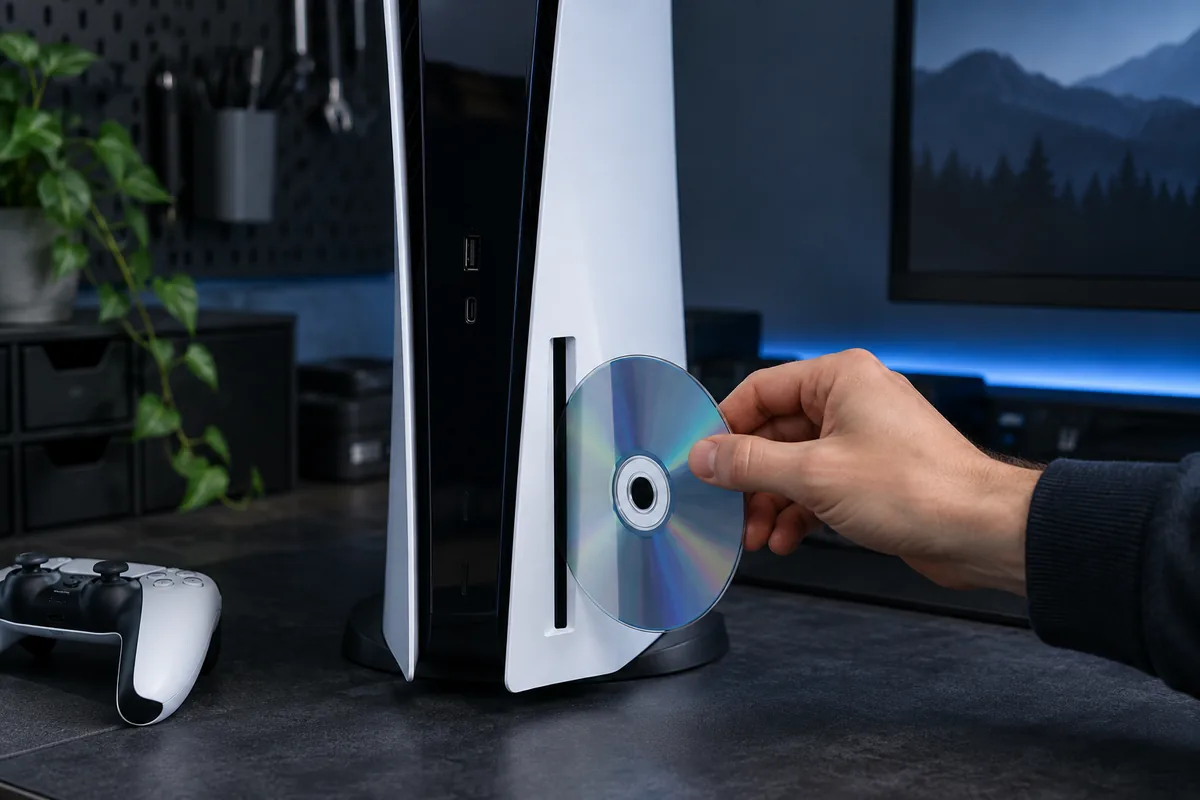
Confirm that the disc is supported and inserted as the model instructions show. Scratches or contamination can interfere with reading. Avoid aggressive solvents and cracked discs, which can create additional risk for the mechanism.
One disc or every disc?
Try another known-working compatible disc. If only one fails, do not immediately blame the drive. If several fail similarly, record the error and noises. Downloaded games working normally does not establish optical-drive health.
Do not force the mechanism
If a disc will not load or eject, do not insert another or pull forcefully. Manual-ejection procedures depend on the model and must follow its instructions. An incorrect action can damage the holder or mechanism.
What a technician checks
Checks cover loading, optical reading, connections and model-specific construction. Not all parts can simply be exchanged between consoles. Mention previous disassembly and any trapped disc. Erasing the system is not the first response to a mechanical problem.
Need help?
Describe the symptoms and share the model. We agree on the work and price before repair.