Compare like with like
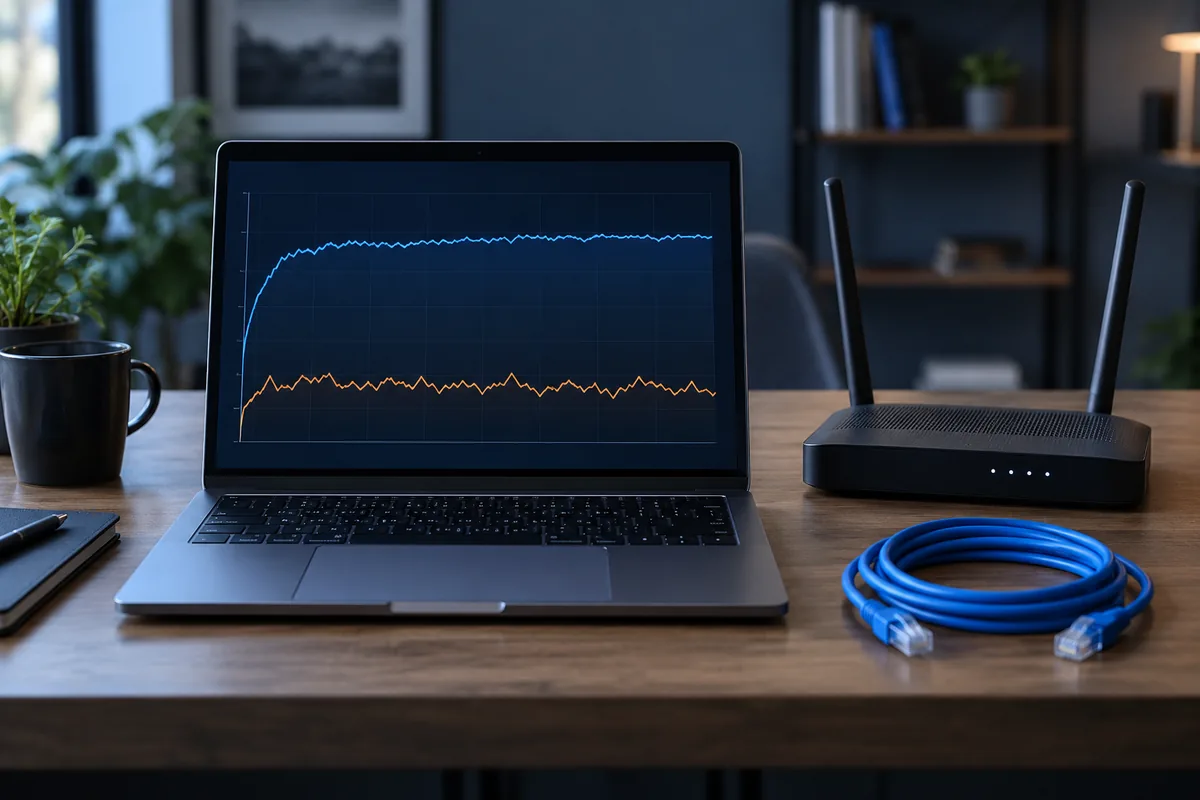
Use the same computer and task at a similar time. Pause large downloads on other devices. Different speed-test servers can produce different results, so a single measurement does not prove a faulty Wi-Fi adapter.
Distance and obstacles matter
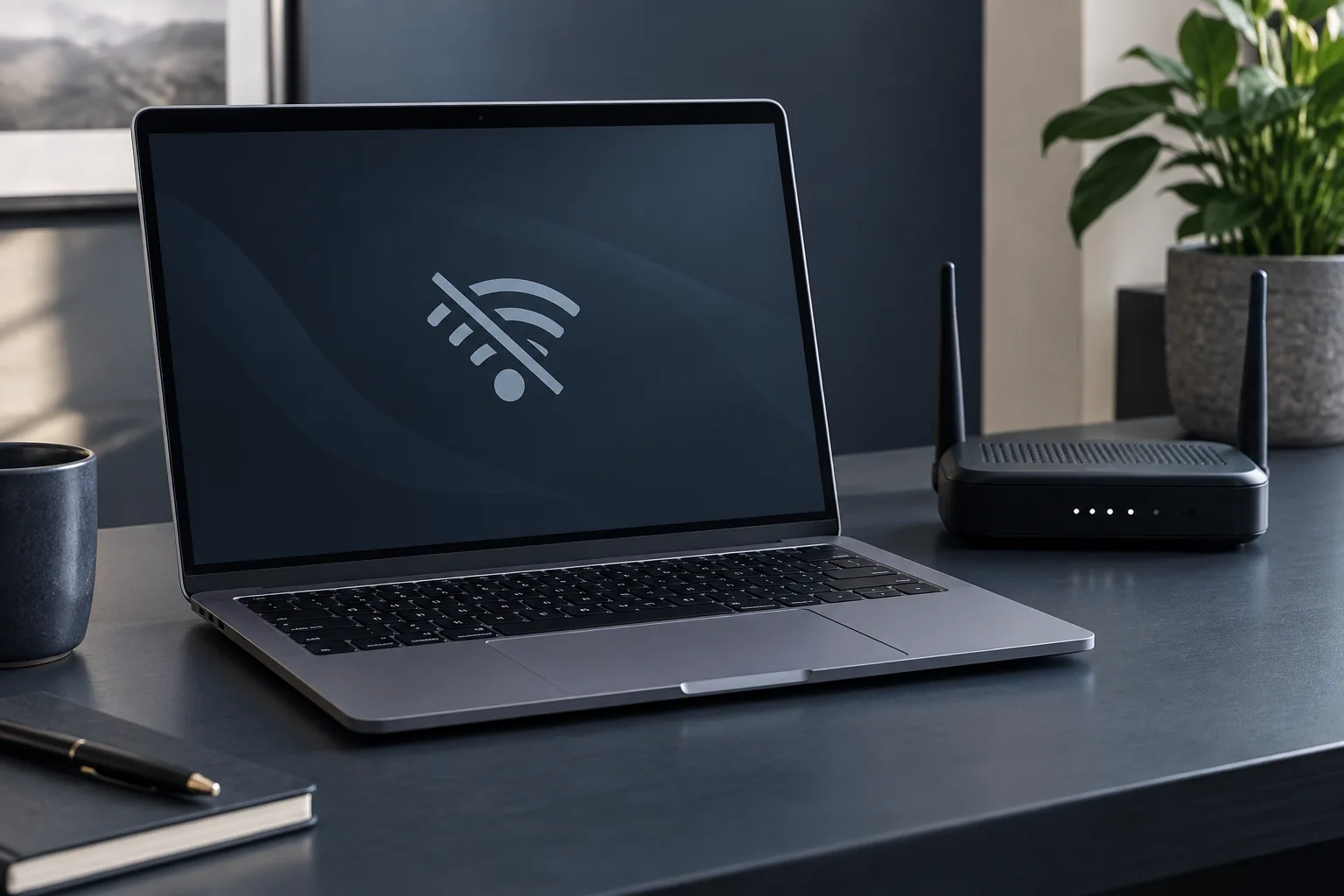
Walls, placement under a desk and neighbouring networks can weaken wireless performance. Test closer to the router. Frequency bands differ in coverage and capability; a higher frequency is not always better in a distant room.
Link rate is not download speed
The wireless rate shown by the system is not guaranteed internet throughput. The provider, router, channel congestion and adapter all impose limits. An old or unsuitable driver can also interfere, so check the manufacturer's supported version.
When to inspect the computer
If comparable devices work well in the same location, investigate the adapter, antennas and software. A slowdown after disassembly is particularly relevant. A phone alone is not a perfect comparison because its antennas and standards may differ.
Need help?
Describe the symptoms and share the model. We agree on the work and price before repair.