Identify what disconnects
Record whether one device, the whole dock or every USB port stops working. Confirm that the issue follows wake-up specifically. Safely eject external storage before disconnecting when possible, and never run these tests during file copying.
Try a direct connection
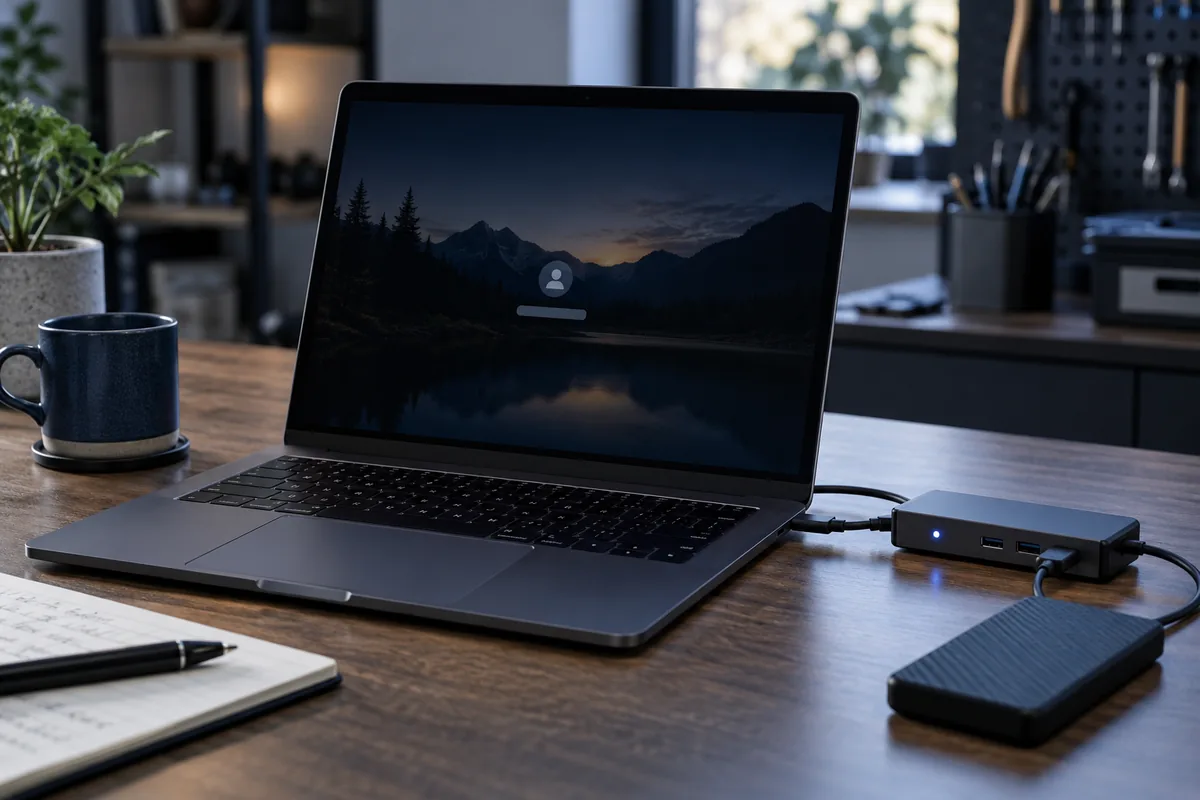
Temporarily connect the device without a hub or dock. If the issue disappears, check the dock's power supply and manufacturer updates. One working port does not establish that every other socket has physical damage.
Change power settings carefully
USB power management and drivers can affect wake-up. Start with official computer and dock updates. Do not blindly disable every power-saving feature: it may reduce battery life without addressing the actual cause.
Prepare a repeatable example
Provide the device model, cable, connection layout and sleep duration. Try another cable if removable. Looseness, heat or disconnection when moved also calls for physical inspection of the socket.
Need help?
Describe the symptoms and share the model. We agree on the work and price before repair.