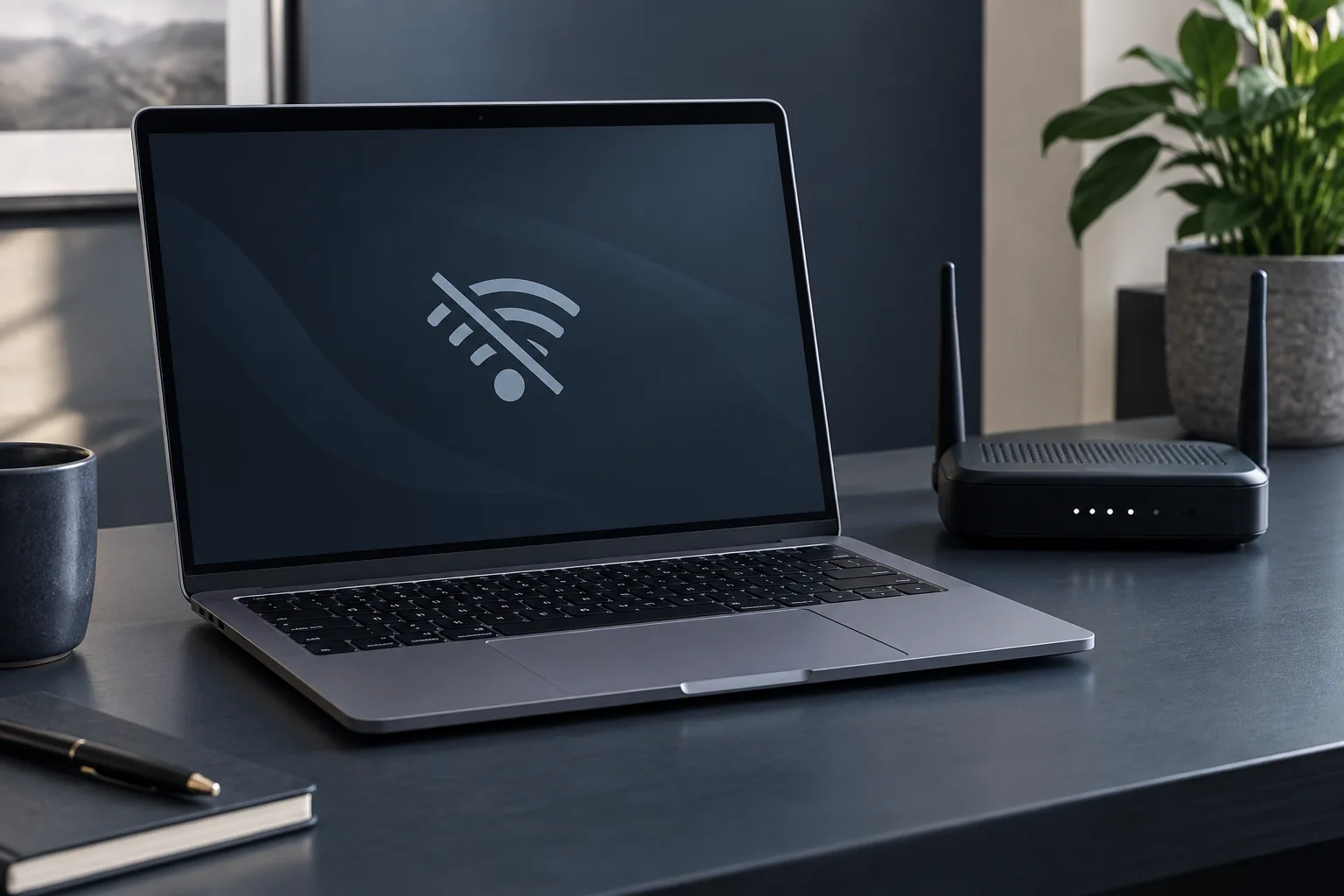
Is the connection failing on one computer or every device? That distinction helps you choose the first check and avoid unnecessary repairs.
Separate a network fault from a computer fault
Try the same network on your phone. Check that Wi-Fi is enabled and airplane mode is off. Try connecting closer to the router. If every device fails, investigate the internet connection and network equipment first.
Record the symptoms
Is the network visible? Is a password requested, or does the computer report no internet access? Does it disconnect only in one room? Record the exact message and when the issue started. Do not share the network password publicly.
Safe next steps
Save your work and restart the computer. Windows network troubleshooting can help identify the issue. Before removing a saved network, make sure you know its password. Consult your administrator before changing a work computer's VPN or network configuration.
When to request a diagnosis
If several different networks fail or the wireless adapter disappears, systematic diagnosis is useful. This alone does not prove an antenna or adapter fault. Provide the model, system version and checks already attempted so the technician can distinguish configuration and driver issues from hardware faults.
Do not change every setting at once
Check the result after each step. Removing the saved network, driver and VPN settings together makes it harder to understand what changed. Leave a network reset until later, when you know how to restore required connections. A problem in one location and failure across all networks call for different investigations.
Practical checklist
- Test the same network with another device.
- Record the exact connection error.
- Know the password before removing a saved network.
Need help?
Describe the symptoms and share the model. We agree on the work and price before repair.