Situation and checks
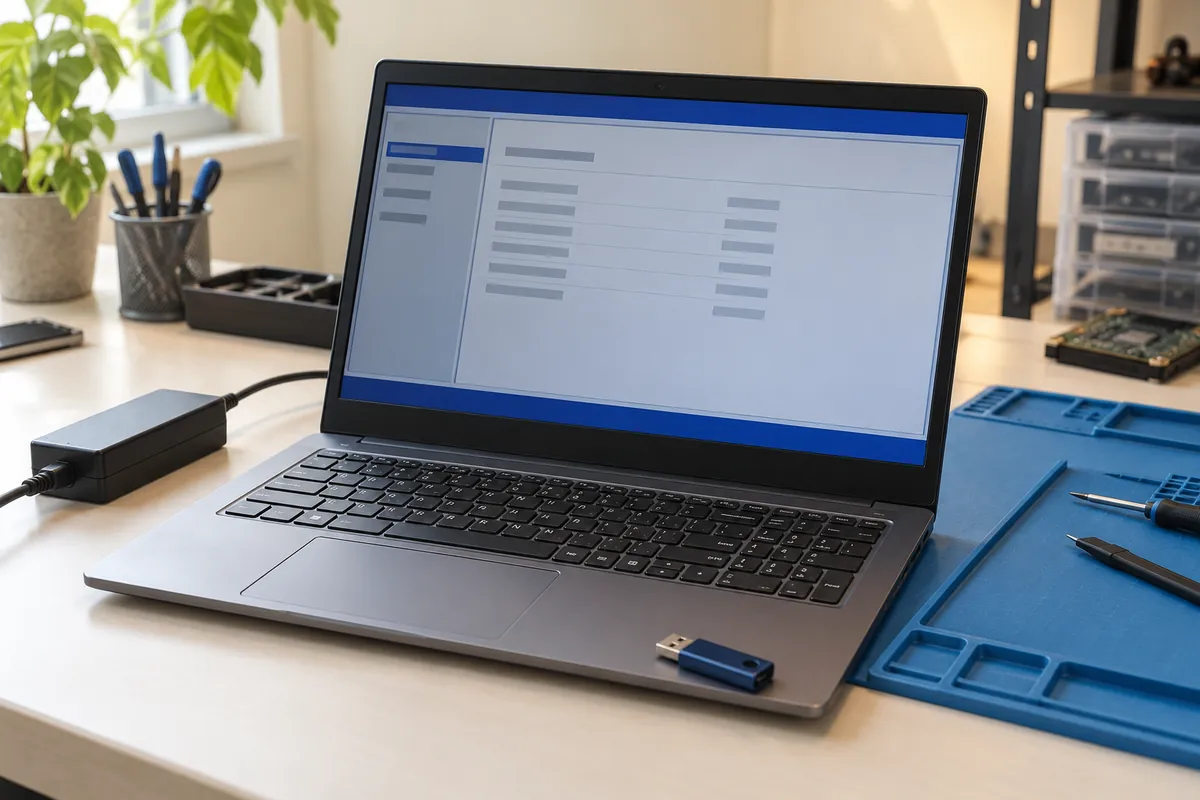
After an unsuccessful update, we check the model, BIOS version and supported recovery methods.
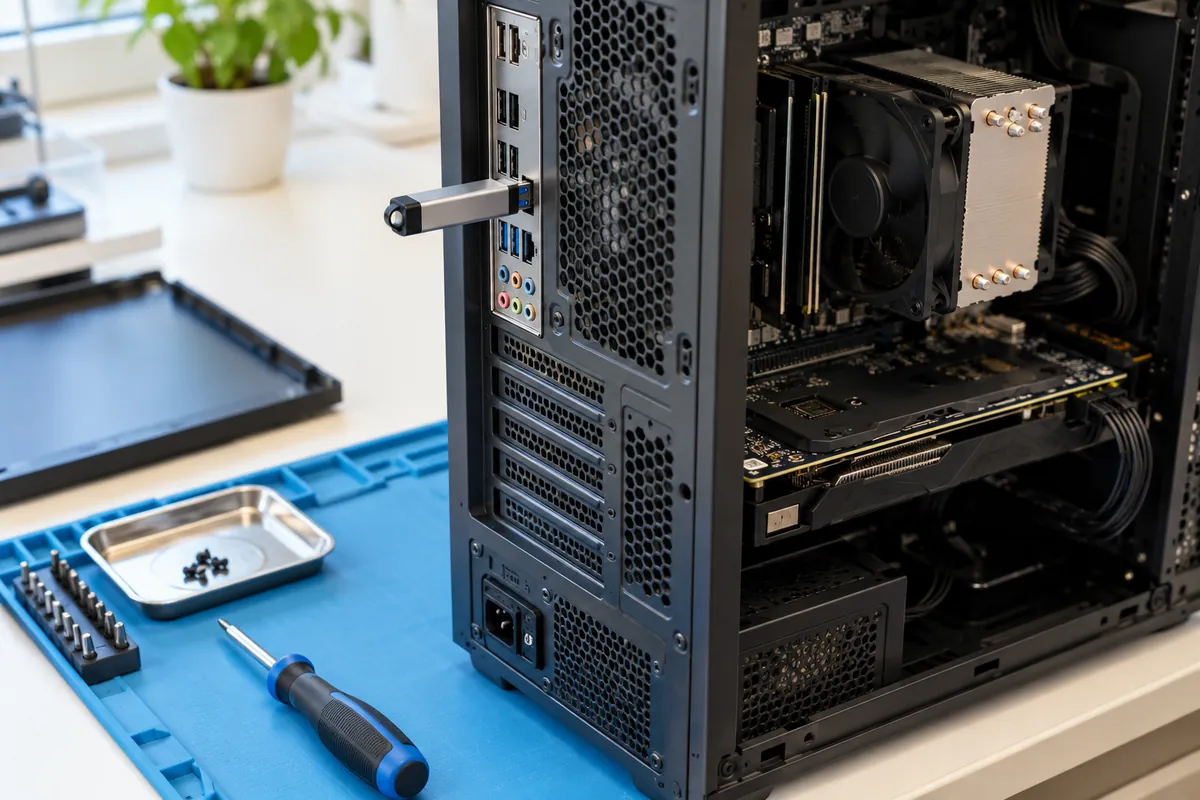
We update BIOS using manufacturer-supported tools or recover it from USB after a failure where supported by the model.
Opening hours: Mon–Fri 09:00–18:00Sat 11:00–16:00Computer technician visits: Mon–Sun 08:00–20:00
Usually within 40 minutes.
An illustrative example, not a specific customer case. Images are AI-generated illustrations.
After an unsuccessful update, we check the model, BIOS version and supported recovery methods.
Where supported, we use the manufacturer’s software procedure or USB recovery method.
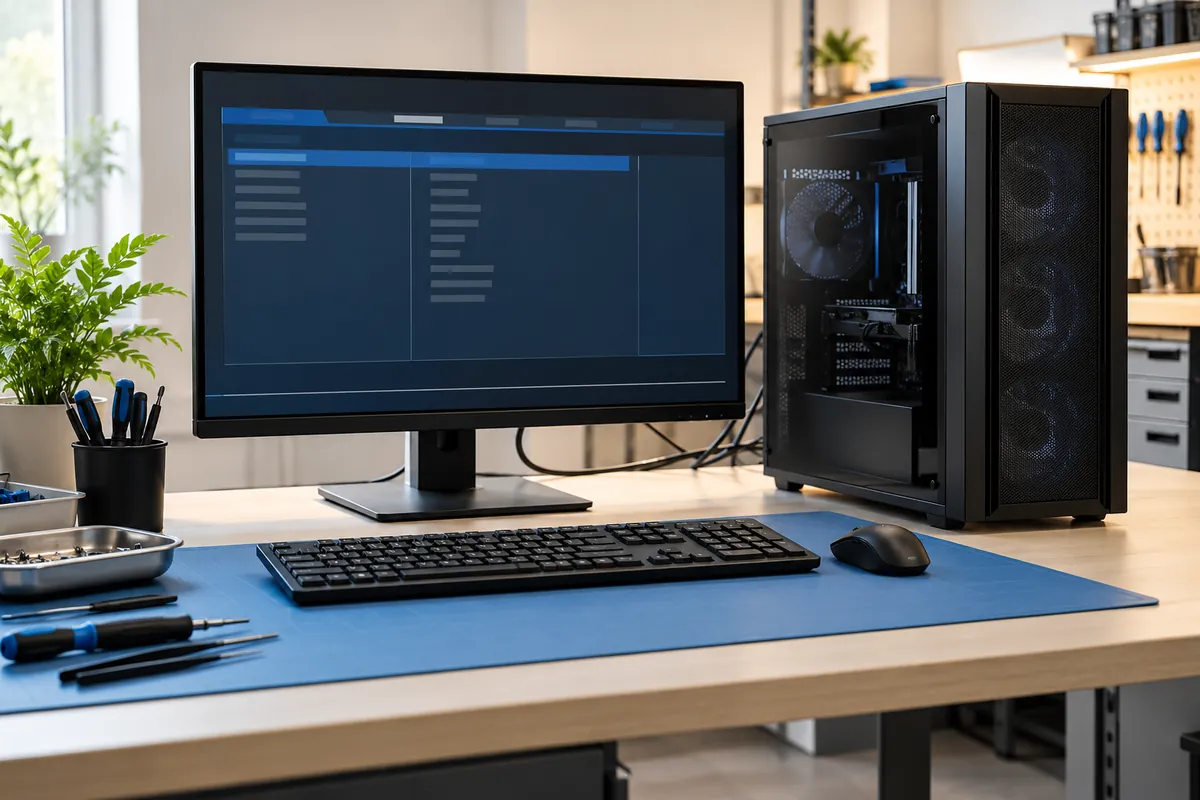
We check BIOS startup and hardware detection; if software recovery is unsuitable, we discuss another service.
Yes, where the manufacturer provides a suitable utility. Otherwise we use its supported BIOS / UEFI or DOS method.
No. It depends on the model and fault. We check the manufacturer’s recovery features first.
BIOS work does not mean erasing drive data. We recommend a backup and access to the encryption recovery key if used.
Yes. We check boot settings and other necessary settings after the update or recovery.
€20–40 for software updating or supported recovery, usually within 40 minutes. External programming and board repair are agreed separately.
We explain the result and agree the next step. We do not start external programming or soldering without approval.
We usually reply within 1–6 hours. For urgent help, please call.