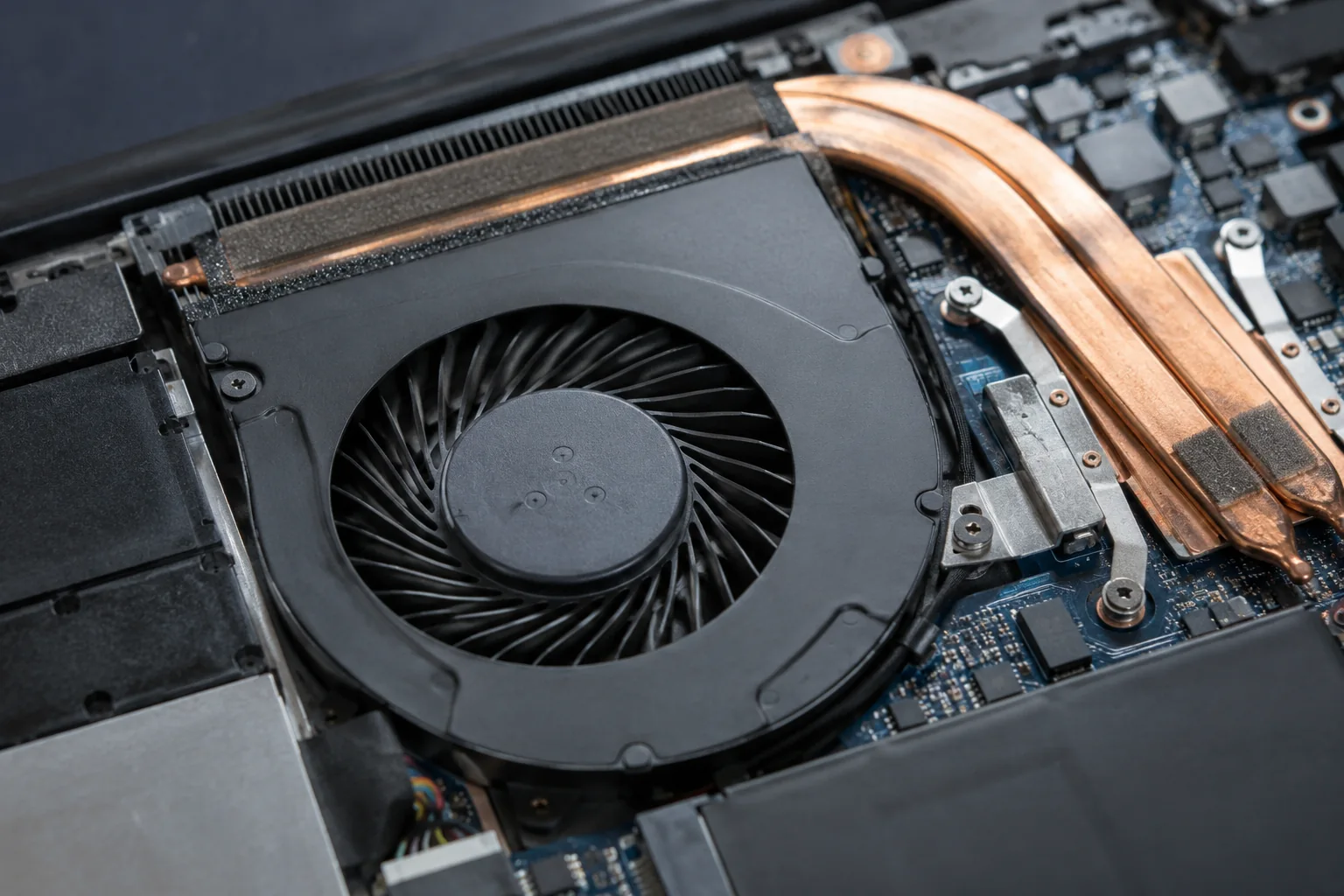
Fan noise does not always mean a fault. Note when it occurs, whether its character has changed and whether the computer also slows down or shuts off.
Noise under load
Games and other demanding tasks can increase cooling demand. Ambient temperature also affects fan activity. Noise alone cannot establish that the fan or thermal paste needs replacement.
Compare idle operation
Save your work and close unnecessary applications. Note whether the sound persists without your usual workload. Tell the technician whether it starts immediately after power-on or only after prolonged use.
Identify the type of sound
Steady airflow is different from mechanical rattling. Stop load testing if new scraping, vibration or unexpected shutdowns occur. A short audio recording can help describe the symptom but does not replace inspection.
Cleaning or replacement?
The decision follows an inspection of dust buildup, the fan and the cooling assembly. Do not order a part using only the laptop series name. Different configurations can use different cooling assemblies. The necessary scope of work is agreed before repair.
How to help identify the cause
Note when the noise begins and whether closing applications changes it. Steady airflow under load differs from new mechanical rattling. Do not try to stop the fan through the vents. If the noise accompanies shutdowns, stop load testing and have the cooling system checked first.
Practical checklist
- Compare the sound at idle and during work.
- Make sure ventilation is unobstructed.
- Provide a short sound recording if possible.
Need help?
Describe the symptoms and share the model. We agree on the work and price before repair.