What the names mean
IPS is an LCD panel type, OLED pixels emit their own light, and mini-LED usually describes an LCD backlight. These are not equivalent interchangeable labels. A technology name alone does not specify every characteristic of a display assembly.
Strengths and trade-offs
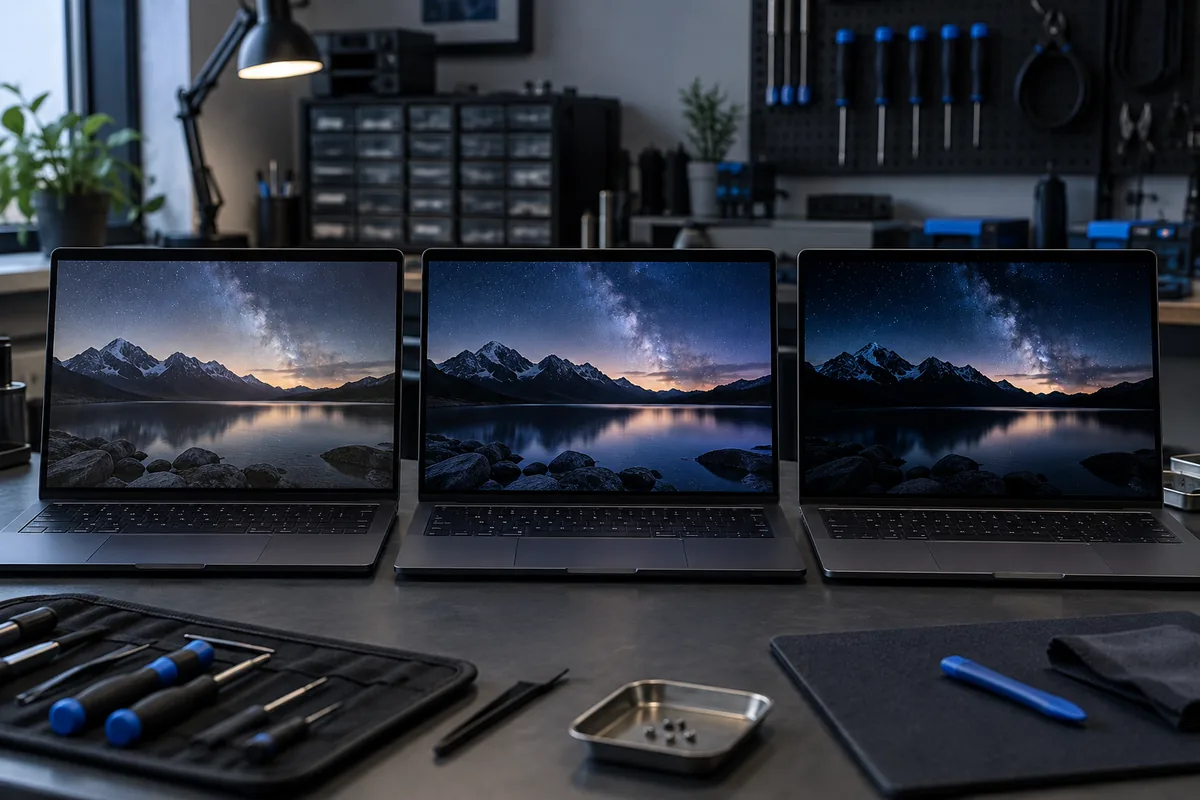
OLED can deliver deep blacks, while prolonged static content deserves care. Mini-LED local dimming can create halos around bright objects. IPS panels also vary considerably. Consider actual workloads rather than choosing solely from technology marketing.
Can you change technology?
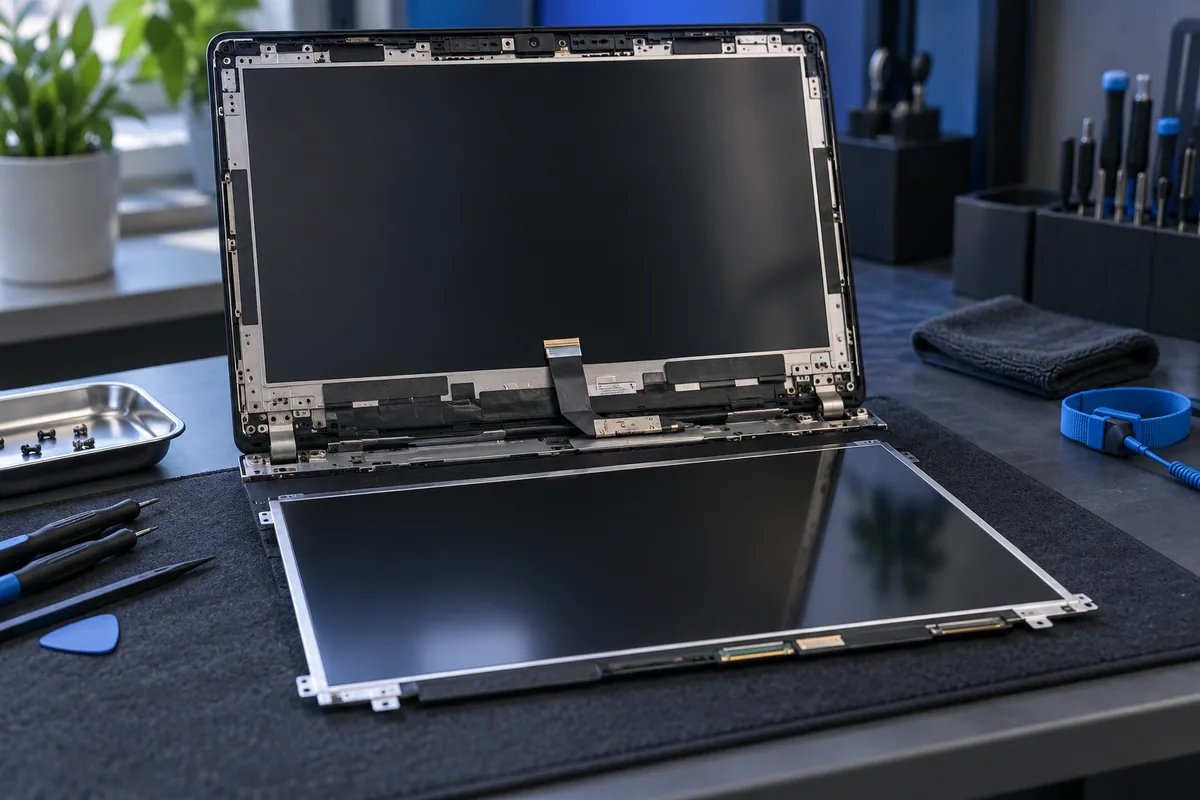
The connector, signal, cable, mounting and device support must all be checked. Matching diagonal size and resolution do not guarantee compatibility. Some laptops require an entire display-lid assembly rather than a separate panel.
Identify the correct part
Provide the exact laptop model and panel code if known. State whether it supports touch and its original refresh rate. Agree on image characteristics and part availability before repair so a cheaper option does not become an unexpected downgrade.
Need help?
Describe the symptoms and share the model. We agree on the work and price before repair.