
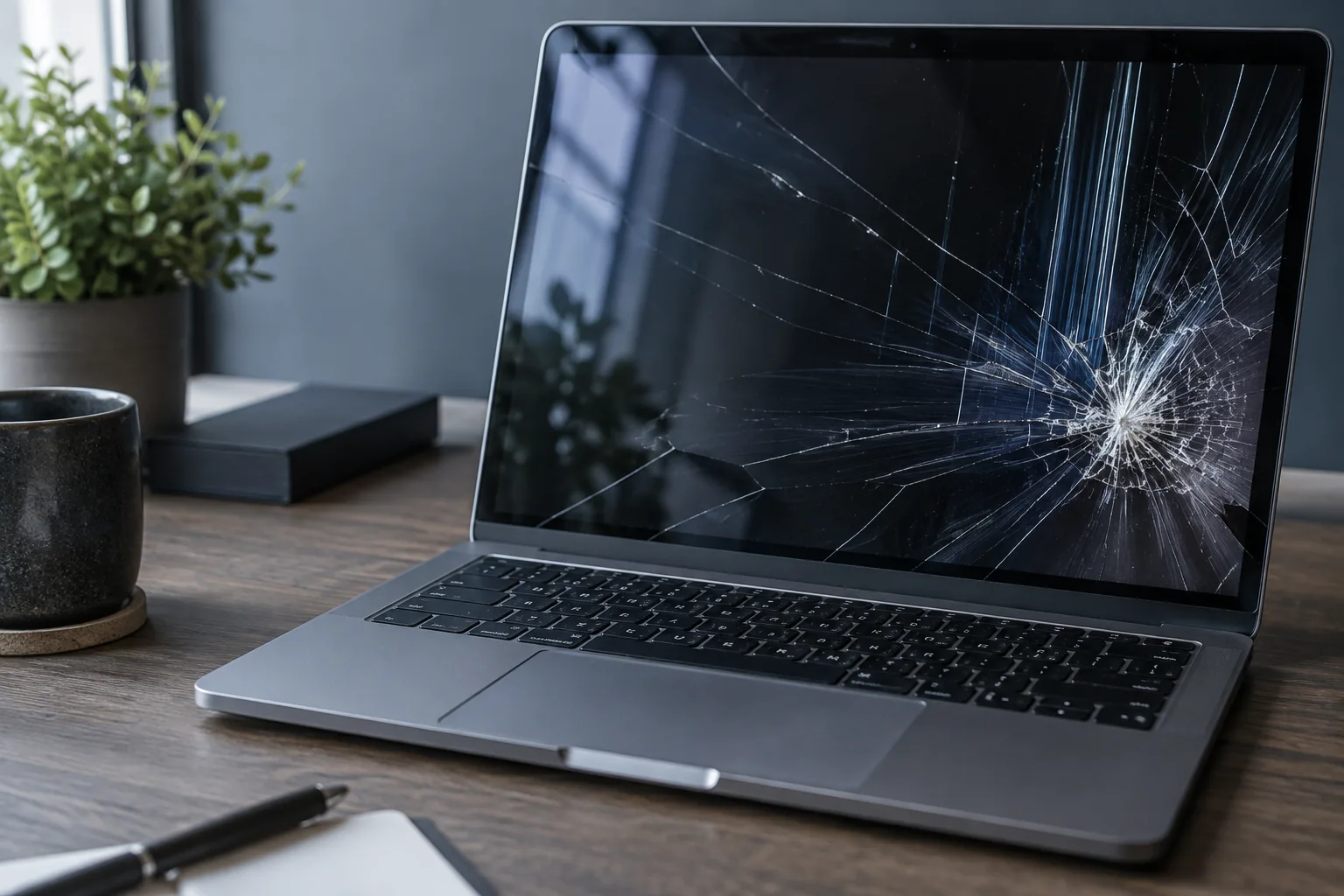
A black screen does not always require a new panel. First check whether the computer itself starts.
Does the computer begin to start?
Note whether indicators light up, the fan moves and a manufacturer logo appears even briefly. Record whether the screen is black from the beginning or loses its picture later. This helps identify the startup stage before choosing the next check.
Try an external monitor
An external picture confirms that the computer starts, but it does not prove that the panel itself is the only faulty part.
Avoid further damage
Do not press a cracked panel or repeatedly move a lid that makes the picture disappear, as the cable and hinges may be damaged further.
Choose the correct panel
Laptop displays differ in size, resolution, refresh rate, connector position and mounting. The exact model and panel code must be checked.
What does an external monitor tell you?
A picture on another monitor narrows the investigation but does not distinguish panel, cable and backlight faults. No external picture does not automatically prove a board failure either: the selected input, cable and startup state matter. An exact model is needed before ordering a panel. Matching size or pin count alone does not guarantee compatibility.
What to check before repair
Check brightness and disconnect unnecessary peripherals. If a compatible monitor and cable are available, compare the external display. Note whether a manufacturer logo, startup sound or keyboard response is present.
Choosing the next step
An external picture narrows the investigation but does not prove panel failure: the cable or backlight may be involved. Do not press the screen or bend the lid to restore a connection.
If these signs persist, learn about the checks and service: Laptop screen replacement in Vilnius.
More questions answered
Can I temporarily use an external monitor?
Yes, if the computer is stable and the fault is limited to the internal display. The cause still needs checking.
Does a black screen mean my files are lost?
No. A display fault alone says nothing about the condition of the drive or files.
Practical checklist
- Note whether moving the lid affects the picture.
- Check the external monitor’s selected input.
- Do not press on a cracked panel.
Need help?
Describe when the symptom occurs, your model and the checks already performed. We agree the scope before repair.

