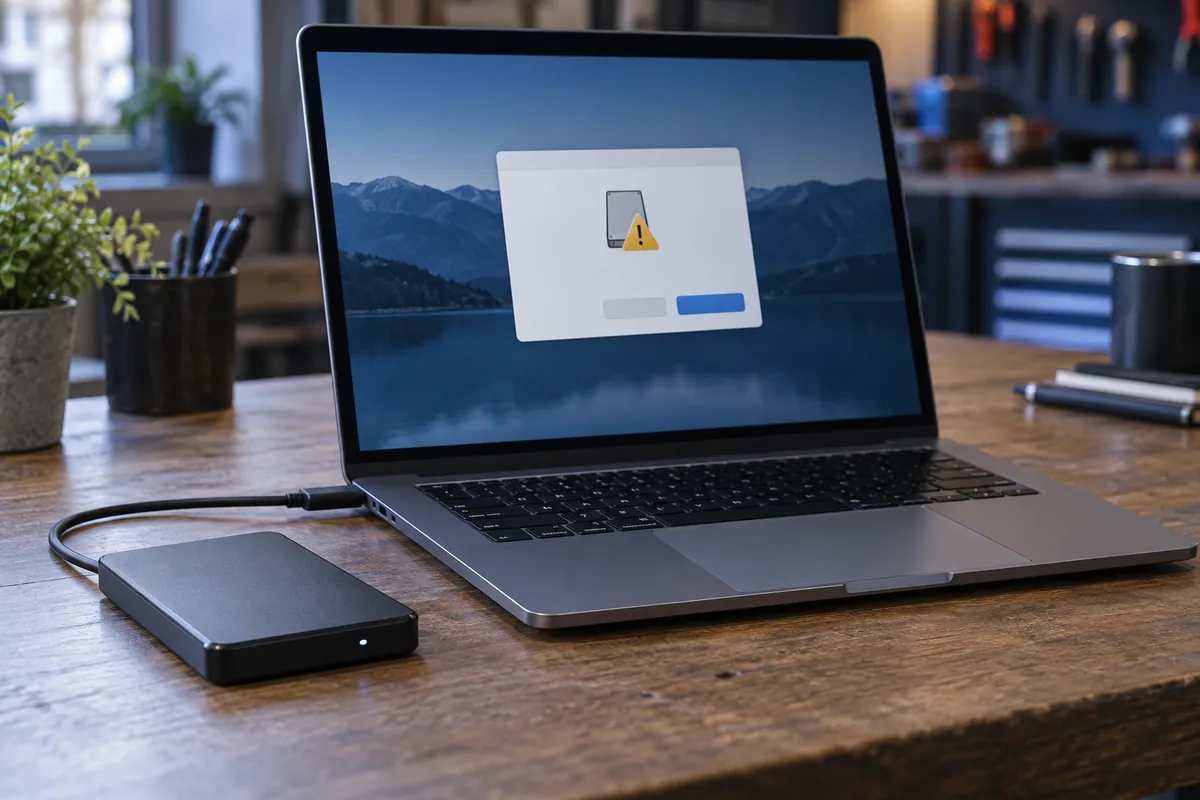
Do not accept simply to open the drive
The system may not recognise the filesystem, encryption or damaged structure. If data was present, formatting is not a safe first test. Cancel the prompt and record which device last used the drive successfully.
Separate compatibility from failure
A Mac-used drive may have a format Windows does not support. Its absence from File Explorer does not prove physical failure. However, disconnects, clicking or read errors require a more cautious assessment.
Avoid experimental repair writes
Creating or repairing partitions changes existing structures. Agree on a preservation plan first when files matter. Repeated long scans are not an appropriate test for unstable storage.
Give the specialist useful history
Identify the last working system, whether a quick format occurred and whether new files were written afterwards. Kmvle does not recover data from physically failed media; the particular case must be assessed before work is agreed.
Need help?
Describe the symptoms and share the model. We agree on the work and price before repair.