If the screen is completely black rather than showing lines: Laptop screen is black: what should you check?
Lines can result from a panel, cable or graphics-processing problem. Note whether they appear before Windows starts.
Note when the defect appears
Check whether lines appear at the manufacturer logo, only in Windows or in one application. Are they constant or affected by workload? Take a phone photograph. A single symptom is not enough to choose a replacement component reliably.
Compare an external display
If you have a compatible monitor and a known-good cable, compare the image. A good external picture points inspection toward the internal display and its connection, but does not rule out every board fault. Defects on both displays call for checking software and graphics hardware too. This is a diagnostic clue, not a final diagnosis.
Do not press the panel
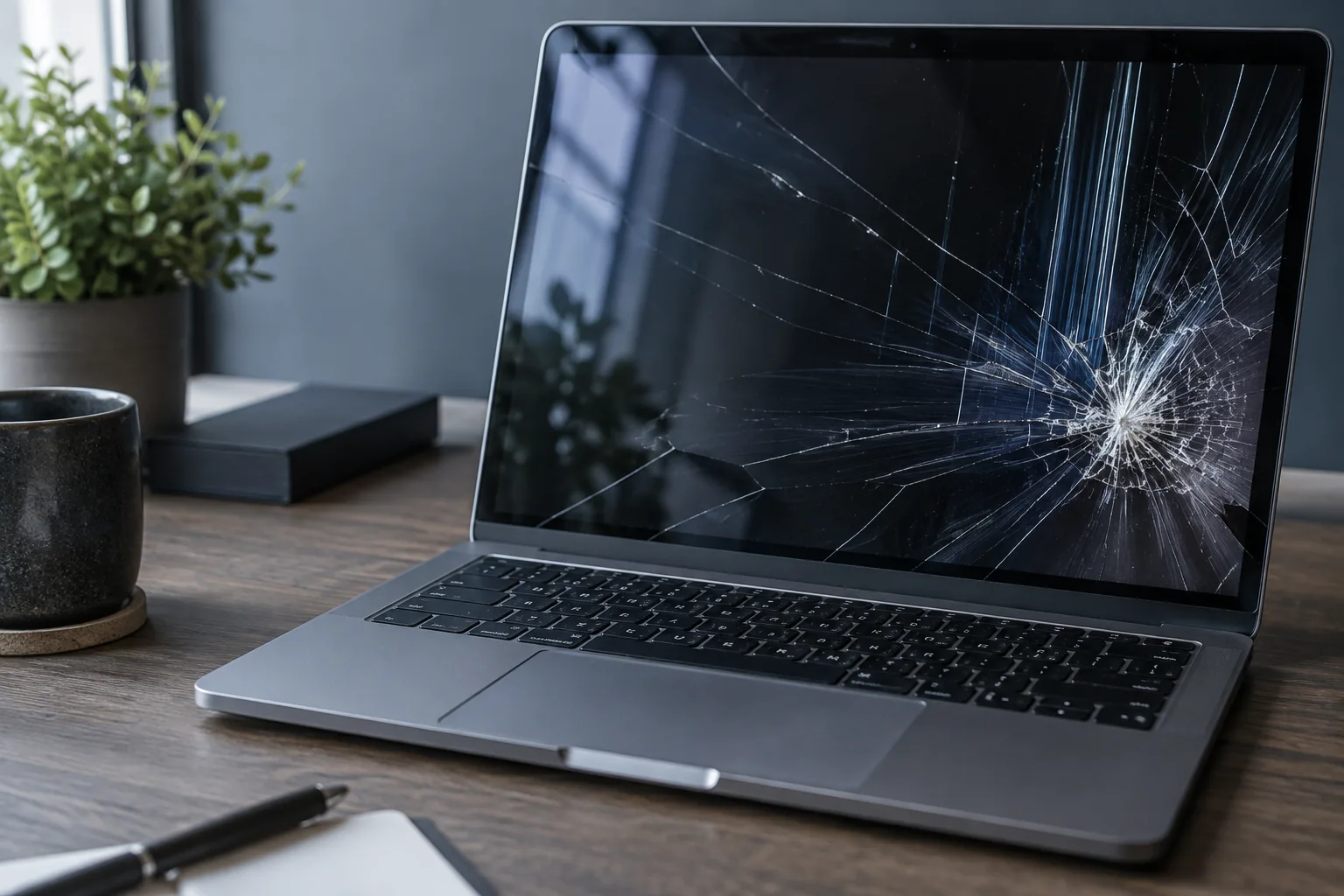
Pressure and repeated lid movement can make damage worse. Tell the technician if moving the lid changes the picture, but do not repeat the test forcefully. Black patches after an impact and visible cracks require a different assessment from flickering limited to one application.
How the repair is selected
The panel, cable, connectors and display circuitry are checked. Kmvle, MB in Vilnius selects a screen by model and specifications, not diagonal size alone. Mention drops, liquid exposure and previous repairs. Work is agreed before ordering a panel; some models require a special part order.
What to check before repair
Take a screenshot and view it on another device. Compare an external monitor if available. Also photograph the physical display, because a screenshot may not capture a physical display defect.
Choosing the next step
If lines are absent from the screenshot, the display path and panel need checking, but this is not a final diagnosis. Do not press a cracked or impact-damaged panel. Replacement requires the correct panel specification, not just its diagonal size.
If these signs persist, learn about the checks and service: Laptop screen replacement in Vilnius.
More questions answered
Will a driver update always help?
No. It cannot repair a cracked panel or physically damaged cable.
Can a replacement be selected by screen size alone?
No. Connector, resolution, refresh rate, mounting and model-specific details matter.
Need help?
Describe when the symptom occurs, your model and the checks already performed. We agree the scope before repair.