Start with a clear purpose
BIOS or UEFI updates can address security, stability and compatibility problems. Read the manufacturer's release notes. Wanting faster Windows performance does not by itself indicate a BIOS fault; the bottleneck may be elsewhere.
Identify the exact model
Computers with similar names may use different firmware. Use the official file for the exact model and, where relevant, motherboard revision. Do not flash a file from another computer simply because it looks similar.
Prepare before starting
Follow the model-specific power and battery requirements. Have a backup and encryption recovery key available. If instructions require temporarily suspending BitLocker, restore protection after a successful update. Avoid arbitrary security changes and do not interrupt an active flash.
When recovery becomes necessary
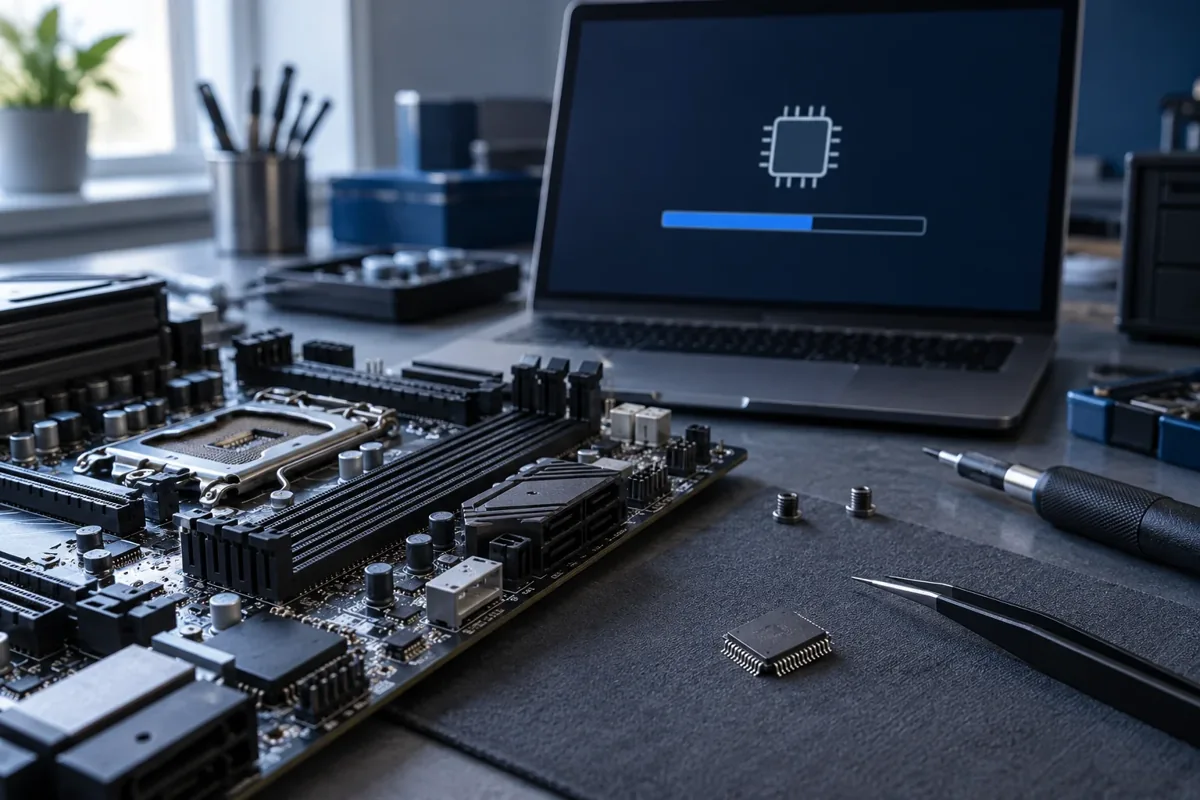
If the computer stops starting after a failed flash, ordinary updating may no longer be available. Some models support manufacturer USB recovery; others need a programmer and board work. Kmvle, MB first assesses the appropriate method. An update and chip reprogramming are separate services. Provide the model and version you attempted to install.
Need help?
Describe the symptoms and share the model. We agree on the work and price before repair.