SSD or HDD? Compare speed, capacity and practical uses, and learn what to check when choosing a drive for your computer.
Choose SSD for speed
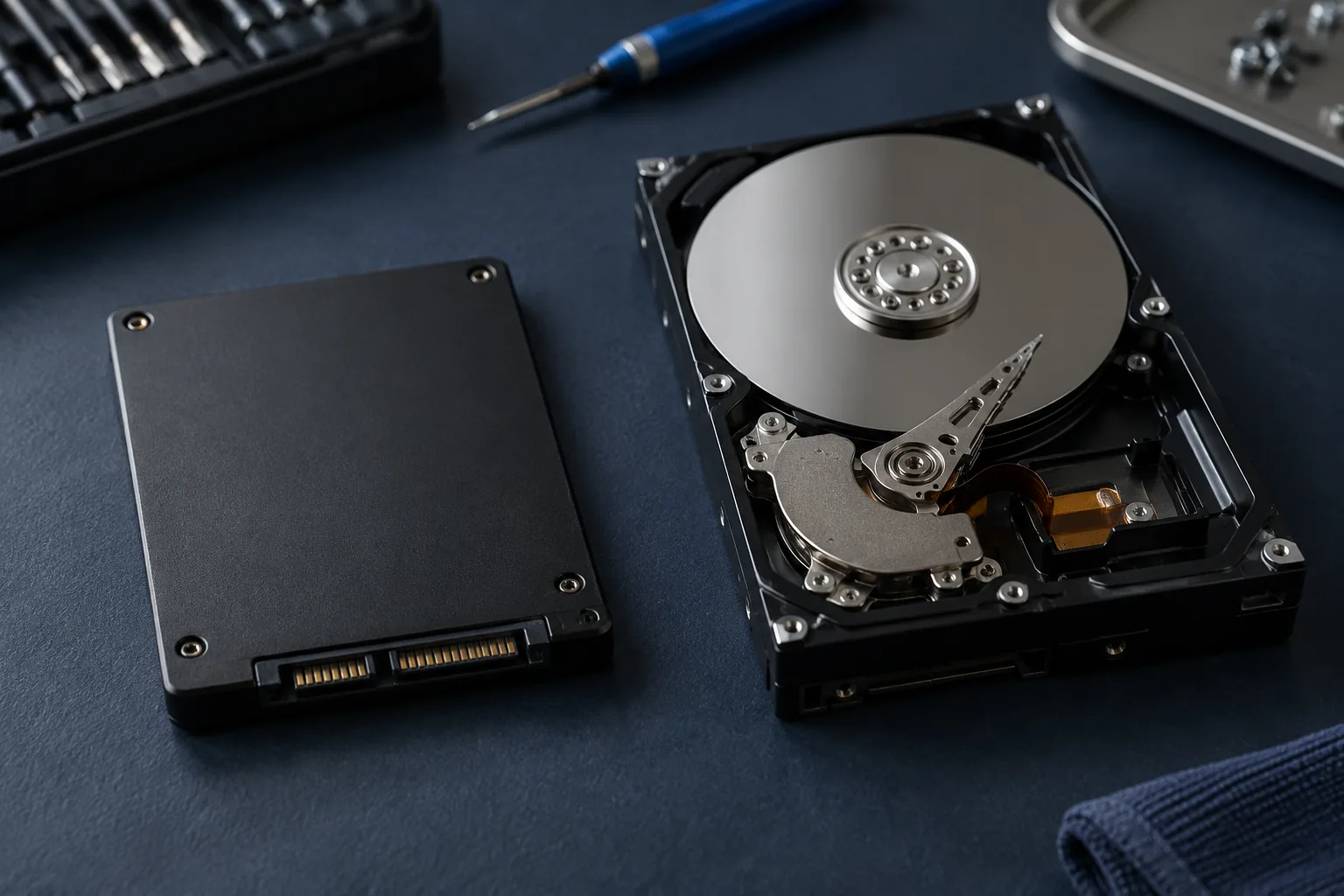
An SSD starts the system and applications much faster and has no moving parts.
Use HDD for large archives
An HDD remains cost-effective for large files and backups where speed is less important.
A practical combination
Use SSD for the system and an additional drive or external storage for archives.
Check the interface before buying
M.2 describes a form factor, not a guarantee of NVMe support. Check the connector, supported protocol and drive dimensions for your exact model. Decide whether to migrate the existing system or install it afresh. Replacing a drive is not a substitute for backup: keep a separate copy of important files before migration.
Practical checklist
- Confirm SATA or NVMe compatibility.
- Allow capacity for existing files and future use.
- Agree on system and data migration.
Need help?
Describe the symptoms and share the model. We agree on the work and price before repair.