Check a used computer before buying: the case, screen, battery and storage, plus useful questions to ask the seller.
Verify the exact model
Compare the model code, processor, memory, storage and display specification with the listing. One product name can cover very different configurations.
Inspect the mechanics
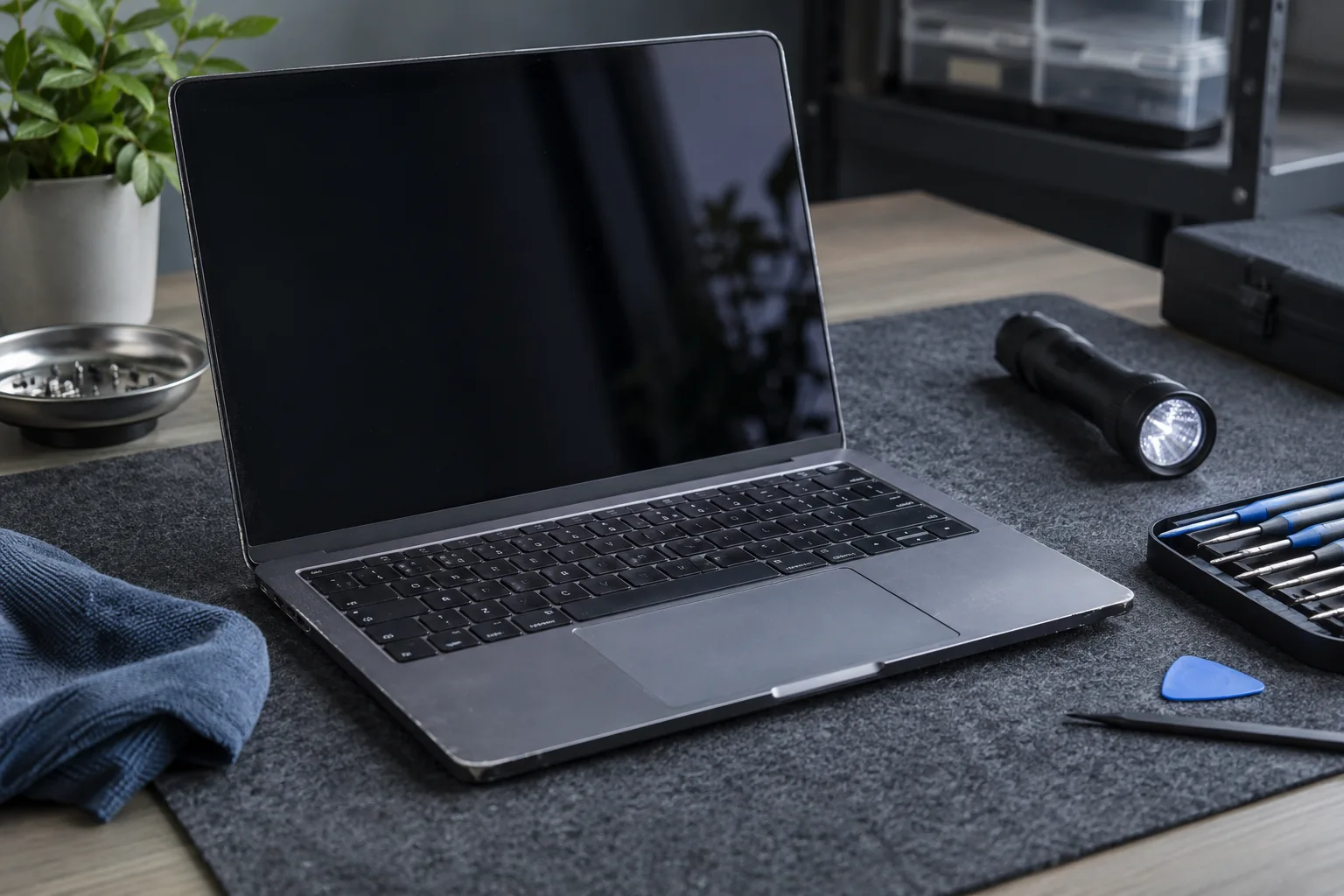
Open the lid slowly and inspect hinges, case gaps, screws, charging socket and ports. Raised panels may indicate impact or a swollen battery.
Test every function
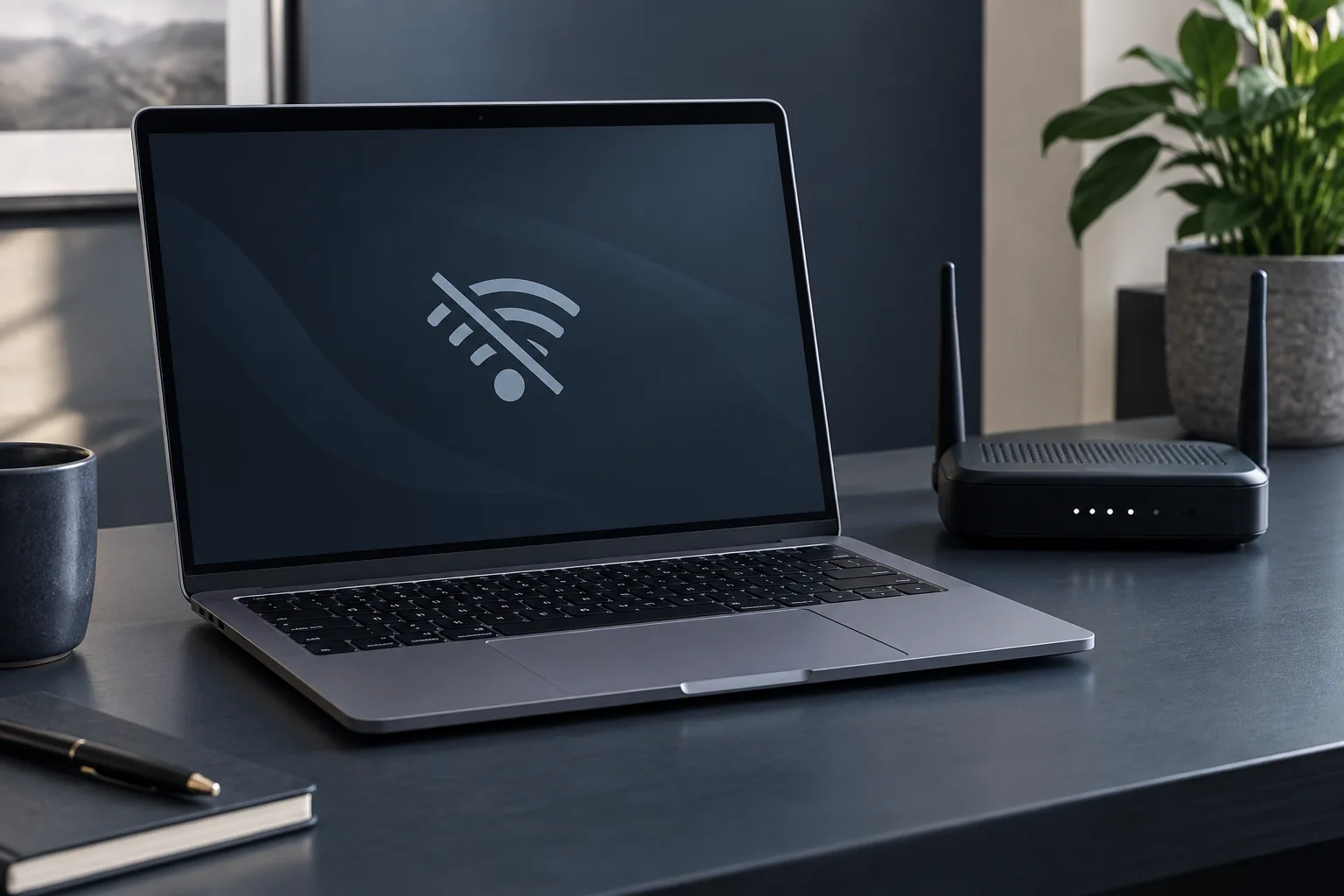
Check the keyboard, touchpad, camera, sound, Wi-Fi, USB and charging. Apply a moderate load and watch temperature, noise and shutdowns.
Check storage and battery
Review drive health and battery cycles together with a real test. Make sure no previous-owner account or management lock remains.
Do not judge a purchase by appearance alone
A tidy case does not establish battery or drive health. Ask to test the computer while it is running and compare its actual specification with the listing. Ensure the seller can remove their accounts and legitimately transfer the device. Include the cost of addressing visible faults. If an important check is refused, do not assume that an unknown condition is a good one.
Practical checklist
- Test the display, keyboard, ports and charging.
- Compare the model and specification with the listing.
- Allow for the cost of defects you identify.
Need help?
Describe the symptoms and share the model. We agree on the work and price before repair.