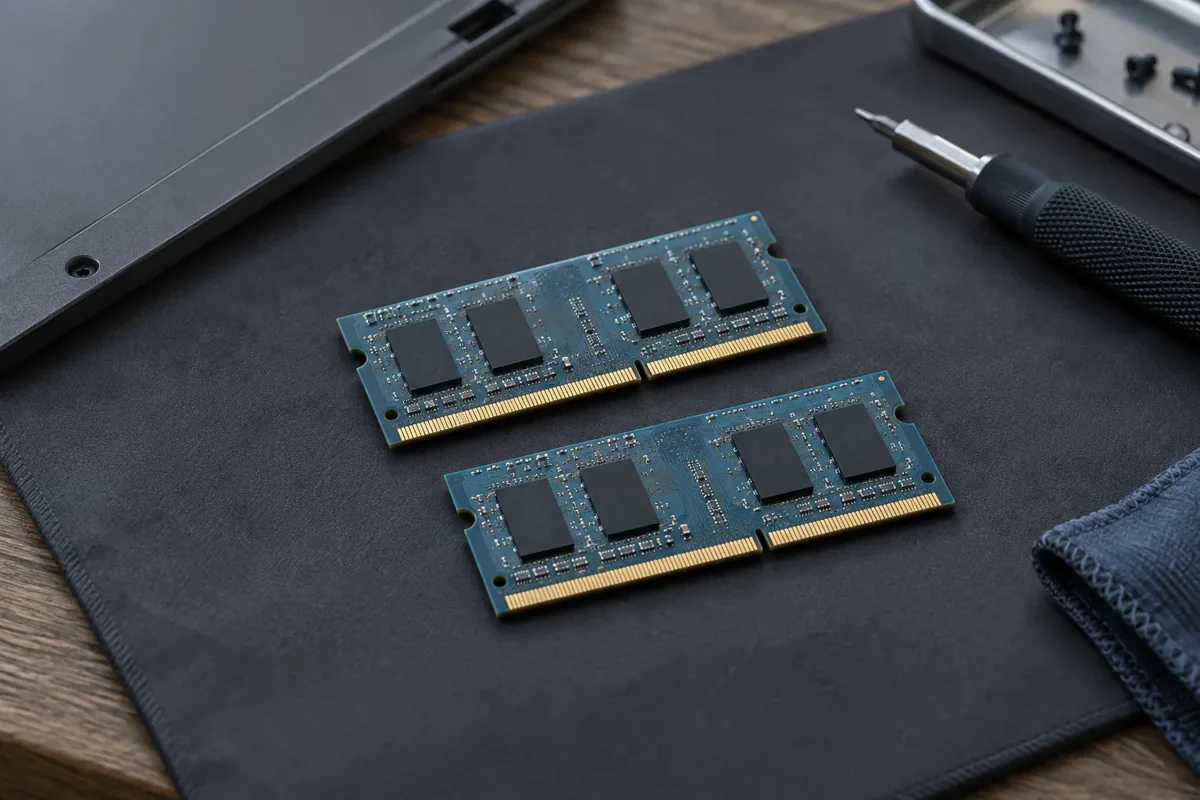
RAM requirements depend on applications and simultaneous tasks. More capacity will not speed up a computer that already has enough memory.
Everyday use
Web browsing, documents and video calls need a moderate amount of memory, but many tabs and several applications can raise demand quickly.
Professional workloads
Photo editing, video production, virtual machines and large projects use substantially more RAM. Consider simultaneous applications, not only the minimum requirement.
Gaming computers
Memory demand depends on the game and background software. More RAM cannot remove processor, graphics or thermal bottlenecks.
Check compatibility
Verify the DDR generation, speed, module type, slot count and maximum capacity. Some laptops have soldered memory.
Use your actual workload as the guide
Open your usual applications and observe memory use. If slowdowns coincide with memory being nearly full, more capacity may help. When plenty of RAM remains available, the cause may lie elsewhere. Check the exact model’s technical manual before buying: memory may be soldered or there may be no spare slot.
What to check before repair
Observe memory use during normal work, not immediately after startup. Note whether slowdowns begin with many tabs or a particular application. Check the exact model: some laptops use soldered memory that cannot be replaced with a standard module.
Choosing the next step
Before ordering, confirm the supported generation, capacity, slots and manufacturer limits. DDR4 and DDR5 are not interchangeable. Extra memory will not resolve an overheating processor or a storage bottleneck.
If these signs persist, learn about the checks and service: RAM replacement and upgrade in Vilnius.
More questions answered
Are two memory modules always better?
The benefit depends on supported configuration and workload. Compatibility matters more than module count alone.
Does replacing RAM erase files?
RAM replacement itself does not rewrite the drive, but important files should be backed up before repair.
Practical checklist
- Assess the applications you normally run together.
- Check their recommended requirements.
- Confirm DDR generation, capacity and module format.
Need help?
Describe when the symptom occurs, your model and the checks already performed. We agree the scope before repair.