Meaning depends on the model
The same number of beeps can mean different things on different computers. Exact manufacturer, model and BIOS implementation matter. A universal online table is not a reliable reason to buy a motherboard. A single short beep can be normal on one system, while another starts silently.
Record the complete sequence
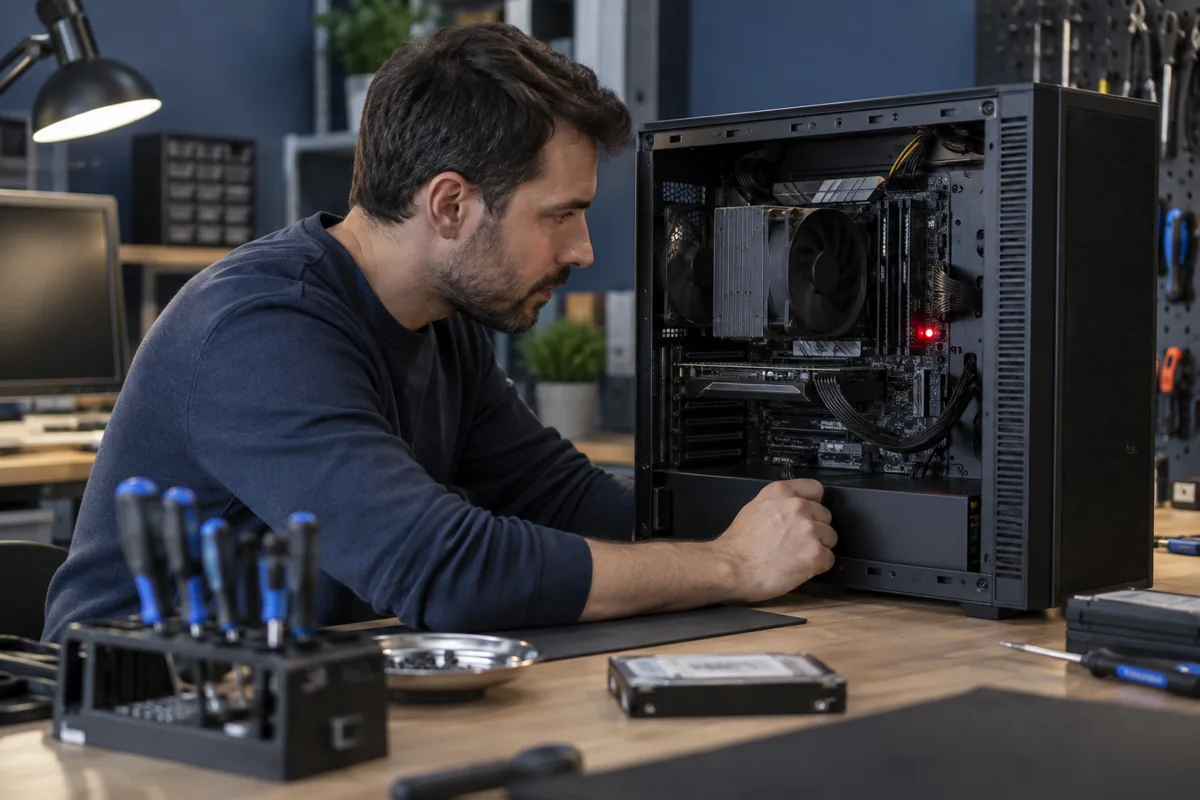
Film startup from the moment the power button is pressed. Count long and short beeps, pauses and repetitions. Record the colour and sequence of flashing power or keyboard lights. Desktop boards may have CPU, DRAM, VGA or BOOT indicators. Brief illumination during startup is different from a light that remains on.
What changed before the signal appeared?
Consider recent RAM, graphics card or CPU replacement and BIOS changes. Initial memory training can take longer on some platforms. Do not interrupt it every few seconds if the manual specifies waiting. However, a burning smell, liquid traces or obvious overheating are reasons to shut down and stop trying.
Safe initial actions
With the computer off, disconnect unnecessary external accessories and try starting again. Never remove internal components while powered on. Leave RAM or graphics card inspection to a specialist if unsure about disassembly. Do not randomly flash BIOS: beeping alone does not prove corrupted firmware.
How is it diagnosed professionally?
The code narrows the search but does not confirm a failed part. A memory indicator can involve a module, slot, CPU memory controller or contact. Technicians use compatible known-good components and check whether the result is repeatable. Bring the startup recording and model numbers of recently changed parts.
Quick checks
| Situation | What to check | What it means |
|---|---|---|
| Signals repeat in groups | Film the whole sequence | A count without pauses can be misleading. |
| Problem followed RAM replacement | Provide the new module codes | Compatibility or contact may be involved. |
| DRAM light stays on | Check the model manual | The light does not prove the module alone is faulty. |
Need help?
Describe the symptoms and share the model. We agree on the work and price before repair.