Measure the available space
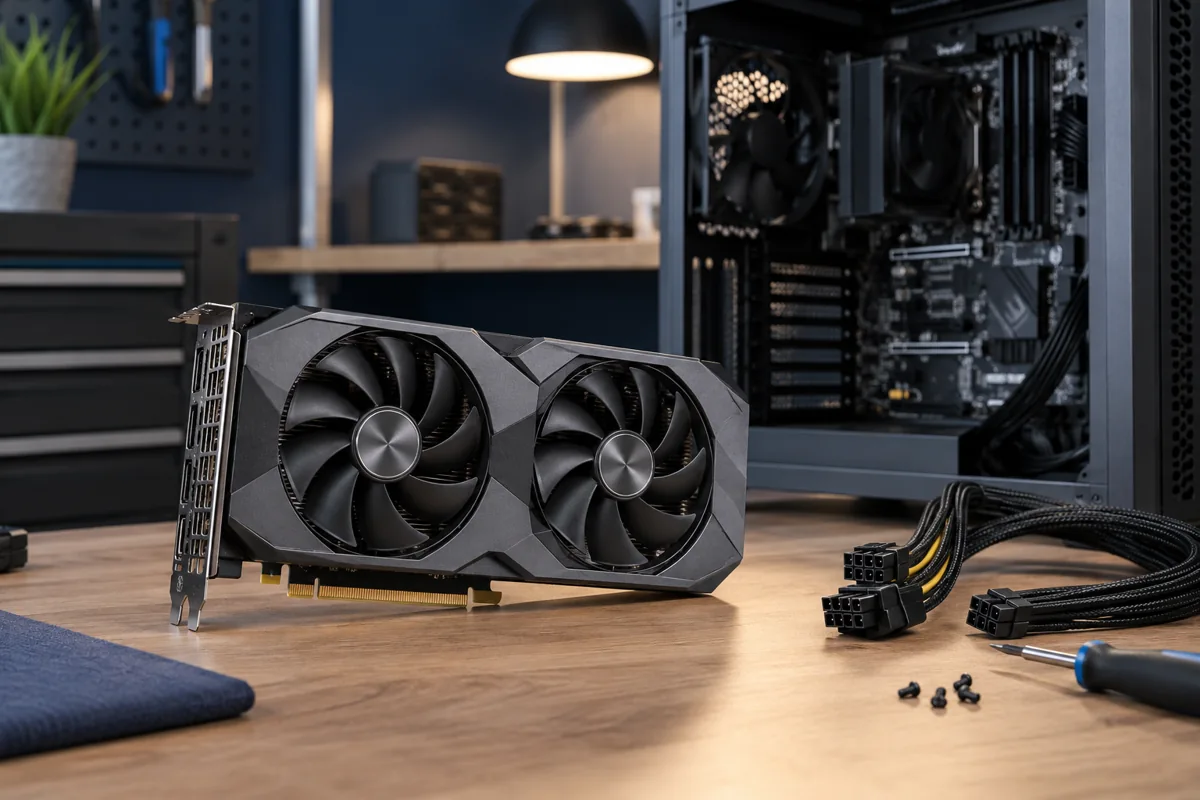
A GPU model name does not specify one size: board manufacturers use different lengths, thicknesses and coolers. Measure clearance to front fans or radiators and the number of occupied expansion slots. Allow space for cables too. A power cable crushed against the side panel is not an acceptable installation.
Check power and connectors
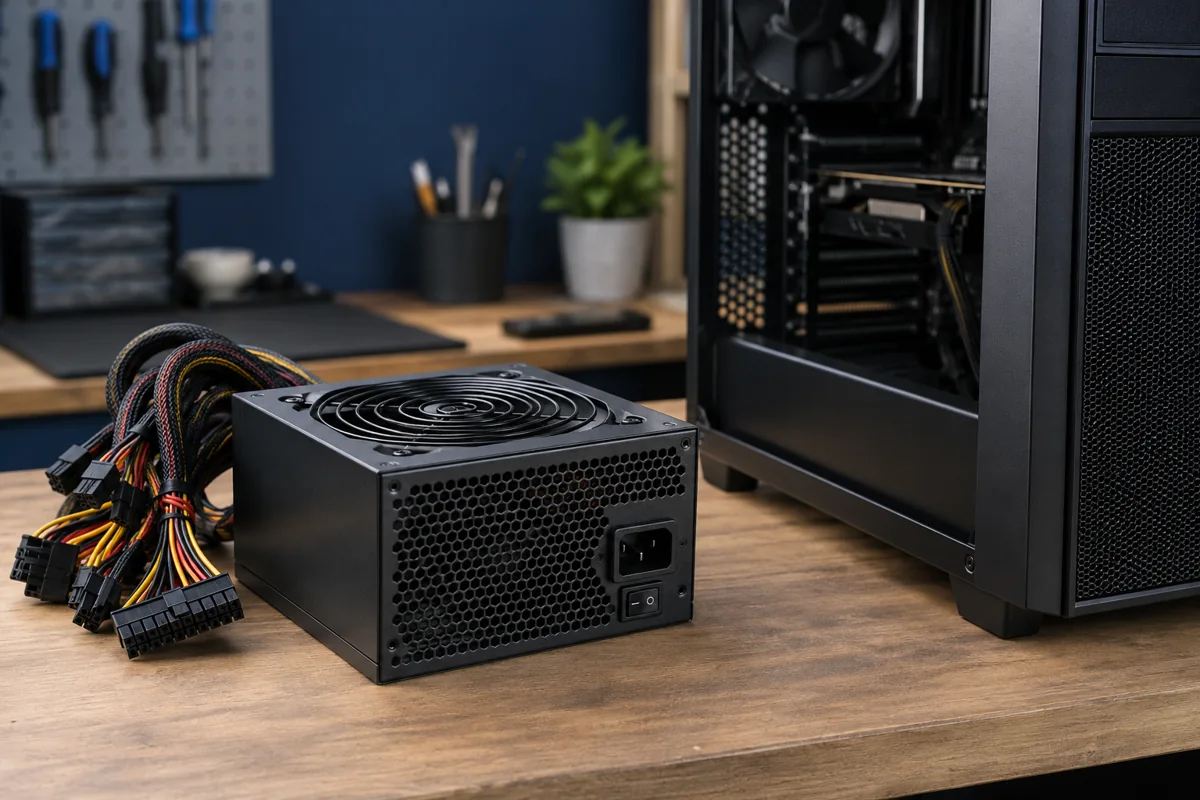
Assess PSU capacity against the whole system and the particular graphics card manufacturer’s requirements. Suitable connectors and PSU condition matter too. Modular PSU cables are not universal: a similar-looking cable from another model may have a different pinout. Do not use arbitrary adapters just because the connectors fit.
Motherboard and monitor
Check the main expansion slot and whether other components obstruct it. Older platforms may have additional compatibility limits. After an upgrade, the monitor normally connects to the new GPU rather than an arbitrary motherboard output. The cable and monitor must also support the intended resolution and refresh rate.
Can the rest of the system benefit?
Gaming performance depends on more than the GPU. CPU, RAM, storage and resolution may impose limits. Explain the target game or application before selecting a part. The most expensive graphics card is not necessarily sensible for an older system. Balanced upgrades can sometimes provide clearer benefits.
Test after installation
Choose drivers for the exact manufacturer and operating system. Check stability, display outputs and behaviour under load. Correct mounting is essential, and a heavy card may need an appropriate support bracket. Provide the computer, PSU and desired GPU models so compatibility can be assessed before purchase.
Quick checks
| Situation | What to check | What it means |
|---|---|---|
| New card is longer | Measure clearance with radiator and cables | External case dimensions are insufficient. |
| Required power connectors are missing | Assess a compatible PSU | An arbitrary adapter is not a universal fix. |
| No image after replacement | Check the monitor connection | Use the appropriate display output. |
Need help?
Describe the symptoms and share the model. We agree on the work and price before repair.