Record the error and model
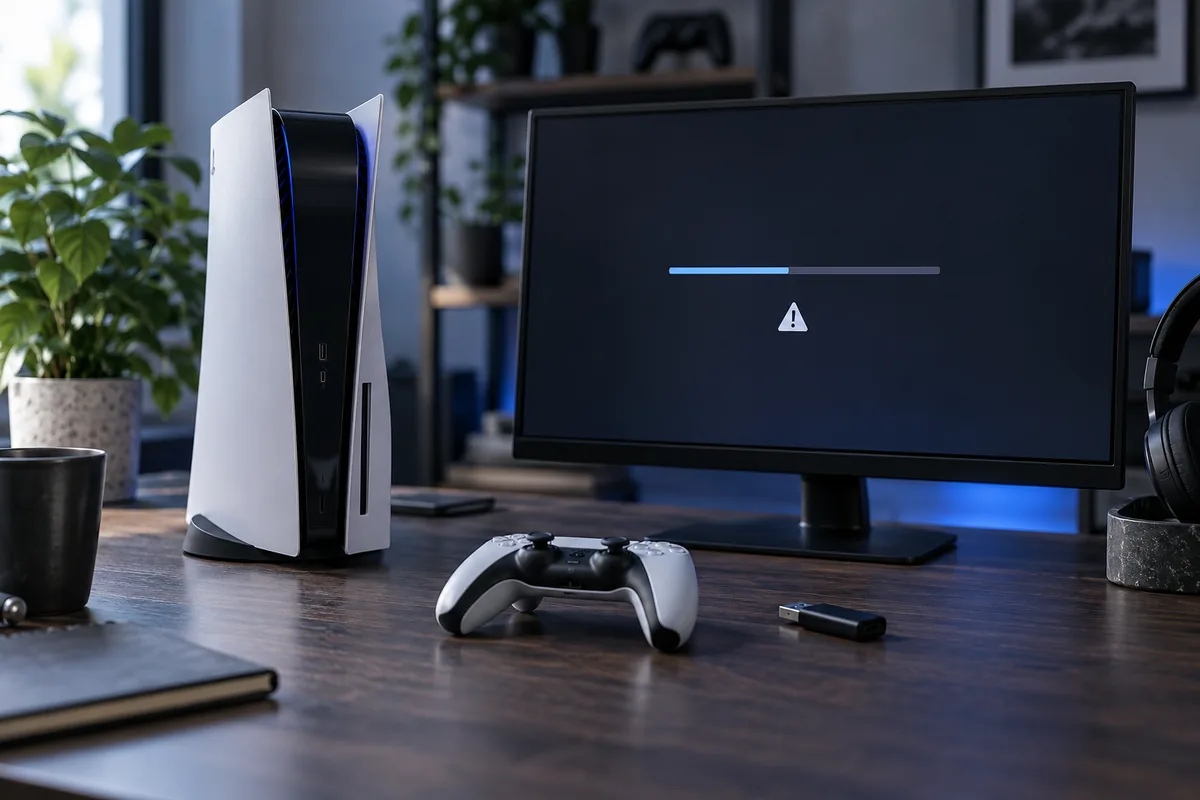
Different PlayStation and Xbox generations use different recovery procedures. Photograph the code and note whether failure happens during download or installation. A generic failure message is not enough to choose the correct action.
Check basic conditions
Assess free space, network stability and power. If installation is progressing without clear signs of a stall, do not rush to disconnect electricity. Download failures and internal storage errors can look similar but require different responses.
Use official files only
For USB recovery, the file must match the exact model and intended operation. An update and a complete reinstallation are different actions. Avoid random archives and tutorials that fail to explain data consequences.
Discuss preservation before erasure
Verify that game progress is actually synchronised or covered by a supported backup. Signing into an account does not guarantee that every local file is preserved. Repeated errors need diagnosis; continual resets do not fix hardware faults.
Need help?
Describe the symptoms and share the model. We agree on the work and price before repair.