Check model capabilities
External display counts and supported modes depend on the MacBook model and processor. A configuration that works on another Mac may not work on yours. Check Apple's model specifications and the requirements of your macOS version.
Test with the lid open first
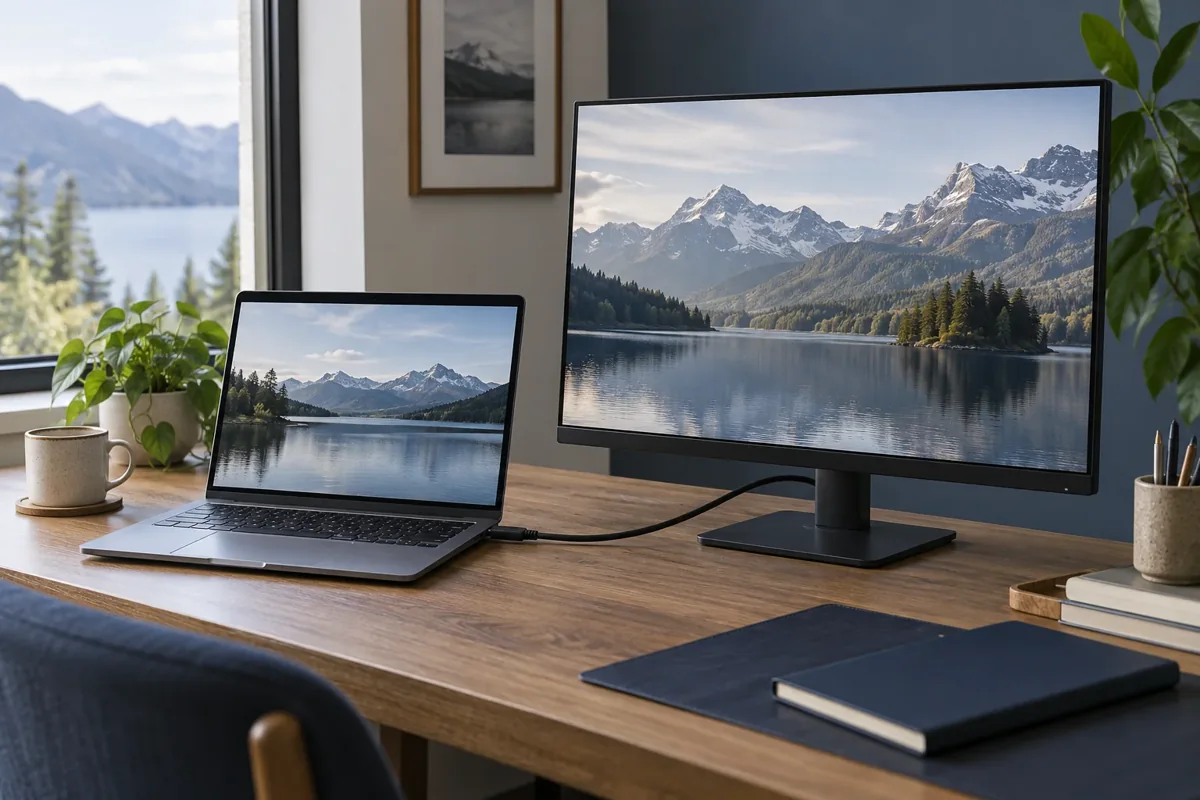
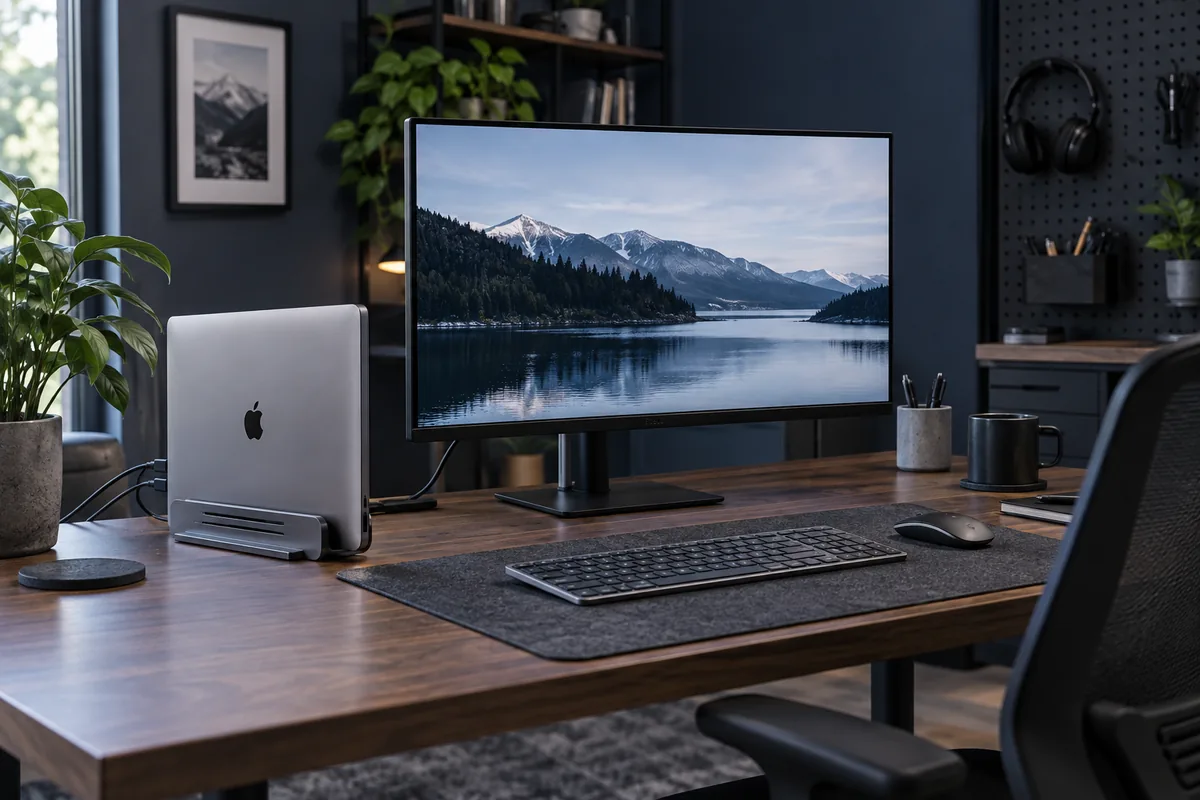
Confirm that the monitor works with the laptop open. Select the correct input and cable. Then test closed-lid operation with the required power and external input devices. This separates a general connection problem from closed-lid behaviour.
The dock can affect the result
A dock may supply insufficient power or limit display modes. A direct connection helps narrow down the cause. A USB-C connector alone does not guarantee video, adequate charging power or multiple-display support.
Keep cooling clear
Do not leave a running closed laptop in a soft sleeve or with blocked vents. If the issue appears only after warm-up, note the workload and temperature behaviour. Provide the Mac, monitor and dock models plus the connection layout for diagnosis.
Need help?
Describe the symptoms and share the model. We agree on the work and price before repair.