Connected power does not always mean charging
Check battery status and whether the Mac detects the adapter at all. Intentionally paused charging differs from complete failure to recognise power. Record the message and battery percentage. If the Mac shuts down as soon as the adapter is unplugged, assess the battery rather than automatically replacing the USB-C socket.
Evaluate adapter and cable together
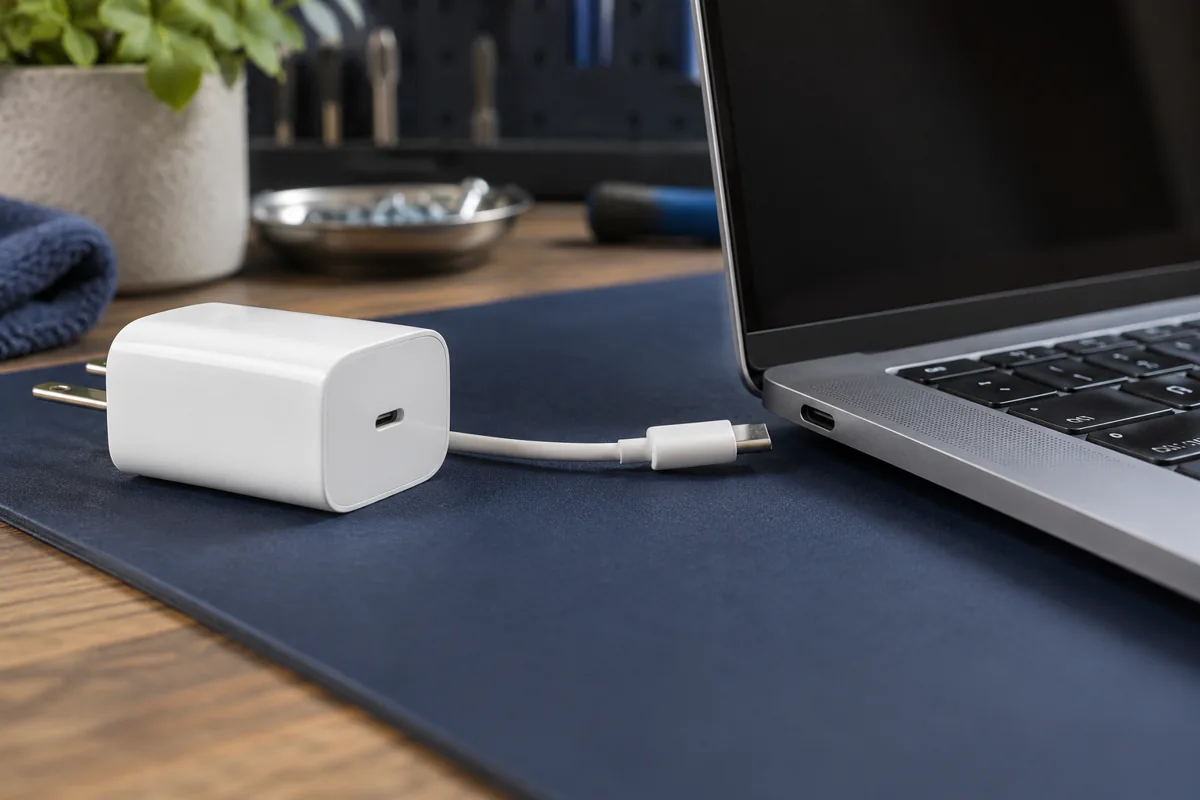
A USB-C connector shape does not guarantee sufficient power. Both adapter and cable must support the particular Mac’s requirements. A low-power source may not increase the battery level while working. Test a compatible known-good set; record results when changing one part. A data cable is not necessarily rated for higher charging power.
Inspect without force or liquids
Look for cable damage, darkened contacts, unusual heat or a loose connector. Do not insert metal tools or pour cleaner into the port. If contact requires strong pressure, continued use can worsen damage. Do not power on a liquid-damaged computer simply to check charging again.
Model differences and software
MacBook generations use different power arrangements. Online controller-reset instructions are not universal, particularly between Intel and Apple silicon. Follow Apple’s guidance for the specific model. Mention if other accessories also fail in the same port: this is useful additional evidence.
What should you bring?
Bring the MacBook, usual adapter and cable. This allows the entire chain to be tested rather than replacing parts by guesswork. Diagnosis covers power acceptance, ports and battery behaviour. A repair is proposed after identifying the cause. Explain which files matter and whether a backup exists.
Quick checks
| Situation | What to check | What it means |
|---|---|---|
| Adapter detected but not charging | Read battery status | A pause differs from missing power. |
| Works only with another cable | Stop using the suspect cable | Check its condition and power capability. |
| Port is hot or darkened | Stop using it | Inspection is needed before further charging. |
Apple: USB-C power adapter checks ↗
Need help?
Describe the symptoms and share the model. We agree on the work and price before repair.