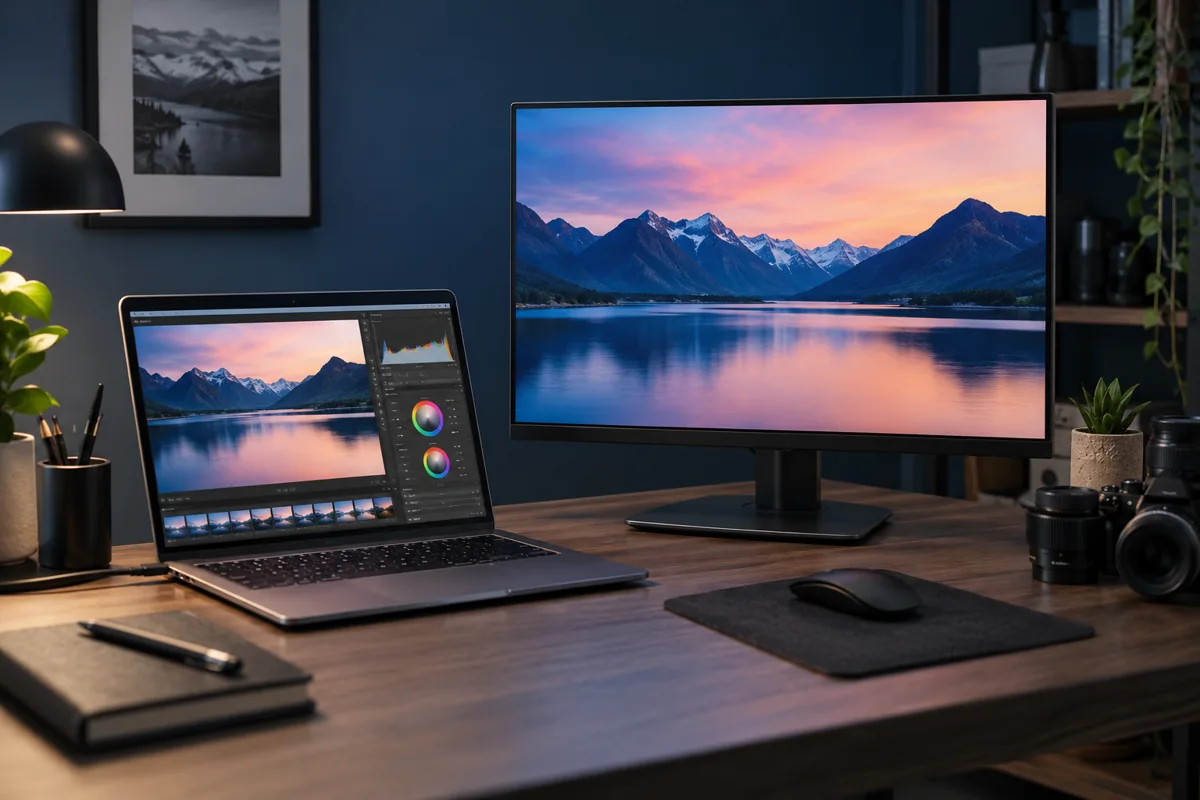
Compare the display rather than a photograph
Phone photographs depend on camera white balance and lighting. Compare the same file and a known colour sample under controlled conditions instead. Note whether the tint changed suddenly or the screens always differed. Different monitor types and classes do not necessarily produce identical images.
Night modes and colour profiles
Check warm-colour modes, system colour filters and the monitor’s own menu. Gaming, cinema and reading presets can substantially change the picture. Record current settings before resetting, especially on a display calibrated for work. Raising brightness alone will not correct the wrong colour temperature or profile.
HDR and application differences
HDR mode and application colour management can change how the same content appears. Compare the same file in one application and check the intended content mode. HDR support does not imply identical real-world capabilities. Professional photo work needs reliable profiling and measurement, not just matching another arbitrary screen by eye.
Try another cable and source
For a sudden colour change, test another suitable cable and image source. Check whether the monitor’s own menu also looks wrong. A problem confined to one computer can involve its output settings; the same defect with every source points more towards the display. Change one condition at a time and record the comparison.
When is repair needed instead of adjustment?
Coloured lines, dark areas, changes after warming up and impact damage are not merely calibration issues. Do not press on the panel or open the enclosure with its power circuitry. The service centre assesses the fault and repair value against the model and parts availability. Calibration and electronic repair address different problems.
Quick checks
| Situation | What to check | What it means |
|---|---|---|
| Whole screen has a warm yellow tint | Check night and reading modes | A setting adjustment may be enough. |
| Defect remains with another source | Compare the monitor menu | A display-side fault is more likely. |
| Line or dark area | Do not press the panel; request inspection | A colour profile cannot remove physical damage. |
Need help?
Describe the symptoms and share the model. We agree on the work and price before repair.