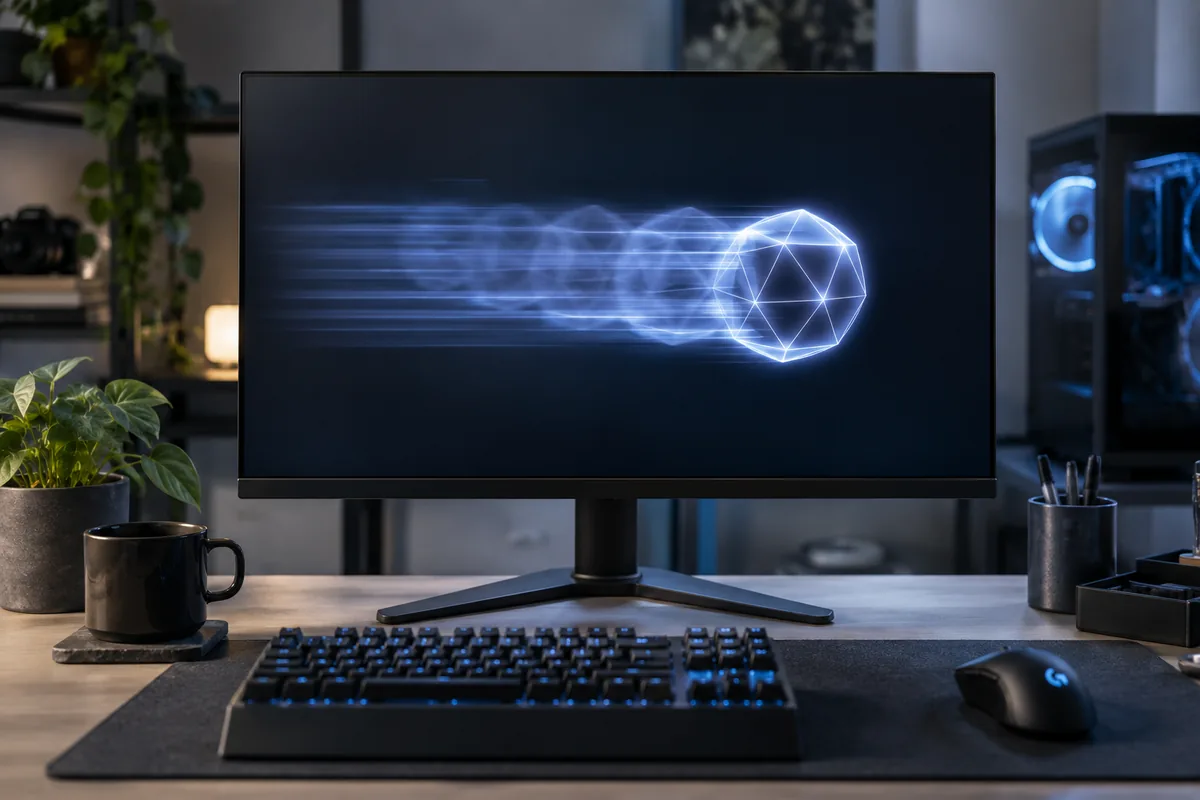
When does the trail appear?
A shadow visible only behind a moving object may relate to pixel transitions. A fixed line or patch visible even in the monitor menu is a different issue. Compare applications to rule out an effect produced by one game.
Maximum overdrive is not always best
Response-time acceleration can reduce one trail but produce a bright or dark outline when set too high. Try a moderate setting. The best option may differ with refresh rate, so test the mode you actually use.
Check the game and refresh rate
In-game motion blur and low frame rates can resemble monitor problems. Confirm that the system is using the intended refresh rate. Selecting the highest rate does not remove all response characteristics of the panel.
Information for diagnosis
Provide the monitor model, refresh rate and response-time setting. Check whether another computer produces the same symptom. A phone recording can introduce its own artefacts, so interpret recordings alongside direct observation.
Need help?
Describe the symptoms and share the model. We agree on the work and price before repair.