Check the physical connection
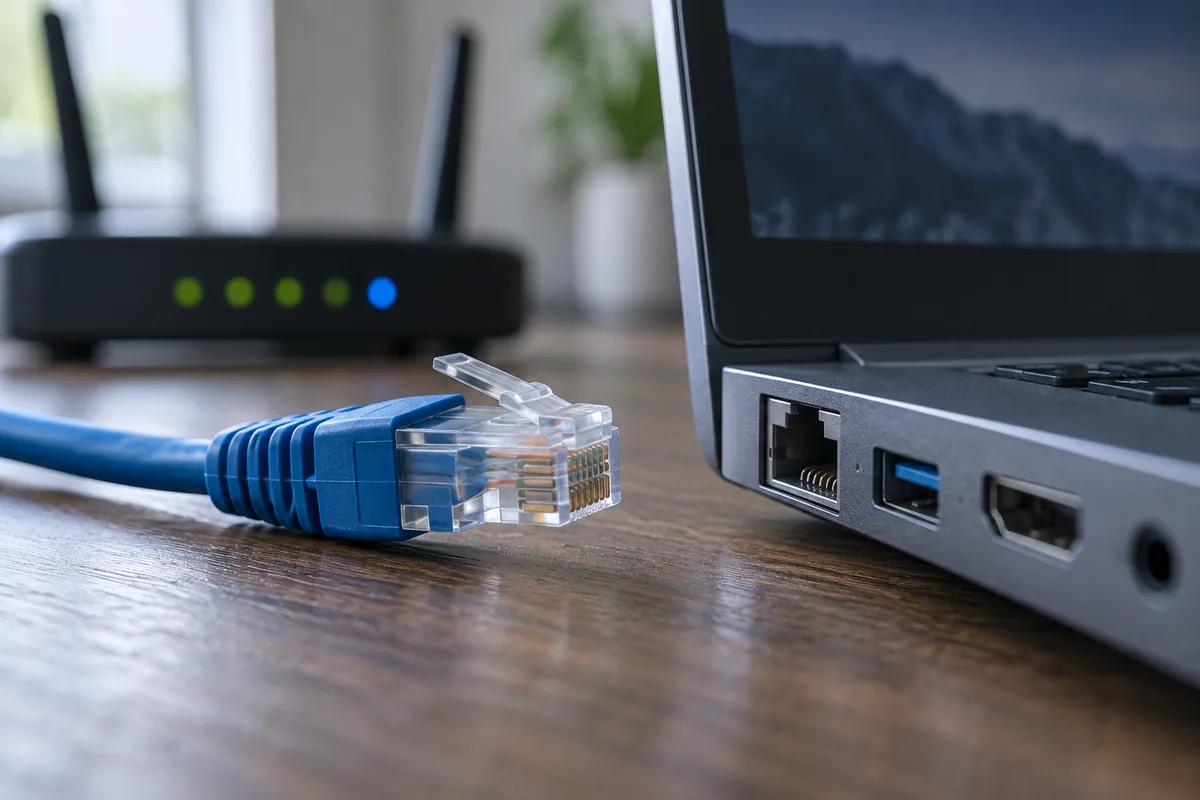
Make sure the cable latches at both ends. Try a known-working cable and another router LAN port. Link lights can help, although their meanings vary by model. Never insert metal objects into the socket.
Is only this computer affected?
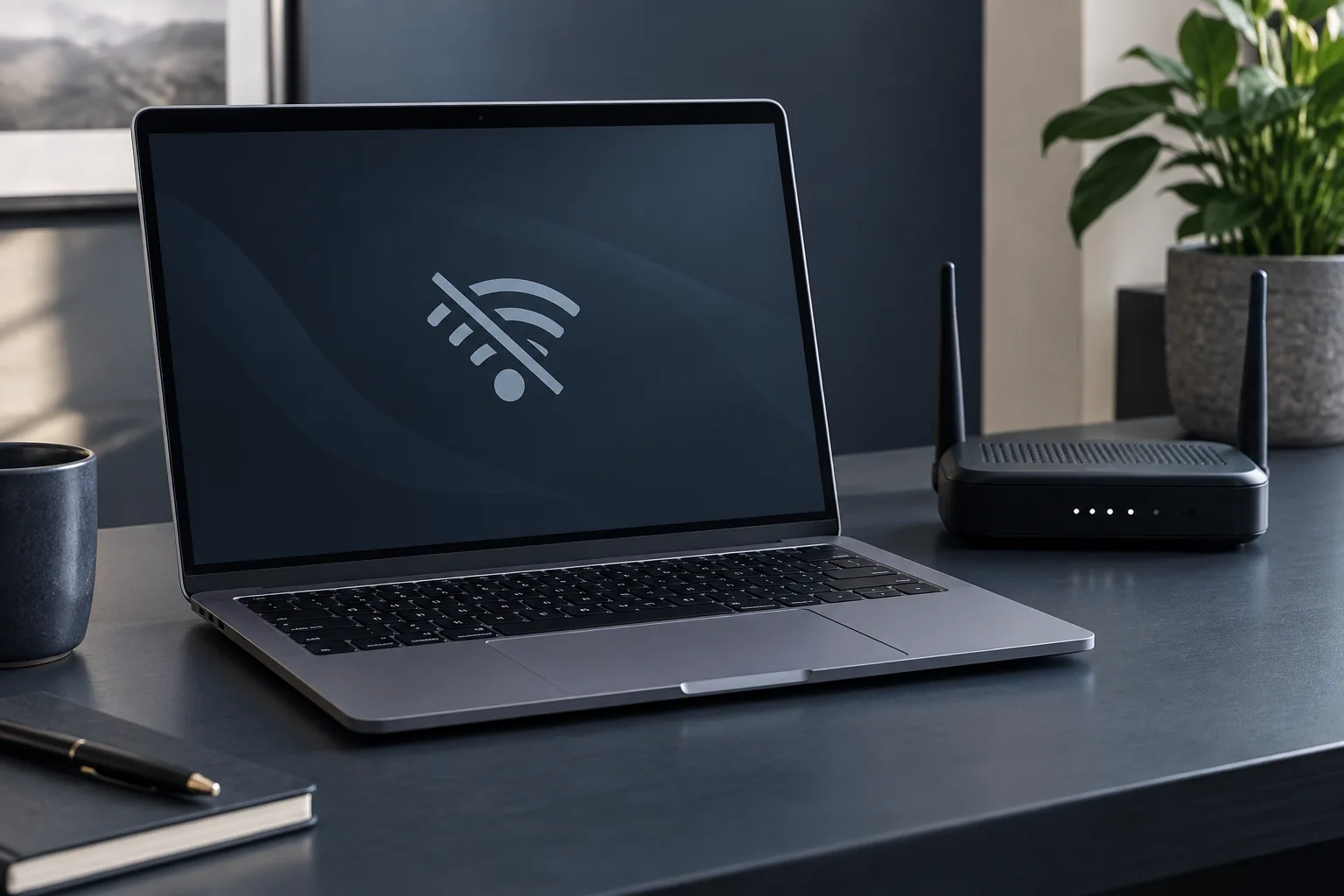
Compare another device on the same network. If nothing has internet access, the router or provider may be responsible. Working Wi-Fi does not guarantee that a particular LAN port, cable or network adapter is healthy.
Inspect system status
Check that the Ethernet adapter is enabled and recognised. Obtain drivers from the computer or motherboard manufacturer. On a managed workplace network, do not change static IP settings without the administrator: those settings may be required.
When to suspect socket damage
A connection that drops when the cable moves, or a loose physical port, needs inspection. Record the cables and ports tested. A USB network adapter can help comparison but does not diagnose or repair the original socket by itself.
Need help?
Describe the symptoms and share the model. We agree on the work and price before repair.