Start with a suitable cable
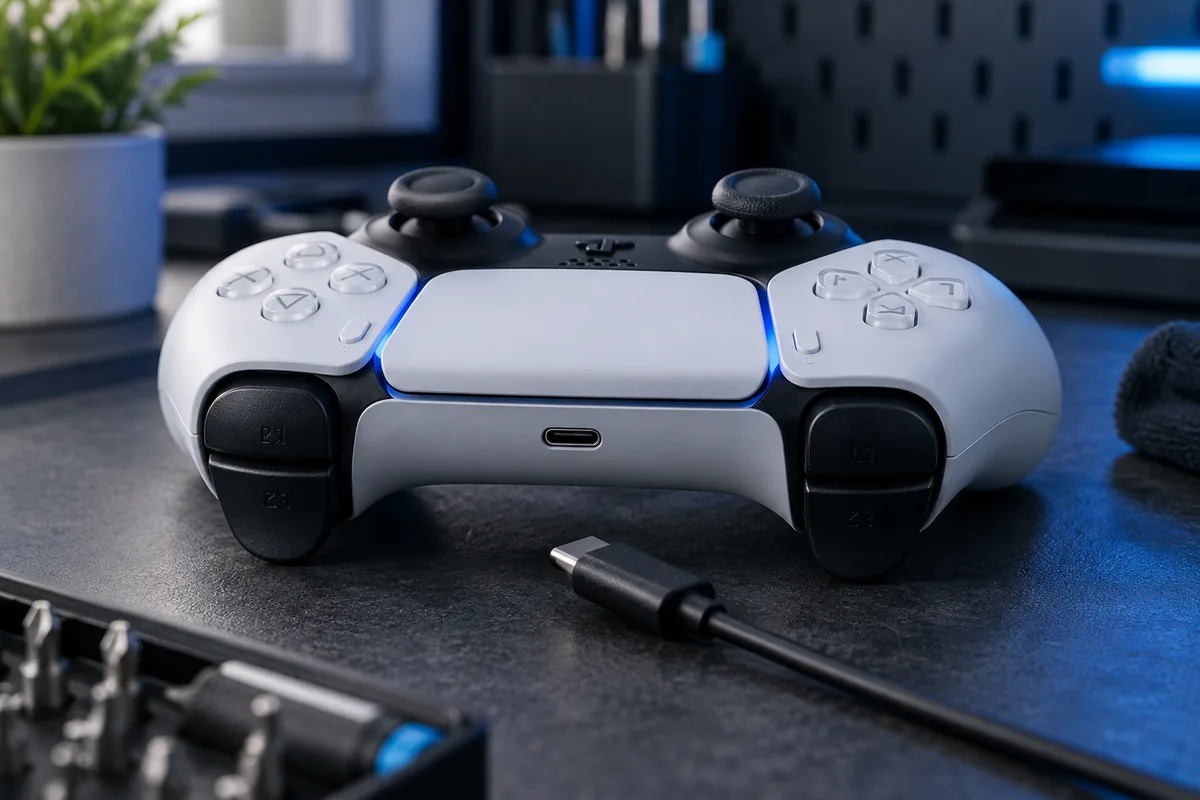
Test a known-working cable and power source appropriate to the controller model. Compare a direct console connection with the charging station you normally use. A charging problem does not always mean battery wear: the cable or contact may be damaged.
Observe indicators and runtime
Note whether charging is indicated, whether the controller works connected and how long it runs unplugged. Short runtime differs from no power at all. If the problem occurs only during console rest mode, check USB power settings.
Do not force the connector
If the cable must be held at an angle, stop bending it. Never insert metal tools into the port or pour cleaner inside. Visible damage, liquid exposure or unusual heat calls for stopping tests and arranging inspection.
Prepare for service
Provide the exact model and the cable if the symptom repeats with it. The battery, socket and charging circuitry need separate checks. Agree the part and repair scope after assessment; an external symptom alone cannot identify the cause.
Need help?
Describe the symptoms and share the model. We agree on the work and price before repair.