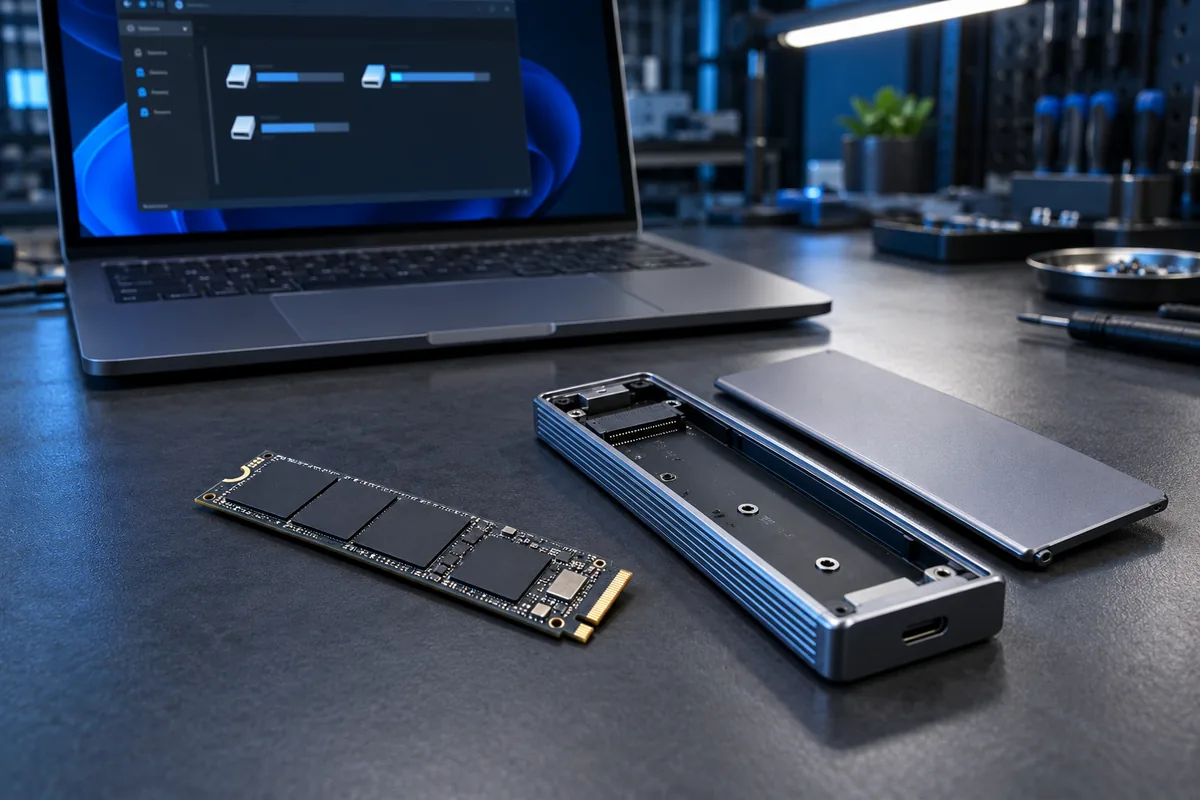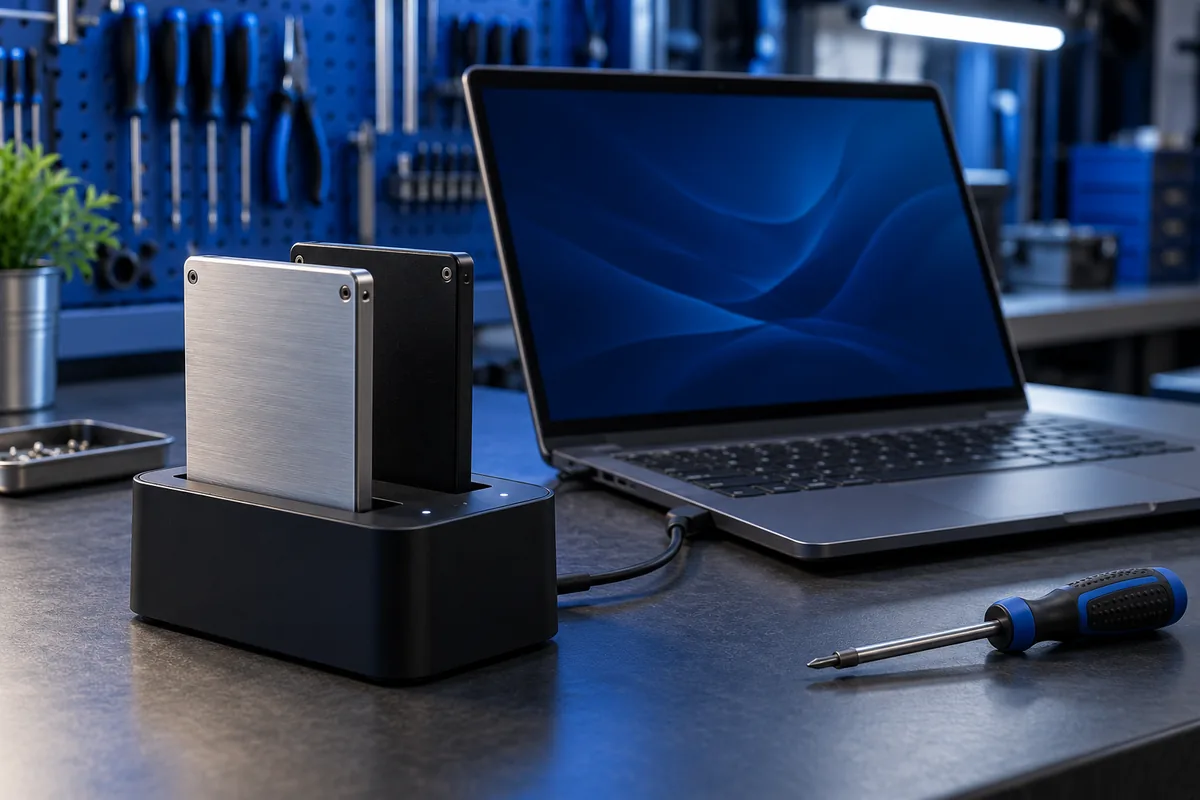
If you have not cloned yet and are choosing a migration method: Disk cloning or a fresh Windows installation?
Keep the original drive intact for now
Preserve the source disk and maintain a separate copy of important documents. The desktop appearance cannot identify the boot device: a successful clone is meant to look familiar. The letter C: does not identify a physical SSD model either.
Record both drive models, capacities and serial numbers where available. Compare them with the information in Disk Management. Do not format or delete partitions simply to make the two drives easier to tell apart.
Treat boot selection as a separate step
Cloning and choosing a boot device are different operations. UEFI or BIOS may still select the previous entry. Follow the computer documentation to check the Windows Boot Manager associated with the new SSD, or the appropriate entry for that configuration.
Do not switch between UEFI and Legacy modes or disable security features as a guess. If no suitable entry exists for the new disk, first establish which partitions were transferred and how the drive is connected. Random changes make a working configuration harder to recover.
Check that the new disk can start on its own
The important test is a startup that no longer depends on the source drive. Where the computer design permits it, a competent person can temporarily disconnect the original only after shutting down fully and following the model-specific service instructions. Otherwise, ask a technician to perform this check.
If drive encryption is enabled, have the necessary recovery information available before changing the hardware configuration. If the new SSD cannot start independently, do not erase the source: its system and boot partitions need investigation.
Verify more than one successful desktop session
Restart the computer, open essential applications and check important documents. Confirm that the intended physical drive is being used and that required folders are present. Files created after cloning do not automatically synchronise between the two disks.
Plan to reuse the old disk only after these checks and a separate backup. For diagnosis, provide the cloning application, source and destination models, connection method and precise startup behaviour.
Sources and further reading
Need help in Vilnius?
Describe the symptoms and tell us your computer model. We will assess the situation, suggest suitable work and agree on the price before starting.