Separate personal files from system data
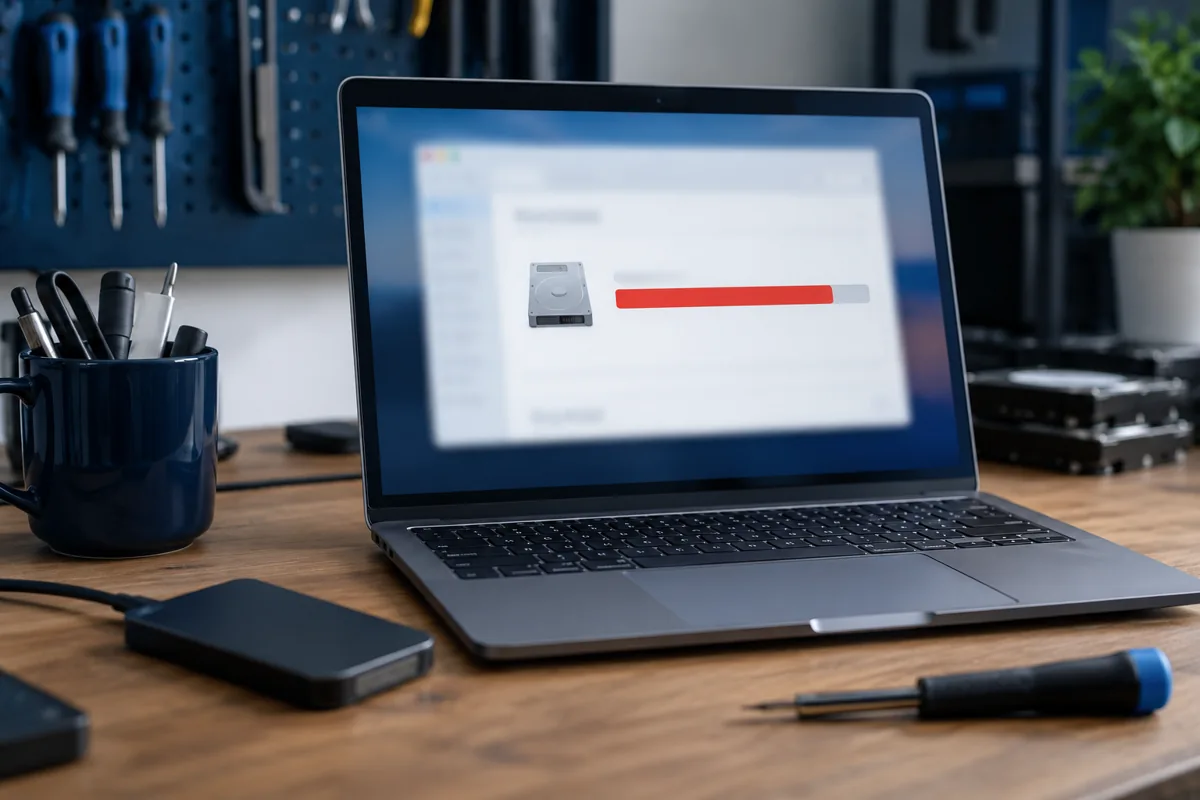
Open the storage overview and identify what occupies space. Downloads may contain disposable installers alongside the only copy of an important document. Do not manually delete system folders following random advice. Preserve documents, photos, work projects and other irreplaceable files first.
Use Windows cleanup options
Windows storage settings let you review temporary-file categories. Read each description before confirming. The Recycle Bin may still contain needed files. Removing the previous system version can remove the easy rollback option, so do not rush after a troublesome update. Clear categories you understand rather than selecting everything at once.
Move large files and verify them
Videos and archives can be copied to another drive. Open the copies and confirm completion before deleting originals. With cloud storage, check that uploading actually finished and that account access works. Moving files to another partition on the same physical disk does not increase its total capacity.
How much free space is needed?
There is no universal figure for every update: requirements vary with version, installed features and temporary working files. Follow the specific system message and leave room for everyday tasks. External storage may be offered for some update steps, but does not necessarily replace free space on the system drive. Keep it connected until the procedure finishes.
When is a larger SSD worthwhile?
If space repeatedly runs out after sensible cleanup, another cleanup only postpones the problem. Consider a compatible larger SSD and system migration. Discuss whether all applications need preserving or personal files are sufficient. Prepare encryption recovery information and licences: extra capacity does not solve account-access problems.
Quick checks
| Situation | What to check | What it means |
|---|---|---|
| Large Downloads files | Review each before deletion | They may include the only document copy. |
| Large Windows.old folder | Assess whether rollback is needed | Removal may eliminate recovery to the earlier version. |
| Space repeatedly runs out | Estimate actual capacity needs | Consider a compatible larger SSD. |
Microsoft: free up drive space ↗
Need help?
Describe the symptoms and share the model. We agree on the work and price before repair.