Activity is not occupied capacity
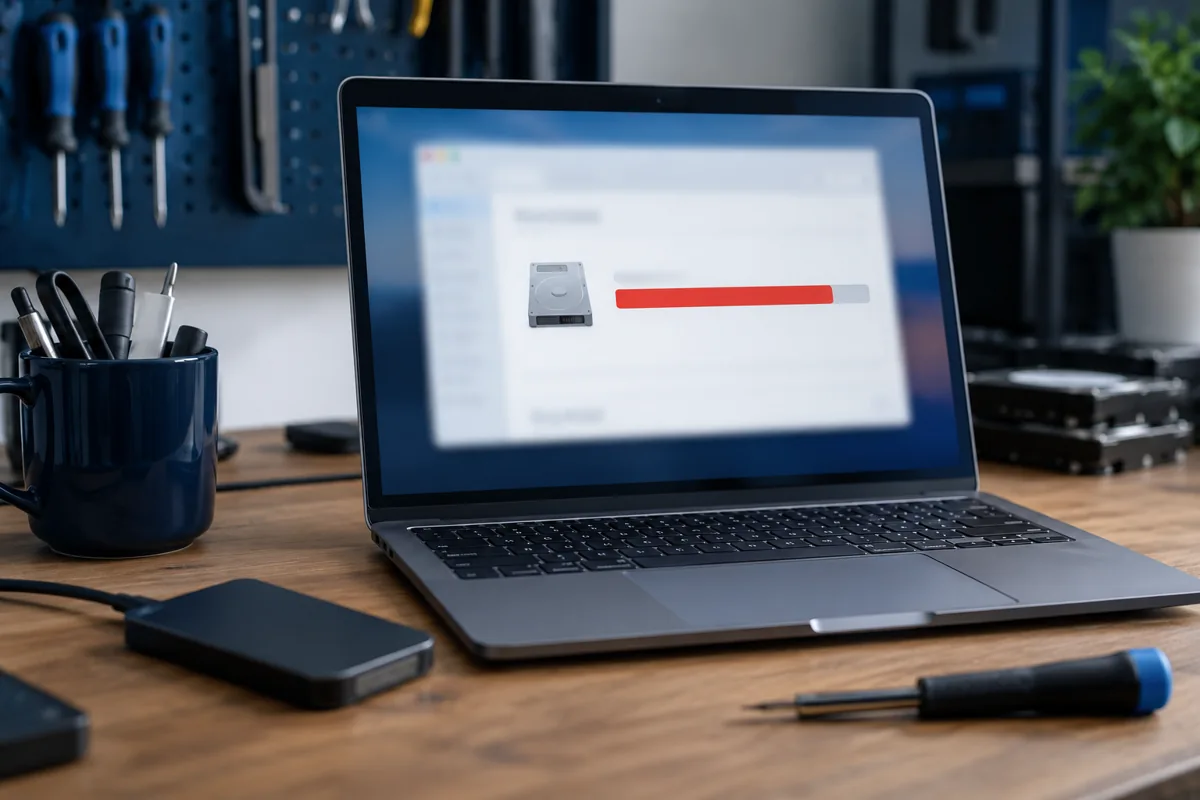
A 100% disk activity reading in Task Manager does not mean storage is full. It does not necessarily mean high transfer speed either. A drive may spend a long time servicing many small requests while reporting few megabytes per second. Check available space and the processes accessing the disk as separate questions.
Watch duration and recurrence
A brief spike during startup, application updates or copying can be normal. Persistent activity that disrupts work even when idle matters more. Record the process, time and task involved. Do not terminate an unfamiliar system process solely because its reading is high: you may interrupt an update or unfinished work.
Limited RAM and background work
When RAM runs short, the system uses storage more heavily. Many browser tabs or a large project can intensify this. Close unnecessary applications and compare with the usual workload. Security scans, cloud synchronisation and updates also create activity. Permanently disabling them is not a sound long-term troubleshooting strategy.
When should files come first?
If reading errors, freezes, disappearing files or mechanical HDD clicking accompany the activity, avoid lengthy stress tests. If the drive remains reliably readable, preserve important files first. Random optimisers and registry cleaners cannot fix physical faults. Drive health records help, but one healthy reading cannot exclude every problem.
What repair makes sense?
The cause determines the response: application repair, system maintenance, additional RAM or replacement storage. Moving from a slow mechanical system drive to an SSD may improve responsiveness, but assess other components and migration first. Send the service centre a screenshot of the process list and explain how long the computer had been running.
Quick checks
| Situation | What to check | What it means |
|---|---|---|
| Activity only after startup | Wait for background work and compare | A brief spike is not necessarily a fault. |
| Activity with many applications | Check RAM use | Limited RAM can increase disk work. |
| Files also disappear | Stop unnecessary testing | Preserving data matters more than optimisation. |
Need help?
Describe the symptoms and share the model. We agree on the work and price before repair.