Locate the air intakes
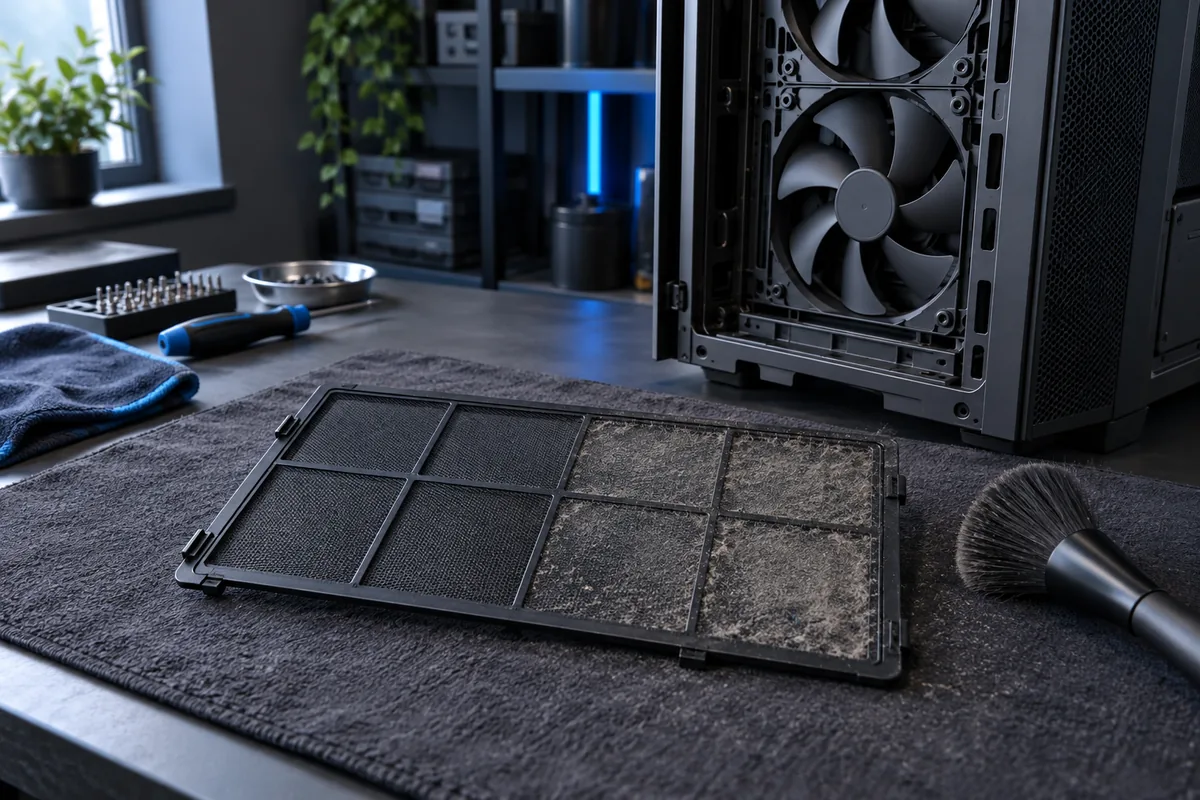
Filters are often at the front, underneath or behind a side panel. Check the case manual first. The bottom power-supply filter is easily overlooked, particularly when the computer sits on carpet with restricted airflow.
Before removing a filter
Shut down and disconnect power. Remove only the external filter intended for maintenance; do not open the power supply. Avoid forcing unfamiliar clips because plastic mounts can break. Note the filter's orientation so it can be refitted correctly.
Respect the material
Dust can be carefully removed dry. Wash only removable filters that the manufacturer explicitly allows you to wash, and let them dry completely before refitting. Never spray water or cleaner into the case. A damp filter near electronics is unsafe.
When external cleaning is insufficient
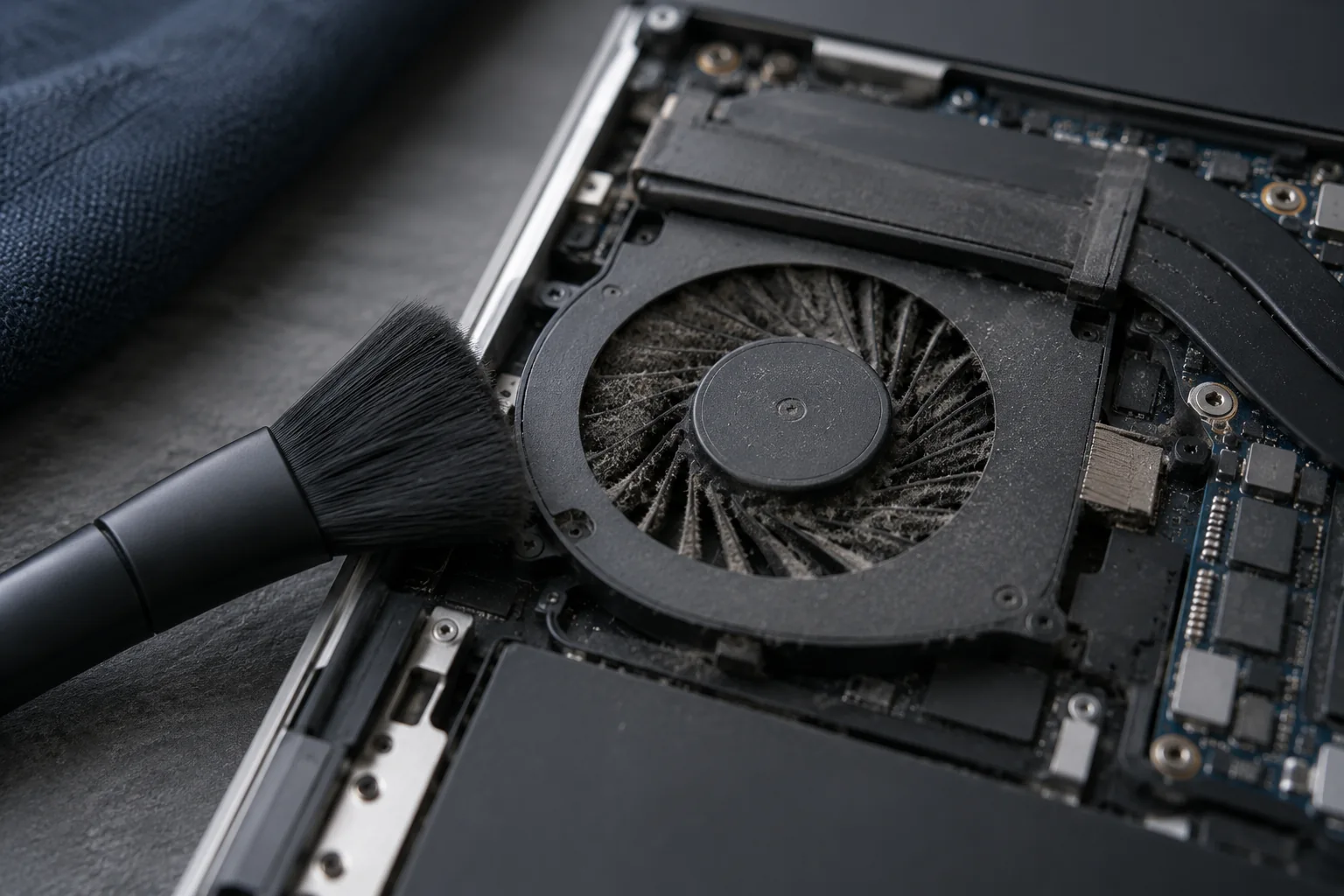
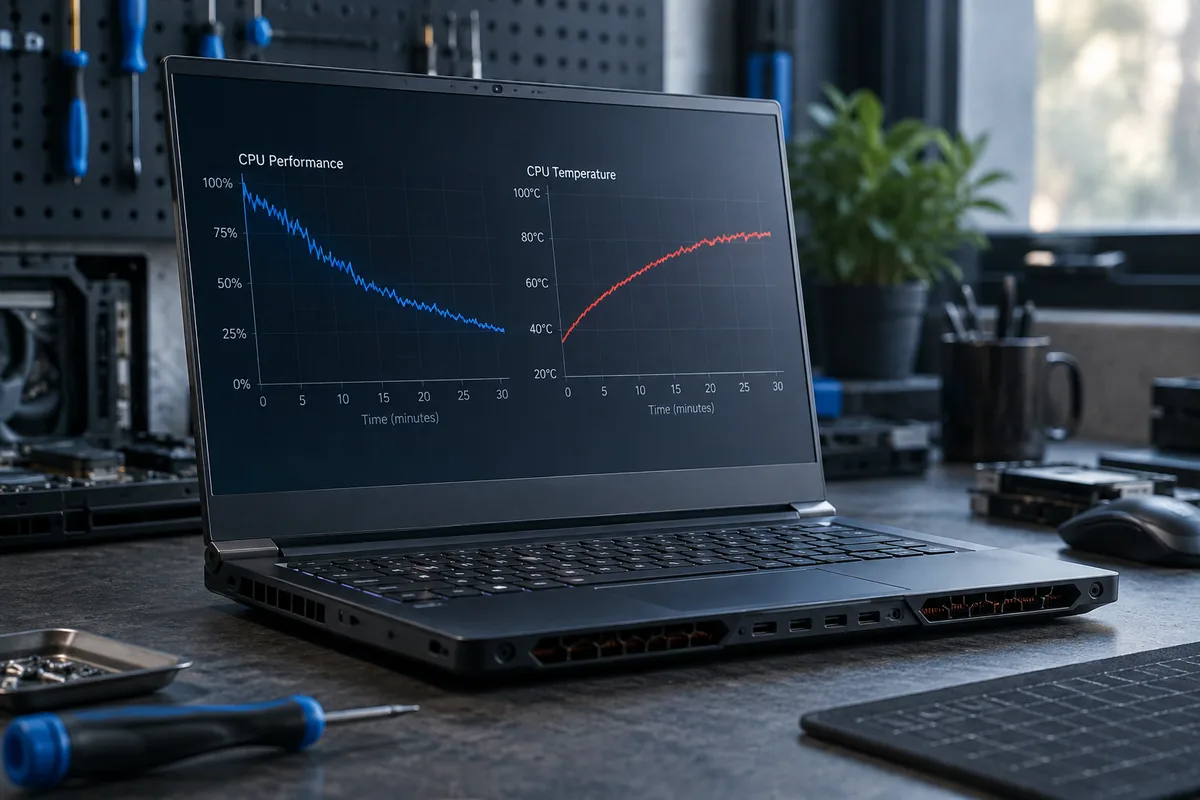
Persistent noise and high temperatures may indicate dust inside a heatsink or a fan problem. Set maintenance frequency according to the room and pets rather than a universal calendar. Leave enough clearance around the case for air to enter.
Need help?
Describe the symptoms and share the model. We agree on the work and price before repair.