A lower clock is not always a fault
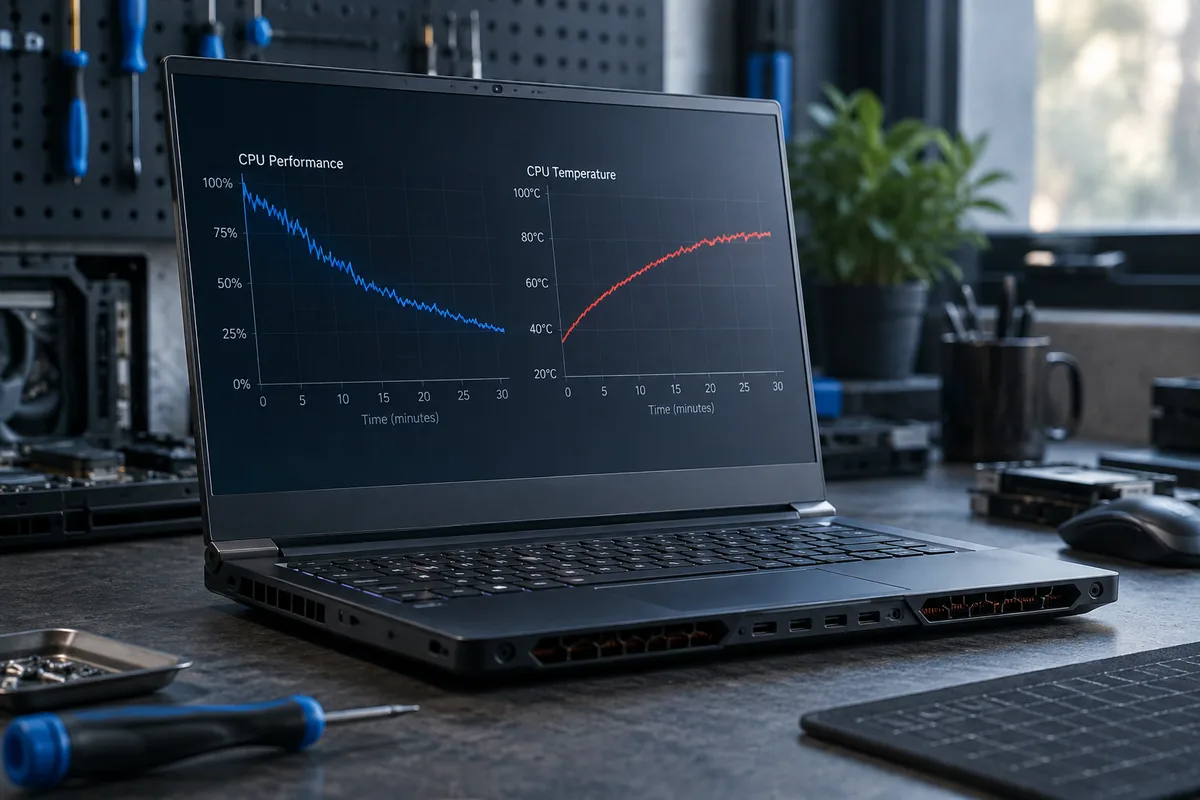
Processors change clock speed according to workload, power settings and temperature. Low clocks at idle are normal. Cooling becomes suspect when the same task slows after warm-up while the fans are working hard.
What to compare
Observe temperature, utilisation and clock speed together. A high temperature alone does not tell the whole story: limits depend on the processor model. Use an ordinary workload rather than a prolonged stress test on a computer already shutting down from heat.
Is the heatsink always responsible?
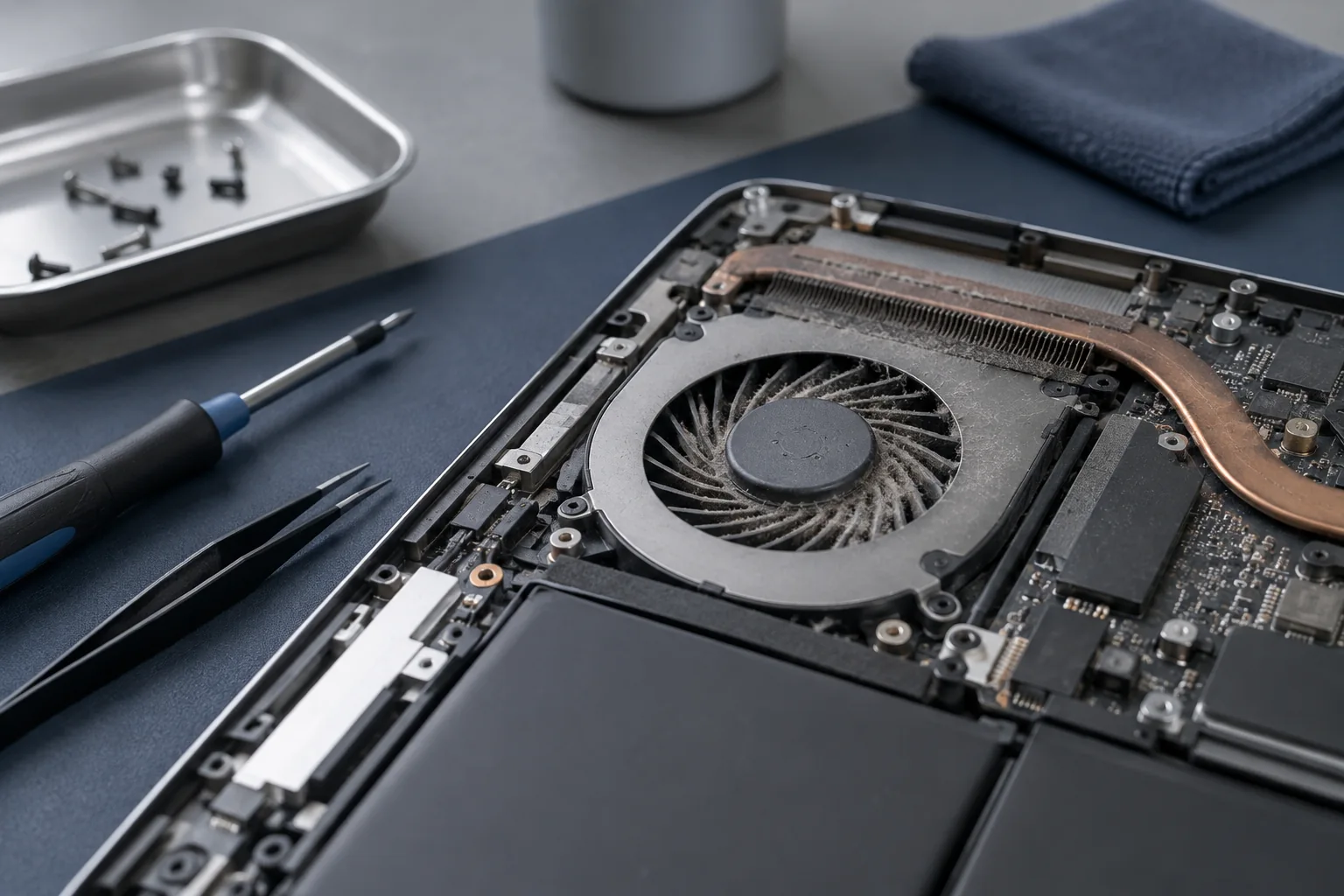
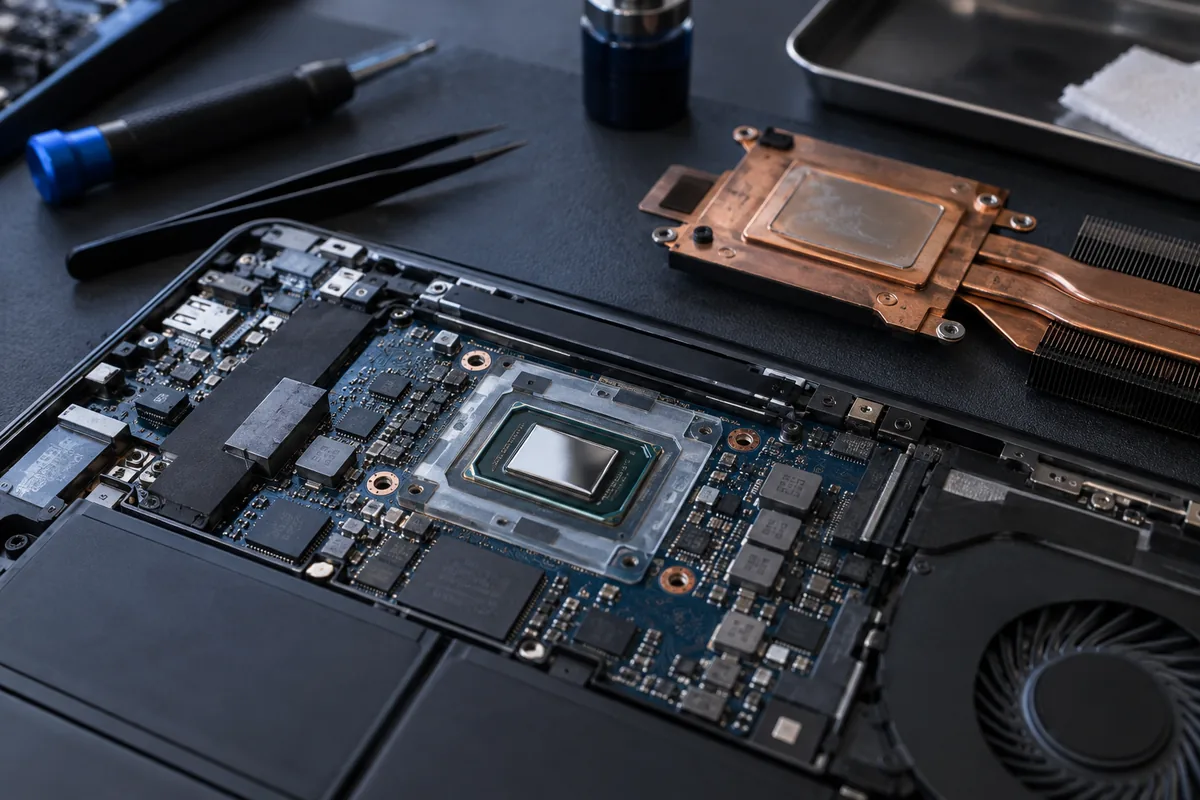
An underpowered adapter, power-saving mode or power limit can also reduce performance. Cooling checks cover dust, fans, heatsink contact and thermal materials. A thermal pad of the wrong thickness can worsen contact even though it is brand new.
Check the repair outcome
Repeat the same task with the same power mode and a similar room temperature. Compare sustained performance and noise, not just temperature. Tell the service team which application is affected and how long it takes for the slowdown to begin.
Need help?
Describe the symptoms and share the model. We agree on the work and price before repair.