Cleaning external vents and servicing the entire cooling system are different tasks. Dust removed from a grille does not reveal the heatsink's internal condition.
Before cleaning
Shut the computer down, unplug it and allow it to cool. Use a soft, slightly damp cloth outside and never spray liquid directly onto the screen or keyboard.
Air vents
Remove visible dust carefully and prevent the fan from overspinning in a strong air stream. Blowing through vents may leave a compacted layer inside the heatsink.
Why disassembly may be needed
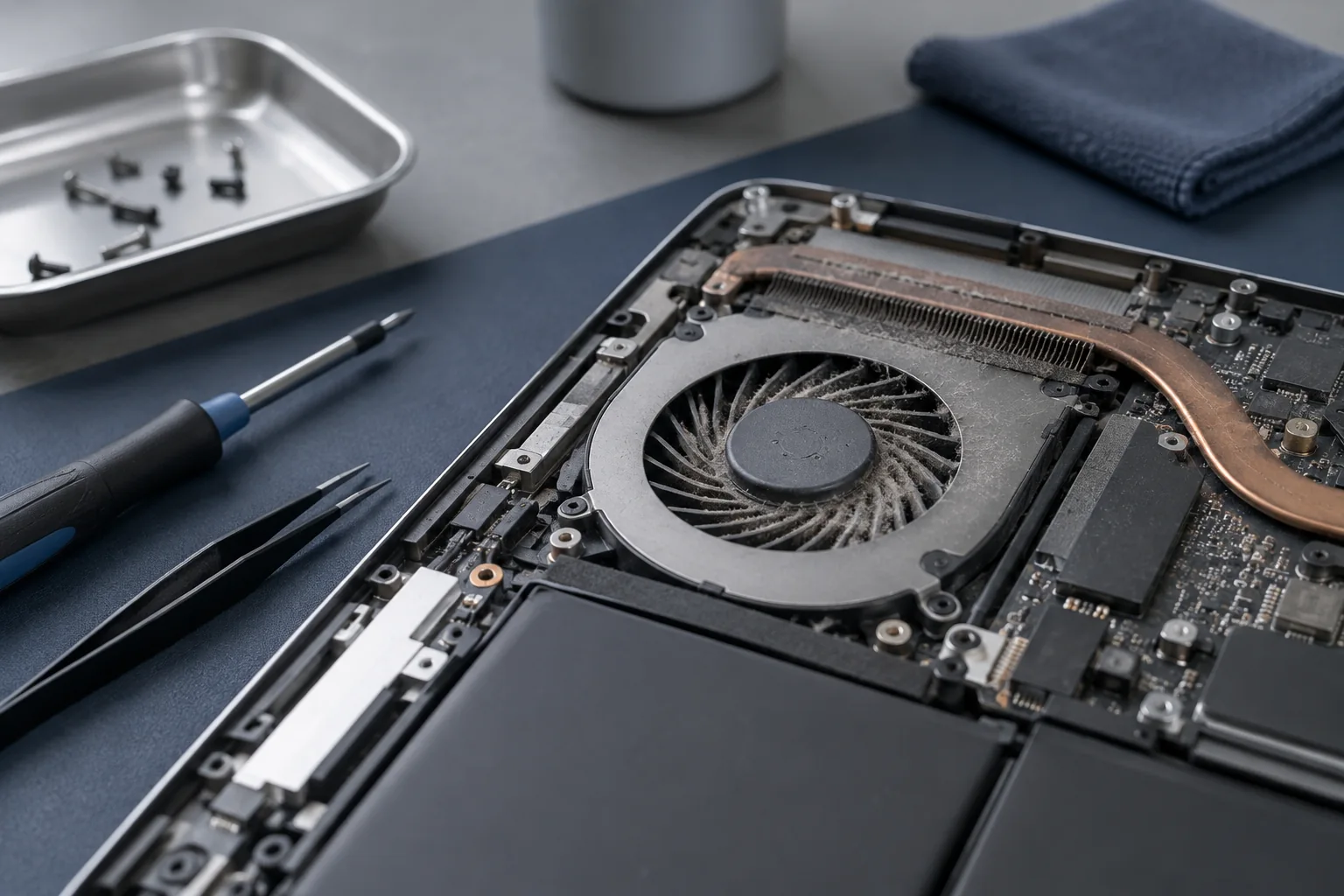
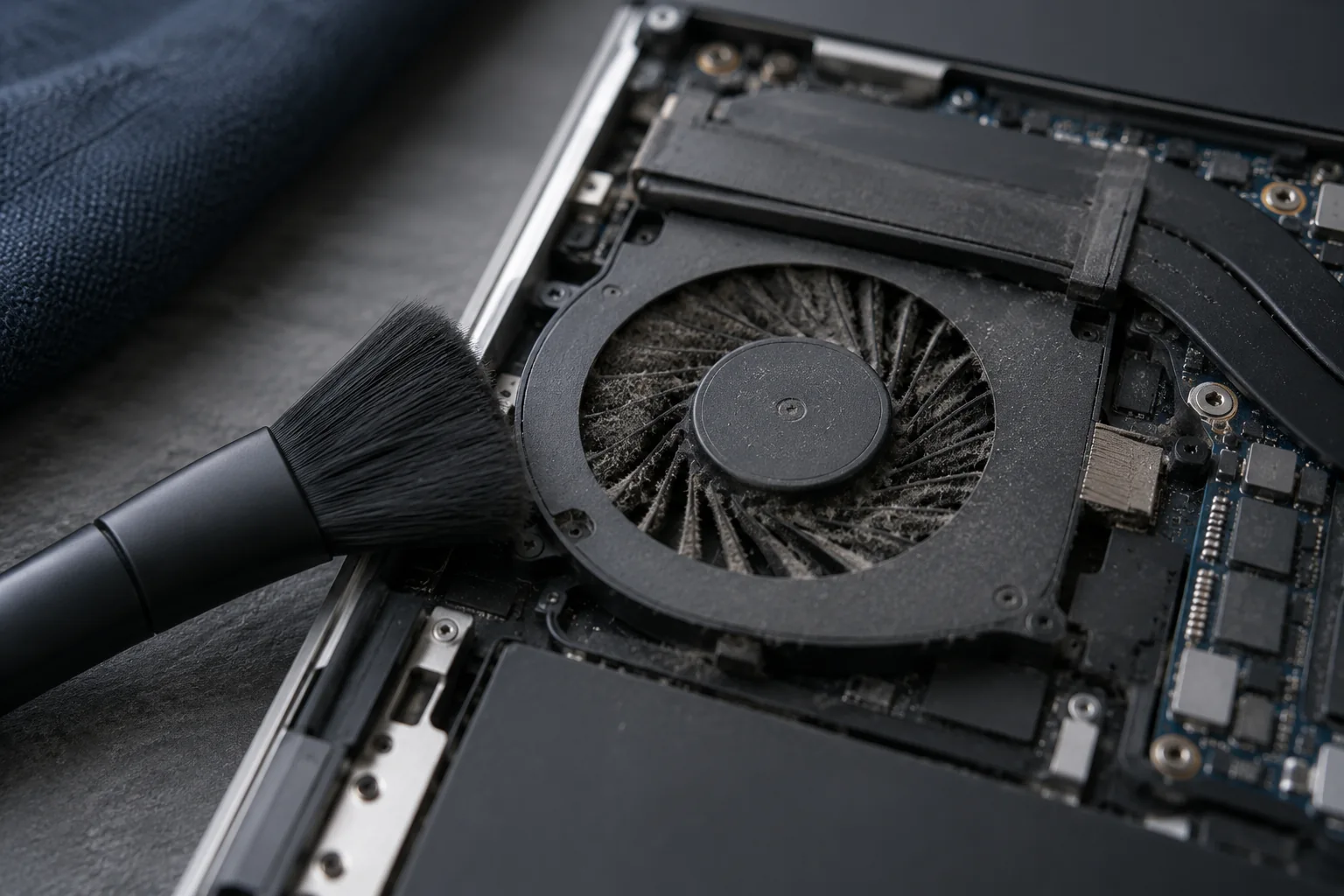
Dust often packs between the fan and radiator. Proper cleaning requires safe opening, battery disconnection and correct renewal of thermal materials when the heatsink is removed.
Testing afterwards
Clean appearance is not enough. Fan operation and CPU/GPU temperatures should be checked at idle and under load.
When is external cleaning insufficient?
Clean vents do not prove that the internal heatsink is clear. Weak airflow or declining performance during extended use calls for an assessment of the cooling system. Different models require different procedures. Follow the manufacturer’s instructions; if the cooling assembly must be removed, establish which thermal materials and tools are needed first.
What to check before repair
Shut down, disconnect power and clean the outside with a soft dry cloth. Do not spray liquid into openings or spin fans with a strong air jet. Internal work requires model-specific instructions and correct battery disconnection.
Choosing the next step
Removing a heatsink may require renewing thermal materials. Pad thickness and placement cannot be chosen arbitrarily. Cleaning alone cannot fix poor heat transfer or a mechanically damaged fan; additional replacement needs separate agreement.
If these signs persist, learn about the checks and service: Cooling system cleaning.
More questions answered
Can paste replace every thermal material?
No. Locations designed for pads require the correct gap and suitable material.
How often should cleaning be done?
It depends on environment and workload. Watch dust buildup and changes in noise and temperature.
Practical checklist
- Clean only a switched-off, cool device.
- Do not spray liquid directly onto the case.
- Assess operation after maintenance, not just appearance.
Need help?
Describe when the symptom occurs, your model and the checks already performed. We agree the scope before repair.