Simplify the connection
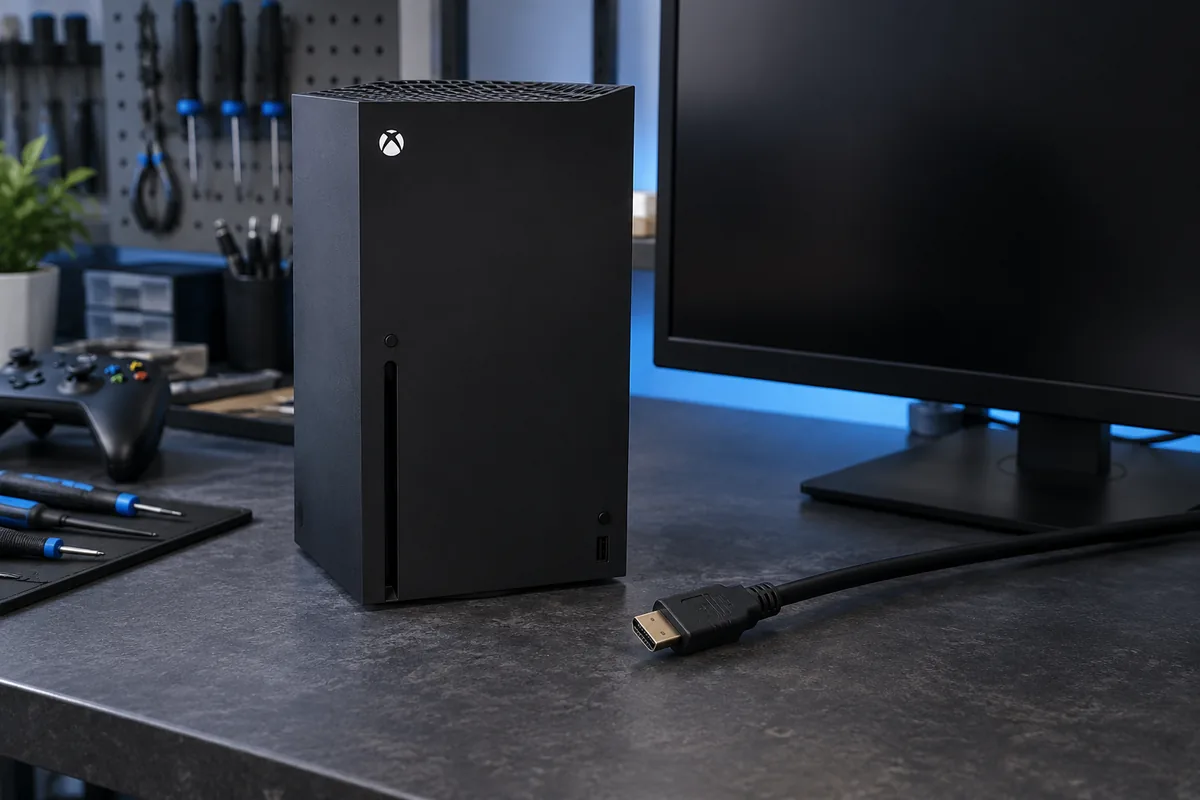
Connect the console directly to the television without a receiver, switch or capture device. Select the correct TV input. If the model has HDMI sockets with different purposes, check their labels and use the video output.
Compare cable and display
Use a known-working cable suitable for the intended mode. Try another TV input or display. One failed test does not prove a broken console socket: the screen may not support the selected resolution or refresh rate.
Avoid blind resets
Video-mode recovery steps differ between Xbox models. Follow the official instructions for the exact model and do not rush into a factory reset. If sound works without a picture, include that detail when arranging diagnosis.
When physical damage is likely
A loose port, bent contacts or a picture that disappears when the cable moves needs inspection. Do not keep a strained cable at a supposed working angle. This can worsen socket and board damage, making repair more involved.
Need help?
Describe the symptoms and share the model. We agree on the work and price before repair.