Check the settings first
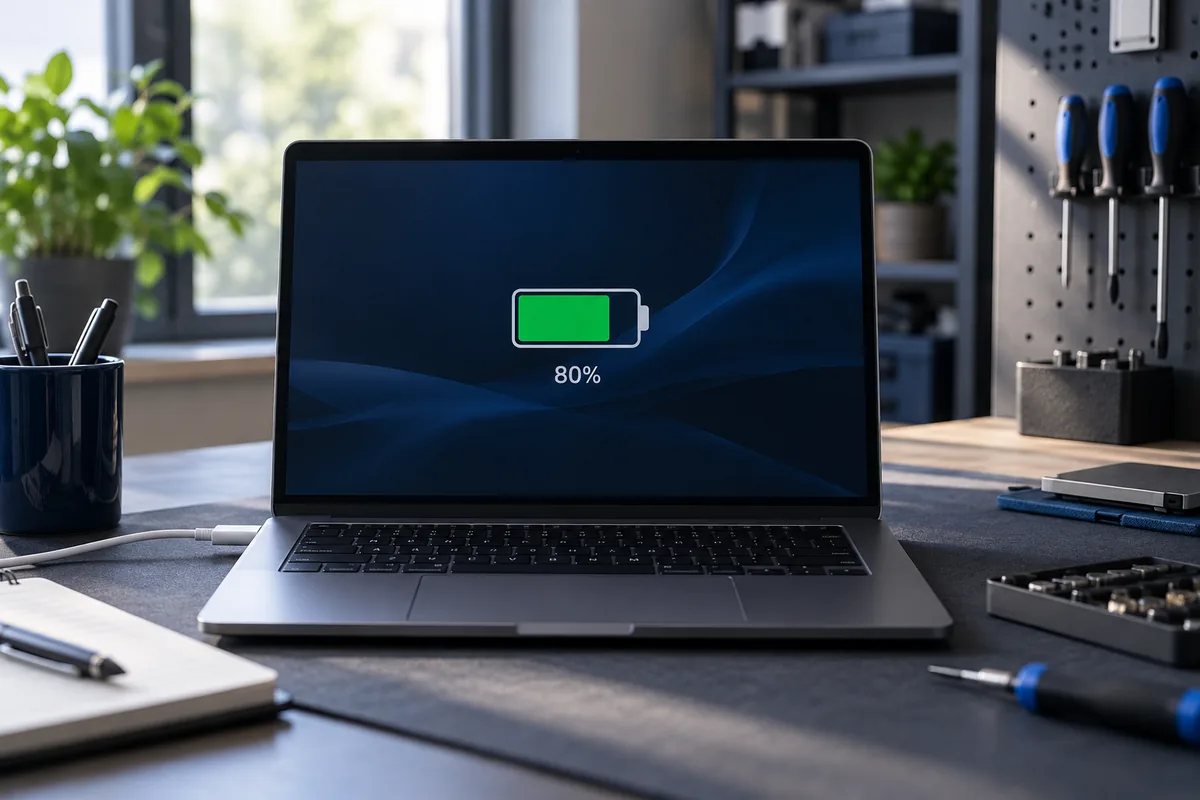
A manufacturer's application or BIOS may limit maximum charge. This can suit a laptop that spends most of its time plugged in. The threshold varies by model and mode, so it need not be exactly 80%. Check the official device-management application.
When is this normal?
A consistent charge ceiling with stable operation often indicates a protection mode. Some laptops resume charging only after the level falls below a separate threshold. A message saying the battery is not charging does not by itself prove a fault.
When should it be investigated?
Sudden percentage drops, shutdowns when unplugged and unusual heat need separate assessment. Also check whether the laptop recognises an adapter of the correct power rating. A software limit does not explain a swollen battery or a physically damaged charging socket.
Preparing for travel
If you need maximum runtime, temporarily enable full charging in the official application where the model supports it. You can restore the previous mode afterwards. Avoid changing unfamiliar BIOS options just to increase the displayed battery percentage.
Need help?
Describe the symptoms and share the model. We agree on the work and price before repair.