If you are choosing a replacement CPU cooler: Replacing a CPU cooler: compatibility checks before buying
Separate a missing reading from failed cooling
The motherboard expects a fan speed signal. A warning can appear when that signal is missing or below its configured threshold. A spinning case fan does not prove that the CPU cooler is working. If the computer quickly gets hot or shuts itself down, do not use a demanding game as a test.
Record what changed before the warning
Did the message start after cleaning, replacing the cooler, transporting the computer or resetting BIOS settings? Photograph the complete message and note the motherboard and cooler models. This creates a useful starting point rather than losing the evidence by changing several settings at once.
If the manufacturer permits access and you are comfortable opening the case, shut down and disconnect power before inspection. Do not touch moving blades. An initial visual check does not require opening the power supply or removing the heatsink from the processor.
Check the connection against the correct manual
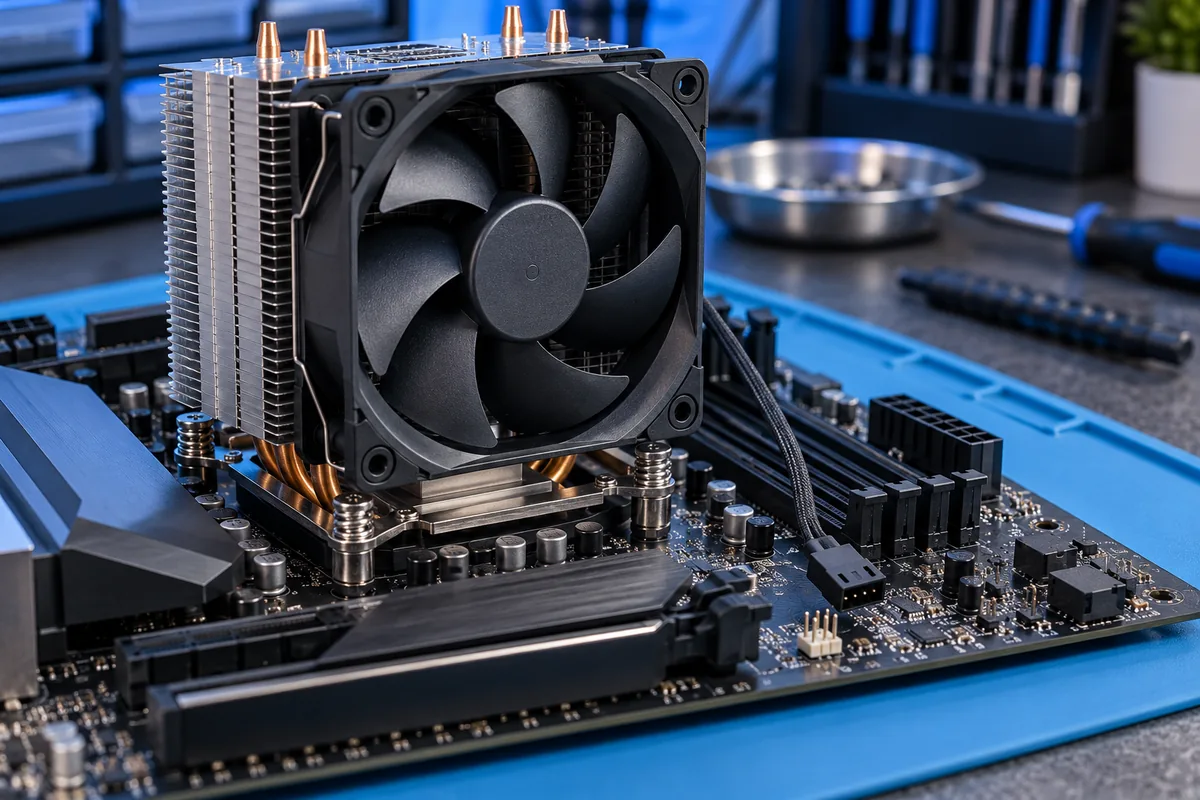
An air cooler fan normally connects to CPU_FAN rather than a case fan header. Check that the plug is seated and that a cable is not obstructing the blades. Use the motherboard manual to identify headers; similar-looking connectors can have different roles.
Liquid coolers may have separate connections for the pump, radiator fans and speed signal. Follow the instructions for that particular cooler and board. Having liquid cooling is not, by itself, a reason to remove monitoring without understanding how the system is meant to report operation.
Adjust BIOS thresholds only after confirming operation
A quiet fan can rotate below a motherboard’s expected minimum. An appropriate threshold depends on the fan and motherboard instructions, so a value copied from another build is not a universal fix. Record the original setting before changing it so you can compare the result.
If no speed is reported, the fan will not start or the warning returns, arrange diagnosis. Bring the message photograph, component models and details of recent work. Hiding the warning cannot repair a worn bearing, damaged cable or another underlying cooling fault.
Sources and further reading
Need help in Vilnius?
Describe the symptoms and tell us your computer model. We will assess the situation, suggest suitable work and agree on the price before starting.