If the computer overheats while working on an open desk: Why a computer overheats
Deal with a hot laptop on an open surface
Remove it from the case and place it on a firm, uncovered surface. If the system responds, save your work and shut it down normally, then allow it to cool naturally. Do not use water, ice or a refrigerator. Stop using and charging it if there is swelling, a burning smell or unusual battery heat.
Sleep is different from shutting down
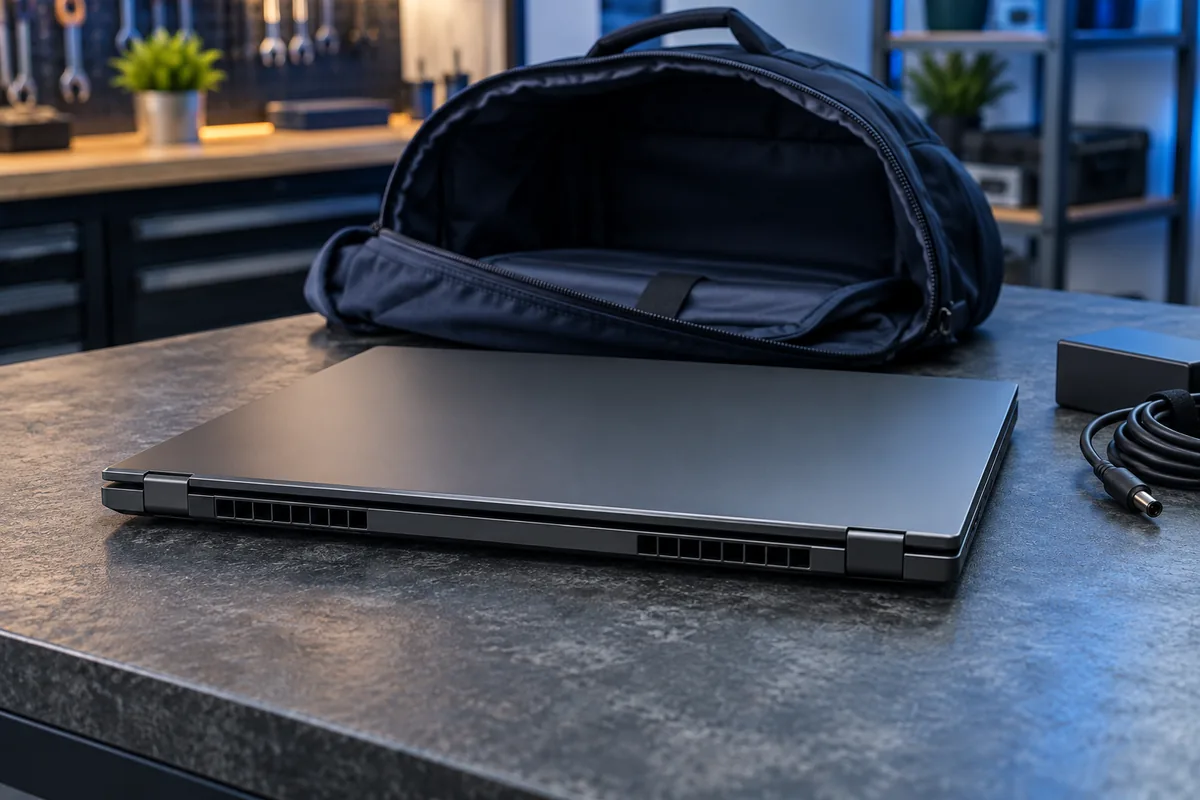
Sleep is intended for a short break and a quick return to work. Some modern systems can have background activity or wake again. An enclosed bag gives the resulting heat nowhere useful to go. If this keeps happening, select shutdown before travelling instead of relying only on closing the lid.
Hibernate is a separate state and is not available on every configuration. Do not identify the power state merely by a black display. Check the command you selected and the status indicators described in the manufacturer’s instructions for your model.
Check the lid action and your packing routine
In Windows power options, check what closing the lid does both on battery power and with the adapter attached. Those settings may differ. An employer can manage the options on a work laptop, so coordinate changes with its IT team when relevant.
Before leaving, save documents, unplug unnecessary accessories and select shutdown. Wait for it to complete, particularly when updates are being installed. Do not pack it into a tight sleeve merely because the screen has turned dark.
Test on the desk rather than inside the bag
After the laptop cools, leave it on a desk and repeat your usual lid-closing routine. Note whether its fan restarts and whether charge falls noticeably. This provides evidence without blocking ventilation or deliberately recreating overheating.
If the laptop also runs too hot during normal desk use, its cooling needs checking. If the problem happens only after closing the lid, power management and wake behaviour deserve attention first. Record the model, operating system version, connected accessories and whether the behaviour followed an update.
Sources and further reading
Need help in Vilnius?
Describe the symptoms and tell us your computer model. We will assess the situation, suggest suitable work and agree on the price before starting.