A matching socket is only the start
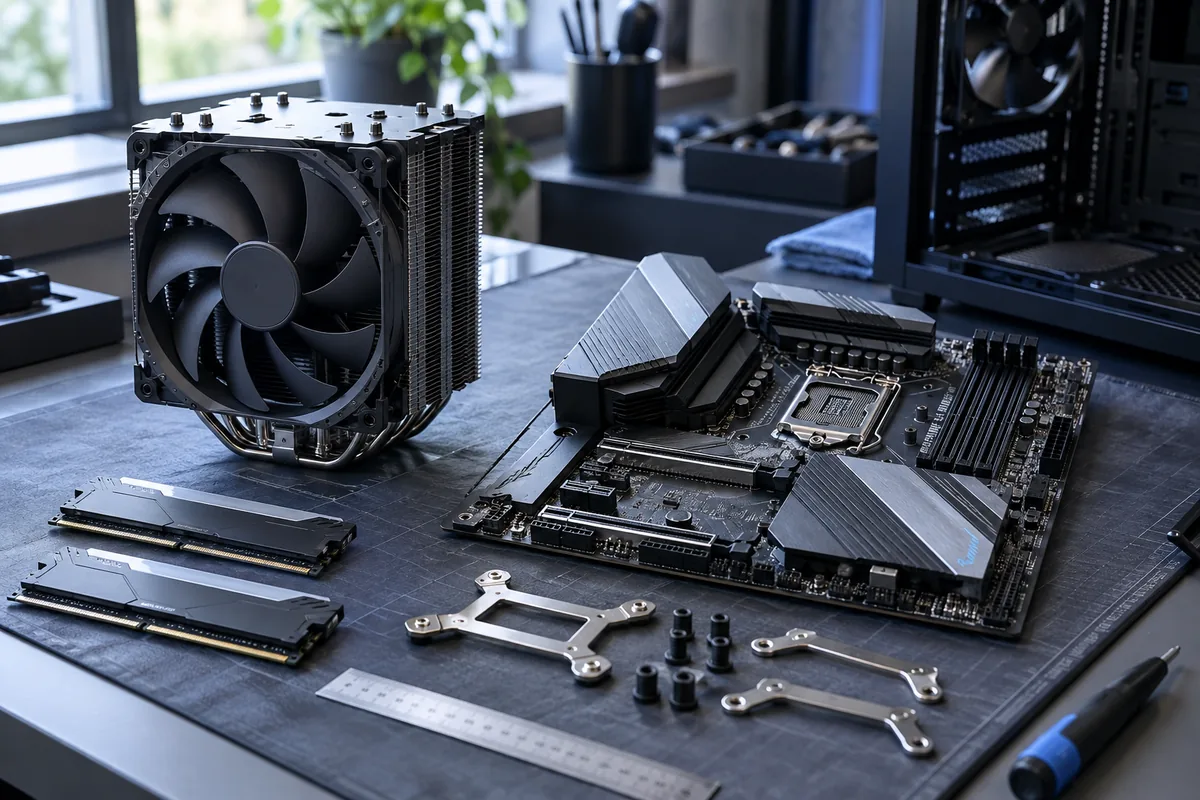
Check the CPU socket and the mounting kit required by the particular cooler. Similar-looking brackets are not necessarily interchangeable. The correct backplate and clearance from motherboard components also matter.
Measure the case
A tower cooler must fit beneath the side panel. A large fan may overhang tall RAM, and raising that fan increases overall height. Use the case and cooler manufacturers' measurements rather than relying on photographs or the CPU name alone.
Liquid-cooling considerations
A radiator needs compatible mounting holes, physical clearance and room for tubing. A top-mounted unit may conflict with RAM or motherboard heatsinks. Pump and fan connections must follow the instructions. A larger radiator does not automatically mean quieter operation.
Checks after installation
Check mounting pressure, thermal material, fan control and temperature under a normal workload. A processor limited by power settings will not have those settings corrected by a new cooler alone. Provide exact component models when seeking compatibility advice.
Need help?
Describe the symptoms and share the model. We agree on the work and price before repair.