Compare with normal operating noise
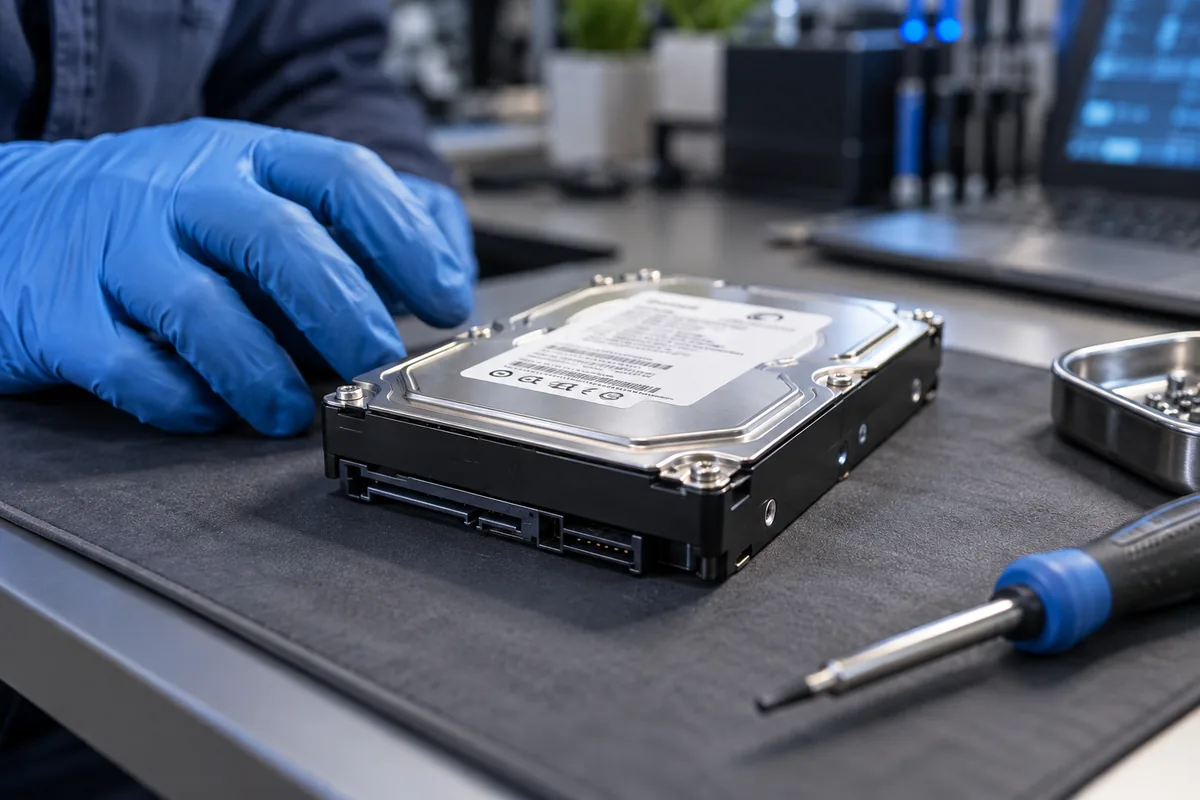
Mechanical drives can make normal working sounds. New loud repetitive clicking accompanied by freezes or disappearance is different. Note whether it happens at startup or while reading particular files.
Avoid home remedies
Do not open, shake or freeze the drive. These actions can worsen damage and are not reliable recovery methods. Repeated power cycling simply to listen is not a diagnostic plan either.
Let data importance guide the response
For irreplaceable files, avoid lengthy surface tests and repair operations that write changes. Physically unstable storage needs specialist assessment. Copying onto the same drive is not a backup.
What can our service do?
We can assess computer operation with different storage and replace the drive. We do not recover data from physically damaged HDDs. Clarify whether the priority is repairing the computer or rescuing important files, because these are different tasks.
Need help?
Describe the symptoms and share the model. We agree on the work and price before repair.